


When A Dead Battery Becomes A Big Problem
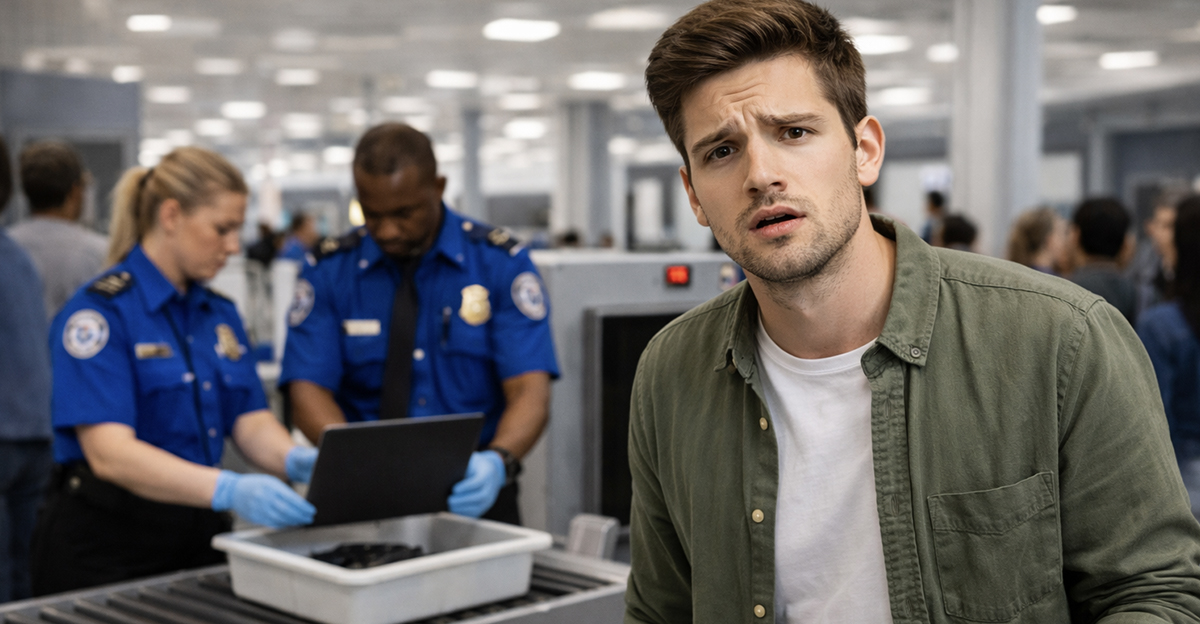
You made it to the airport on time and thought you got through security without any issues...until the TSA agent asks you to power on your laptop. It’s completely dead, and what seemed like a small oversight now feels like a big deal. The agent mentions that devices that can’t be turned on could be confiscated, but this feels like an overreaction, especially since it’s obviously just a normal laptop. So, how much power does the TSA actually have in this situation?
TSA Can Require Devices To Be Powered On
TSA officers are allowed to ask passengers to turn on electronic devices during screening. This includes laptops, tablets, cameras, and other larger electronics. The reason is simple. They want to confirm that the device is actually what it appears to be and not something disguised or tampered with. If a device cannot be powered on, they may treat it as a potential risk that needs further inspection.
This Rule Is About Security, Not Convenience
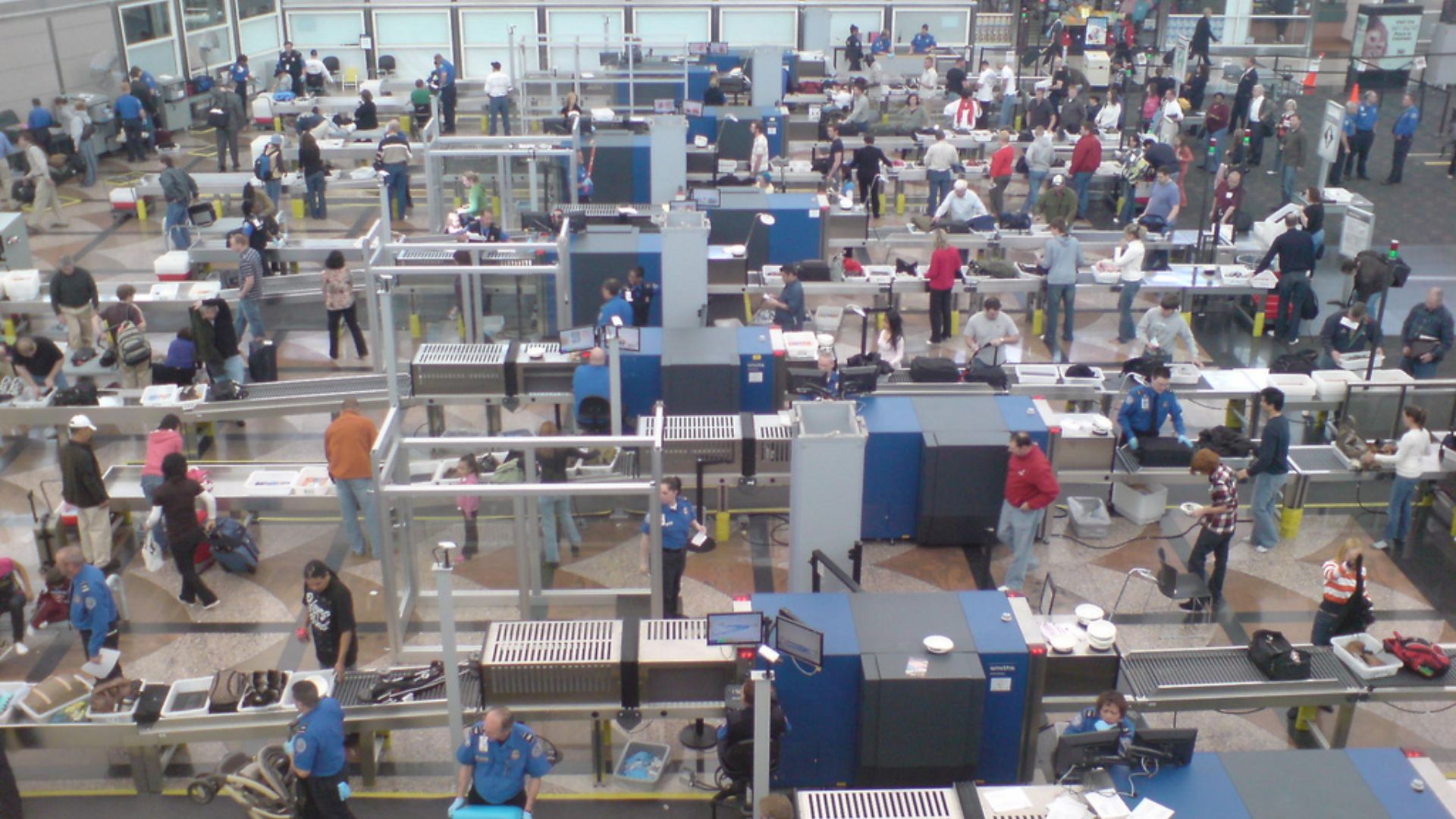
From TSA’s perspective, a device that will not turn on cannot be easily verified as safe. While that may feel excessive, the rule exists because electronics can be modified to conceal dangerous components. Asking you to power it on is a quick way to confirm it is a functioning, normal device. It is not about inconveniencing travelers, but about reducing uncertainty during screening.
Yes, They Can Refuse The Device
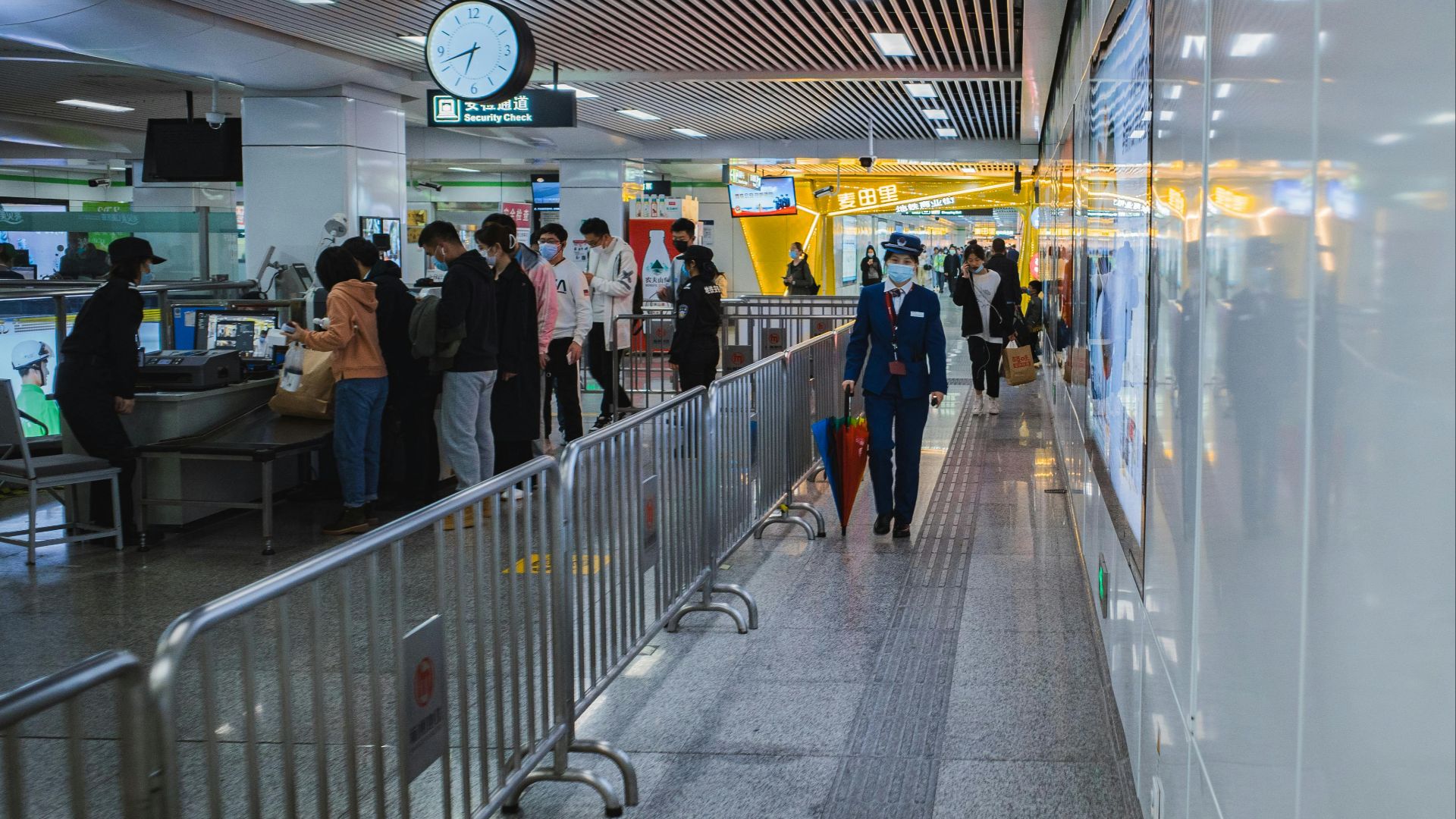
If your laptop or device cannot be powered on, TSA does have the authority to prevent it from going through the checkpoint. That does not necessarily mean you are banned from flying, but it can mean the device itself is not allowed into the secure area of the airport. This is where things can become inconvenient if you are not prepared.
 Tony Webster, Wikimedia Commons
You Will Usually Be Given Options
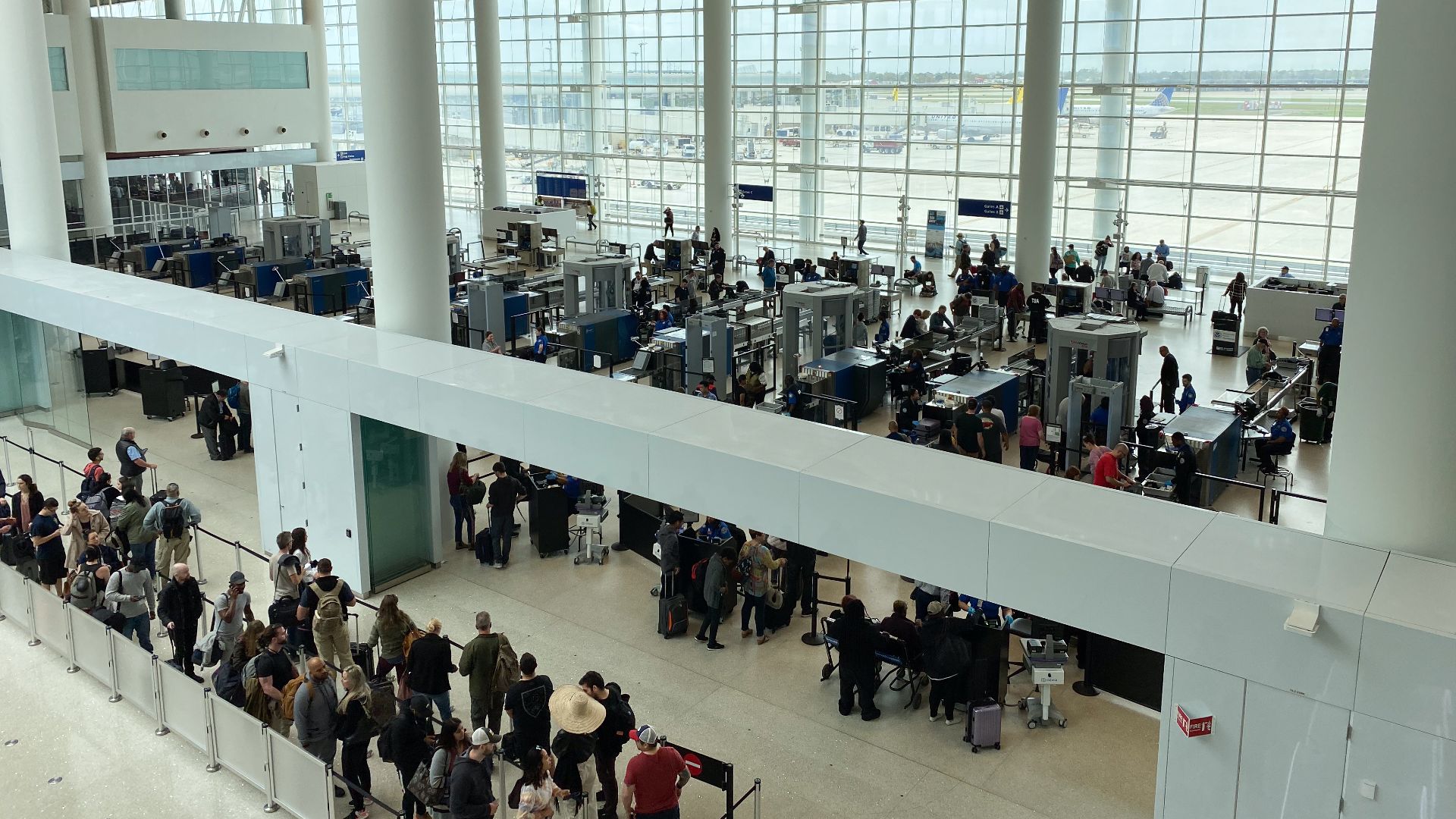
In most cases, TSA will not simply confiscate your device without explanation. Instead, they will give you options. These may include stepping aside for additional screening, returning to the ticket counter, or finding a way to power the device on. The goal is to resolve the situation rather than immediately deny you.
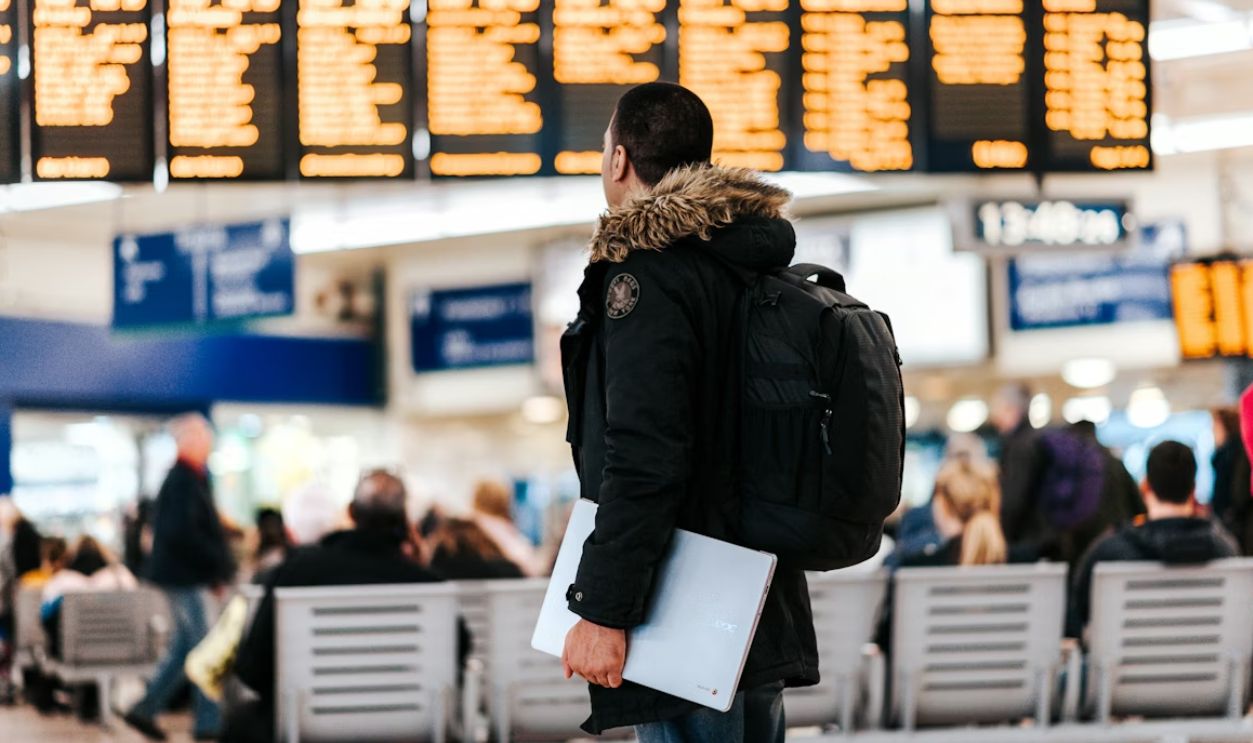
Charging The Device Can Solve The Problem
If the only issue is a dead battery, the simplest solution is to charge the device. Some airports have outlets or charging stations near security checkpoints. If you can get enough power to turn the device on, you may be able to complete the screening without further issues. Even a brief charge can sometimes be enough.

You May Need To Leave The Security Area
If there is no way to charge the device at the checkpoint, you may need to leave the security area and return after charging it. This can be frustrating, especially if you are short on time, but it is often one of the options TSA provides. Planning extra time at the airport can help avoid this kind of stress.

Checked Baggage May Be An Option
In some situations, TSA may allow you to place the device in checked baggage instead of carrying it on. However, this is not always recommended, especially for valuable electronics, and some airlines have restrictions on certain battery types. It is a last-resort option rather than an ideal solution.
Why Dead Devices Raise Concerns
From a security standpoint, a device that cannot be powered on is harder to verify. TSA cannot rely solely on X-ray images if something looks unusual or unclear. Being able to turn the device on provides an extra layer of confirmation. Without that, they may need to treat the item more cautiously.
Not Every Device Will Be Checked
It is worth noting that TSA does not ask every passenger to power on their electronics. These requests are usually random or based on something flagged during screening. That is why many travelers never encounter this issue, while others do.
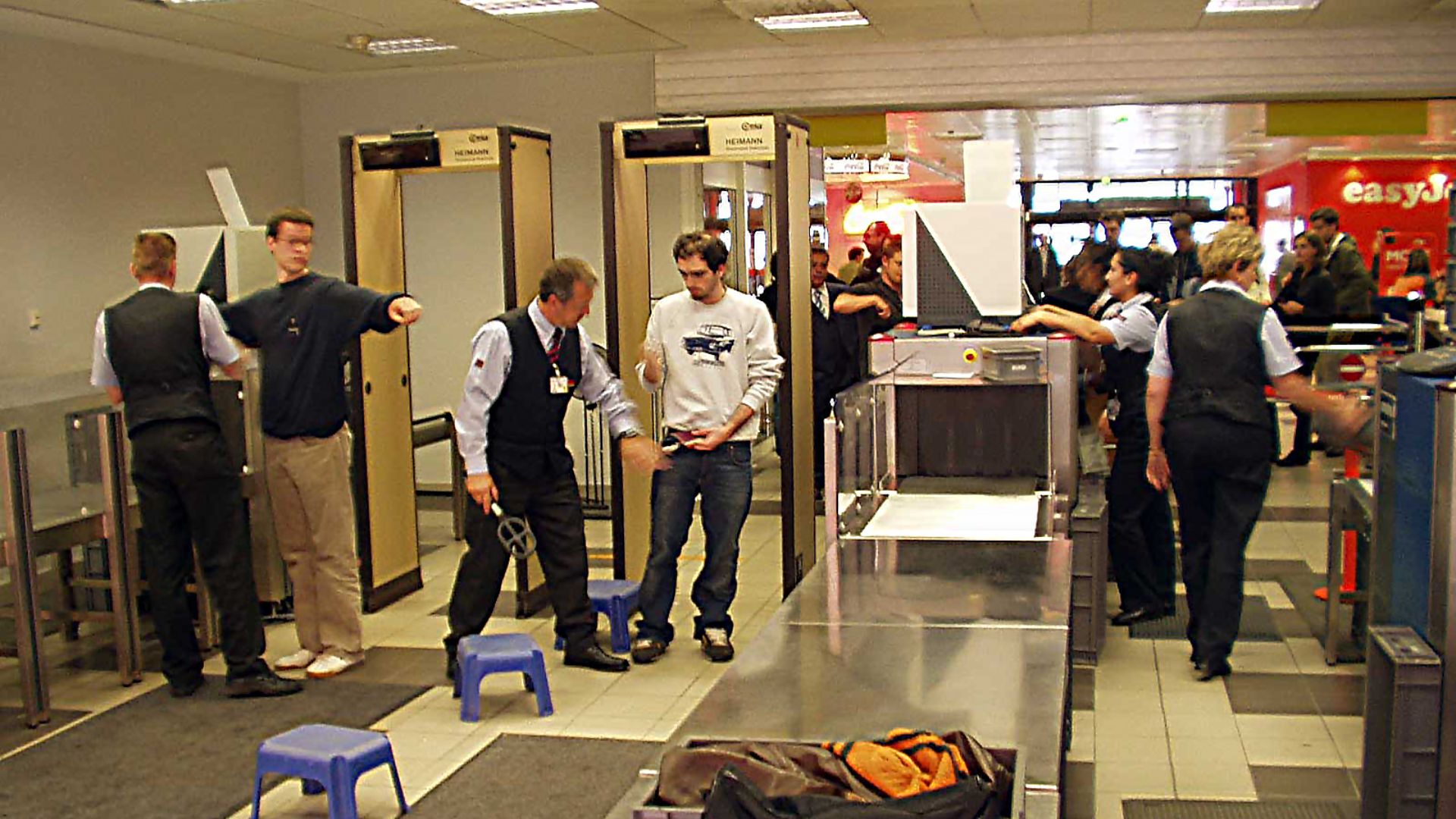 Ralf Roletschek, Wikimedia Commons
International Flights May Be Stricter
On certain international routes, especially those involving heightened security measures, requirements around electronic devices can be stricter. Some countries or routes have required passengers to demonstrate that devices can power on. This makes it even more important to travel with charged electronics.
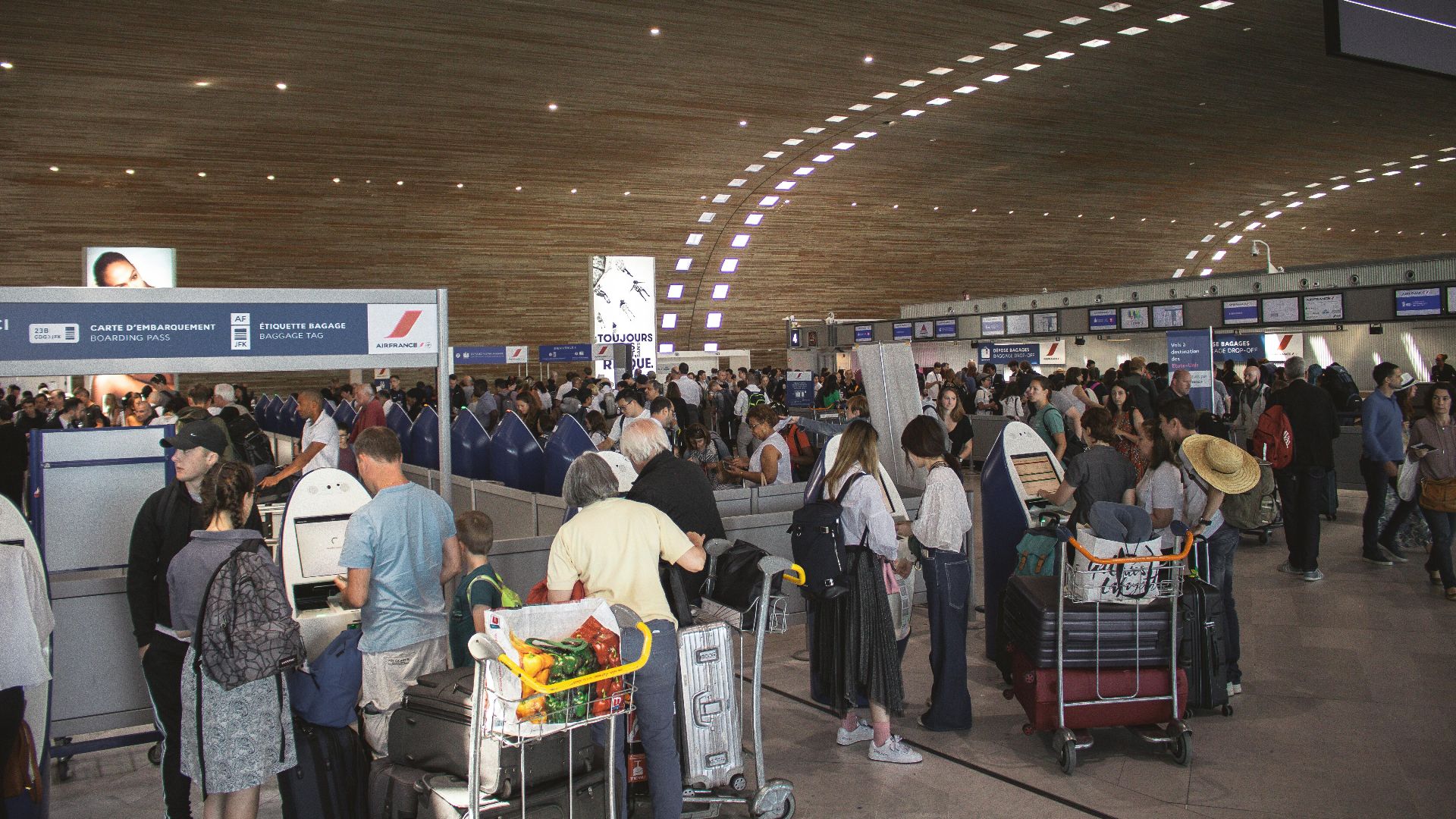
Portable Chargers Can Help
Carrying a portable power bank can be a simple way to avoid this problem. If your device runs out of battery, you can quickly connect it and power it on when asked. This small step can prevent delays and unnecessary stress at the checkpoint.

TSA Is Not Trying To Keep Your Laptop
While it may feel like TSA is trying to take your device, their goal is not to confiscate personal property without reason. Their focus is on making sure everything entering the secure area is safe. In most cases, they will work with you to find a solution.
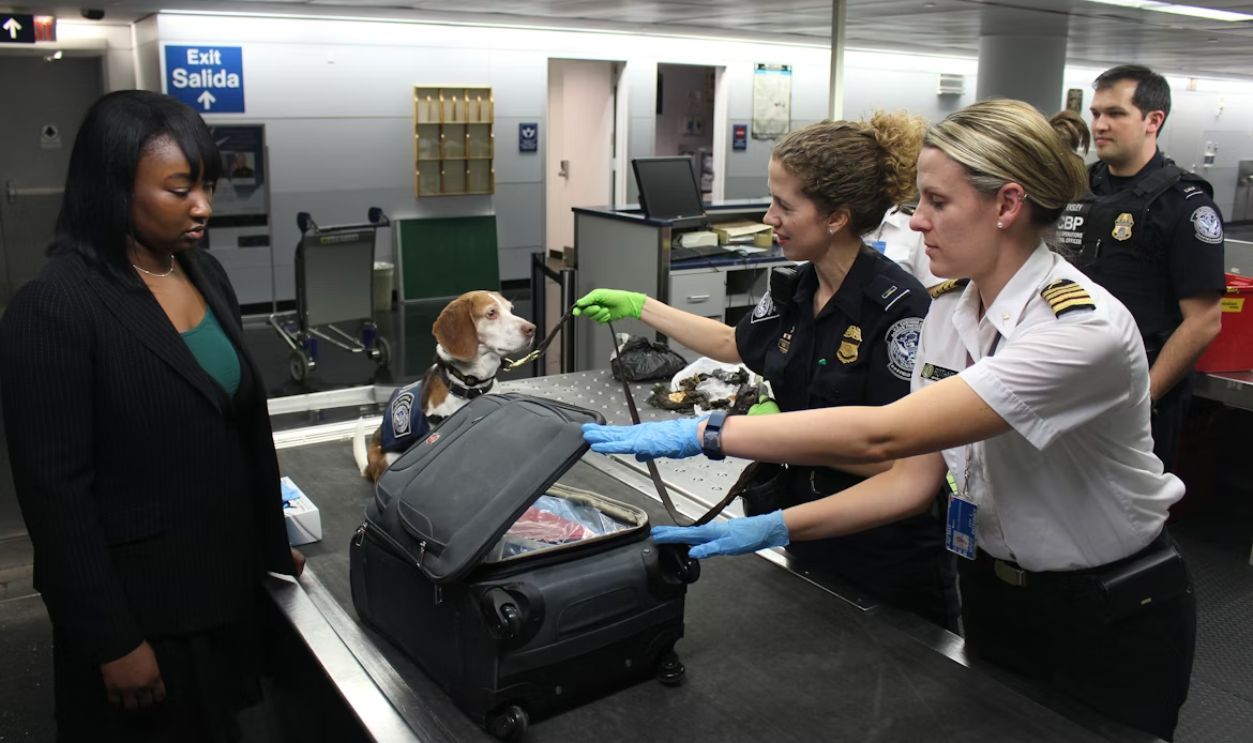
You Can Ask Questions During Screening
If you are unsure why your device is being flagged, you can politely ask the TSA officer for clarification. They may not provide detailed explanations, but they can usually explain the basic reason for the request. Staying calm and cooperative often leads to a smoother experience.
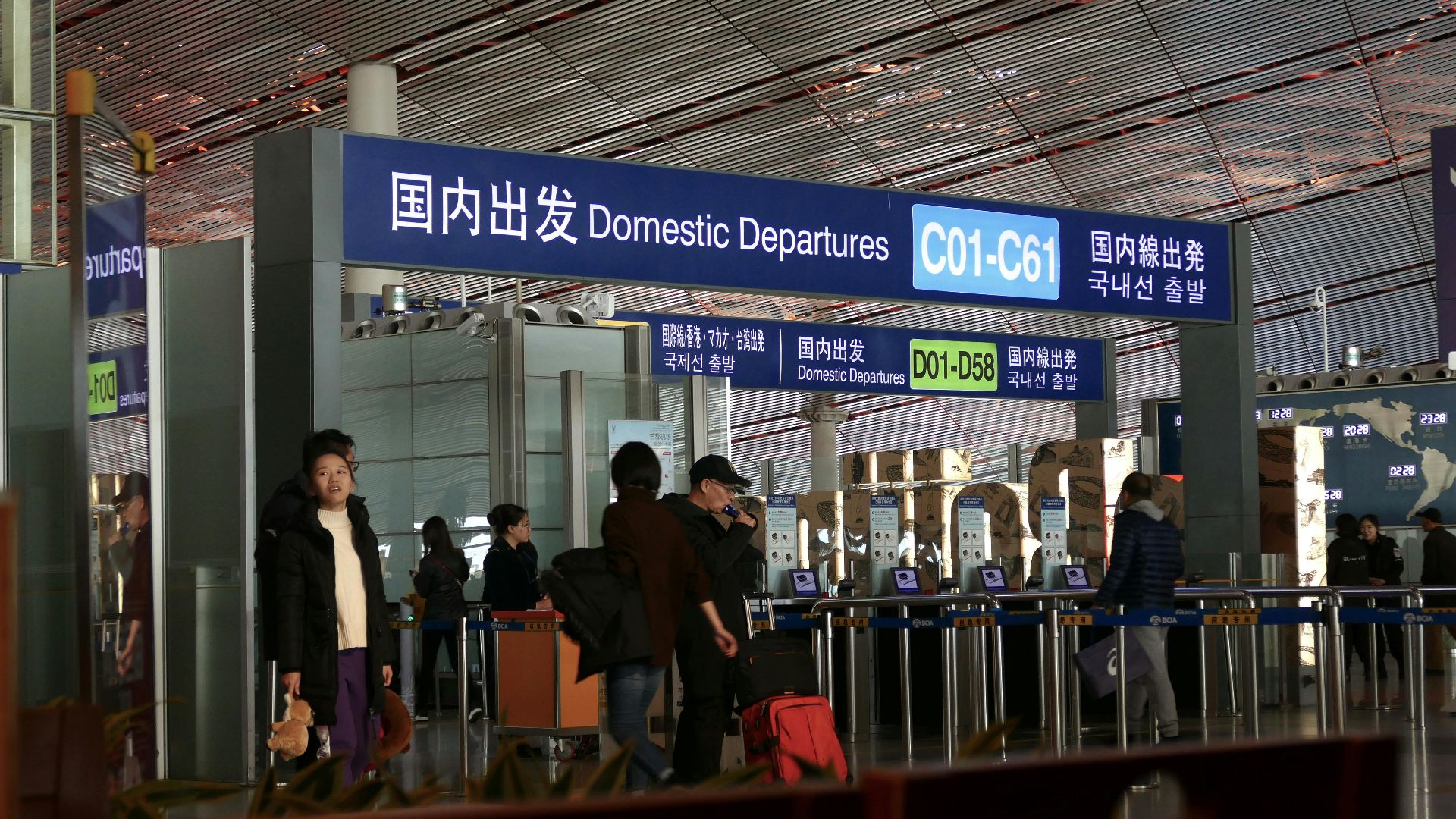
Give Yourself Extra Time At The Airport
Situations like this are one of the reasons it is a good idea to arrive at the airport with some extra time. Unexpected screening issues can slow things down, and having a buffer makes it easier to deal with them. Rushing only adds to the stress.
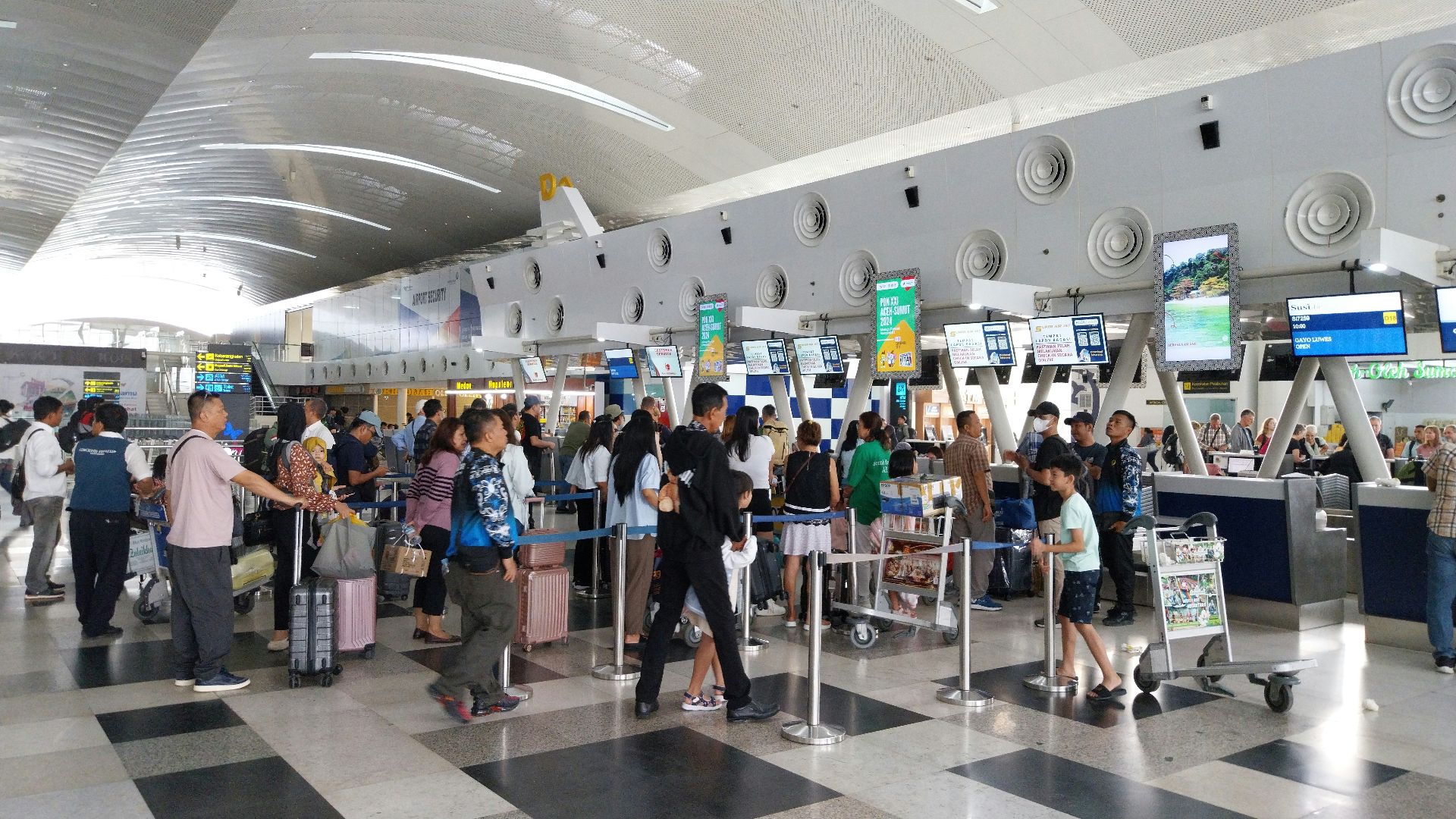
Make Charging Part Of Your Travel Routine
Before heading to the airport, make sure all your electronic devices are charged. This simple habit can prevent a lot of problems at security. It is an easy step that many travelers overlook until it becomes an issue.

TSA Screening Is Based On Risk, Not Rules Alone
TSA procedures are designed to adapt to potential risks. That means officers may take extra steps if something seems unclear or unusual. A device that will not turn on falls into that category, even if there is an innocent explanation.

Final Thoughts
If TSA asks you to turn on your laptop and it will not power up, they do have the authority to stop that device from going through security. The rule exists to confirm that electronics are safe and functioning as expected. The good news is that you will usually have options, such as charging the device or going through additional screening. The best way to avoid the issue altogether is simple: make sure your devices are charged before you get to the airport.

You May Also Like: