

The Signal Disappeared Before The Fun Began
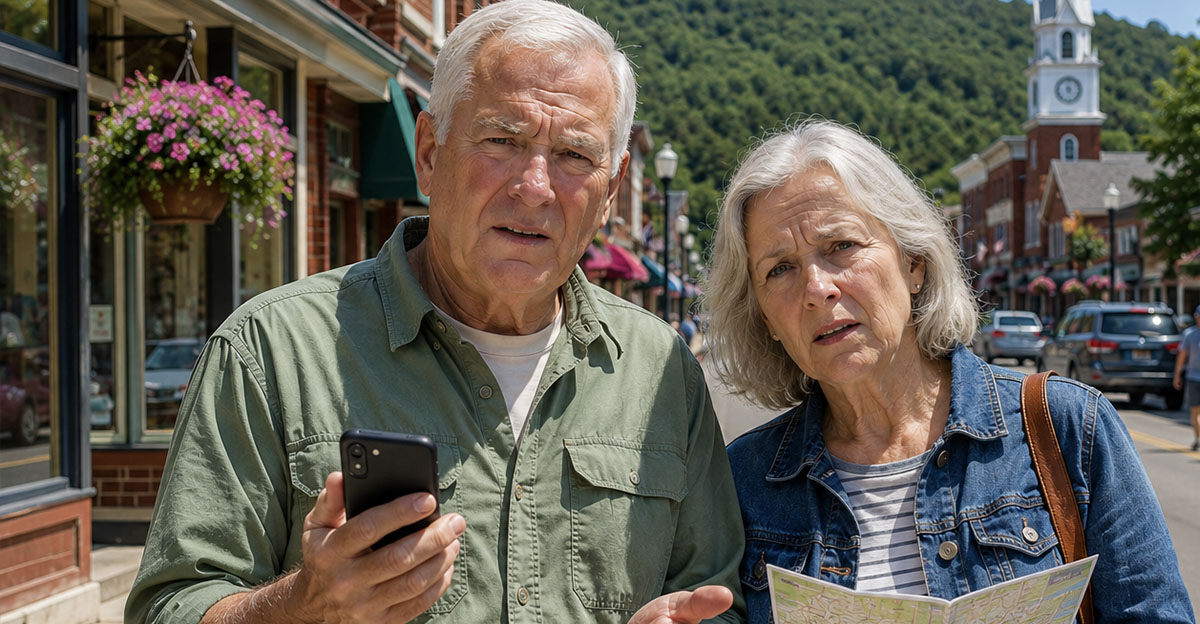
Small towns can offer quiet streets, memorable restaurants, and attractions that aren’t packed with tourists. They can also leave you staring at a phone that can’t load directions, opening hours, or a simple text message. Poor service doesn’t have to ruin the next trip, but you’ll need to prepare before leaving reliable coverage behind.
Don’t Assume A Town Has Reliable Coverage
A town can have homes, businesses, and busy roads without offering dependable service from every carrier. Coverage may weaken because of mountains, forests, long distances between towers, or limited local infrastructure. Your phone might work on the main street but lose service a few miles outside town. Treat coverage as something to research rather than something you can safely assume.

Check More Than Your Carrier’s Map
Start with the coverage map supplied by your wireless provider, but don’t rely on it alone. Coverage maps are generally based on models and reported network availability, so they can’t promise that your phone will work inside every building or along every road. In the United States, the FCC’s National Broadband Map lets travelers compare reported mobile coverage from multiple providers. Looking at several sources gives you a more realistic idea of where dead zones may appear.
Ask The Locals A Better Question
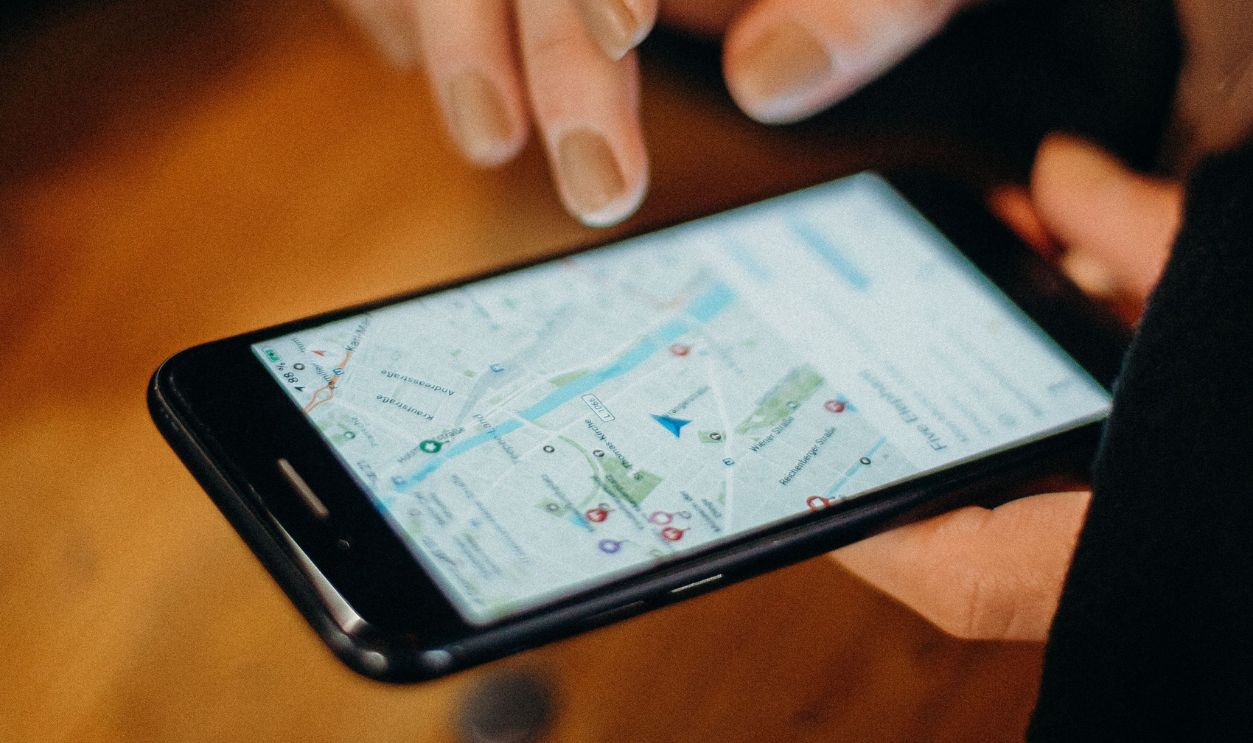
Asking whether a town “has cell service” may get you an overly simple yes. Ask which carrier works best, where reception usually disappears, and whether service is reliable inside hotels and restaurants. A hotel, tourism office, campground, or local business can often provide more useful detail than a national coverage map. Be specific about the places and roads you plan to visit.

Download The Entire Area Before Leaving
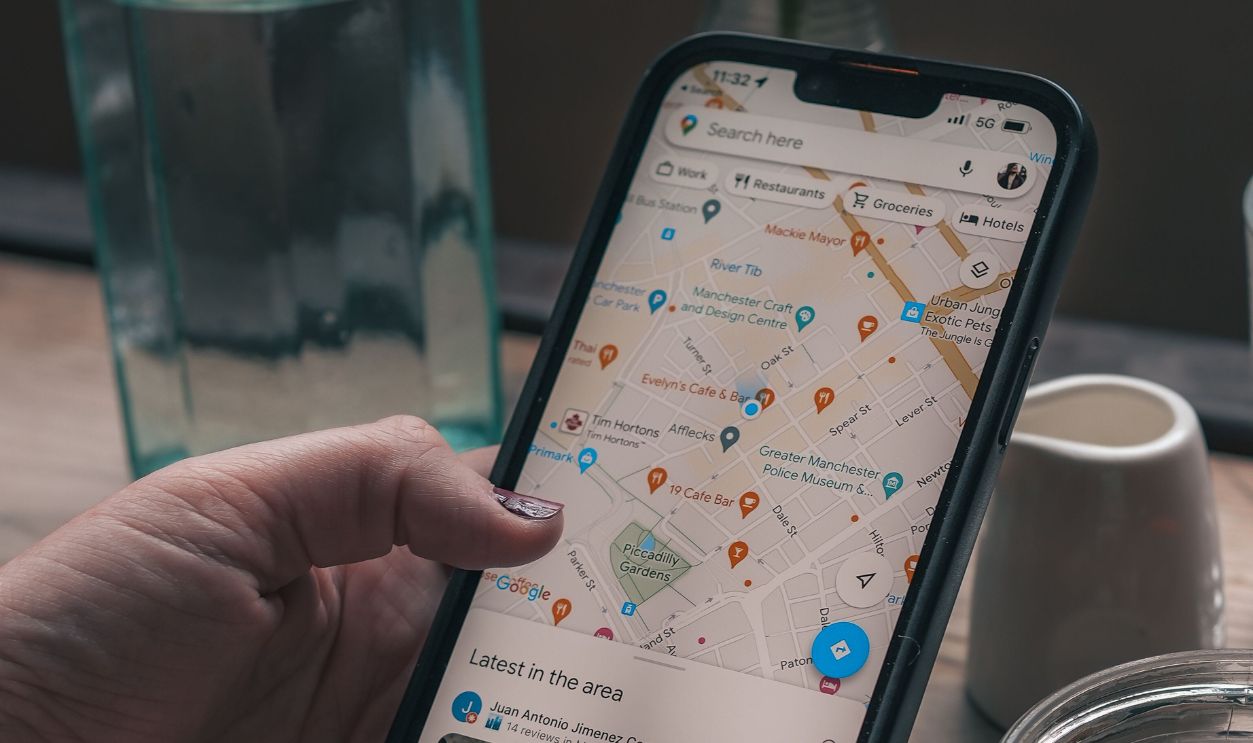
Google Maps and Apple Maps both allow users to download supported areas for offline use. Download the town, surrounding roads, nearby attractions, and the full route back to a larger community. Don’t choose a tiny area that ends at the town limits because you may need to navigate around a closure or missed turn. Confirm that the download finished before you leave Wi-Fi.

Make Sure Your Route Fits Inside The Map
An offline map can only help if the roads you need are actually included. Zoom out far enough to cover alternate routes, gas stations, nearby towns, and the highways connecting everything. Google notes that offline navigation works when the entire driving route is contained within the downloaded area. A map of the downtown core won’t help much if you lose service 40 miles outside it.
Test Offline Navigation At Home
Don’t wait until you’re stranded to learn how your offline map works. Put your phone in airplane mode, reopen the map, and try searching for your hotel or another saved destination. Check whether turn-by-turn directions still load and whether the area appears at a useful level of detail. A two-minute test can uncover a missing download while you still have internet access.

Save Every Important Address
Store the street addresses for your hotel, restaurants, attractions, parking areas, and the nearest hospital. Screenshots are helpful because they’re available even when an app refuses to refresh. Include confirmation numbers, check-in instructions, reservation times, and any door or gate codes you may need. Don’t assume that an email attachment will open once the signal disappears.

Write Down Phone Numbers Too
Save important numbers in your contacts, but keep a separate offline list as well. Include the hotel, local taxi service, roadside-assistance provider, rental-car company, and anyone expecting to hear from you. A screenshot, note stored directly on the phone, or piece of paper will work without data service. This also helps if your phone battery dies and you need to borrow someone else’s device.

Bring A Paper Map As Backup
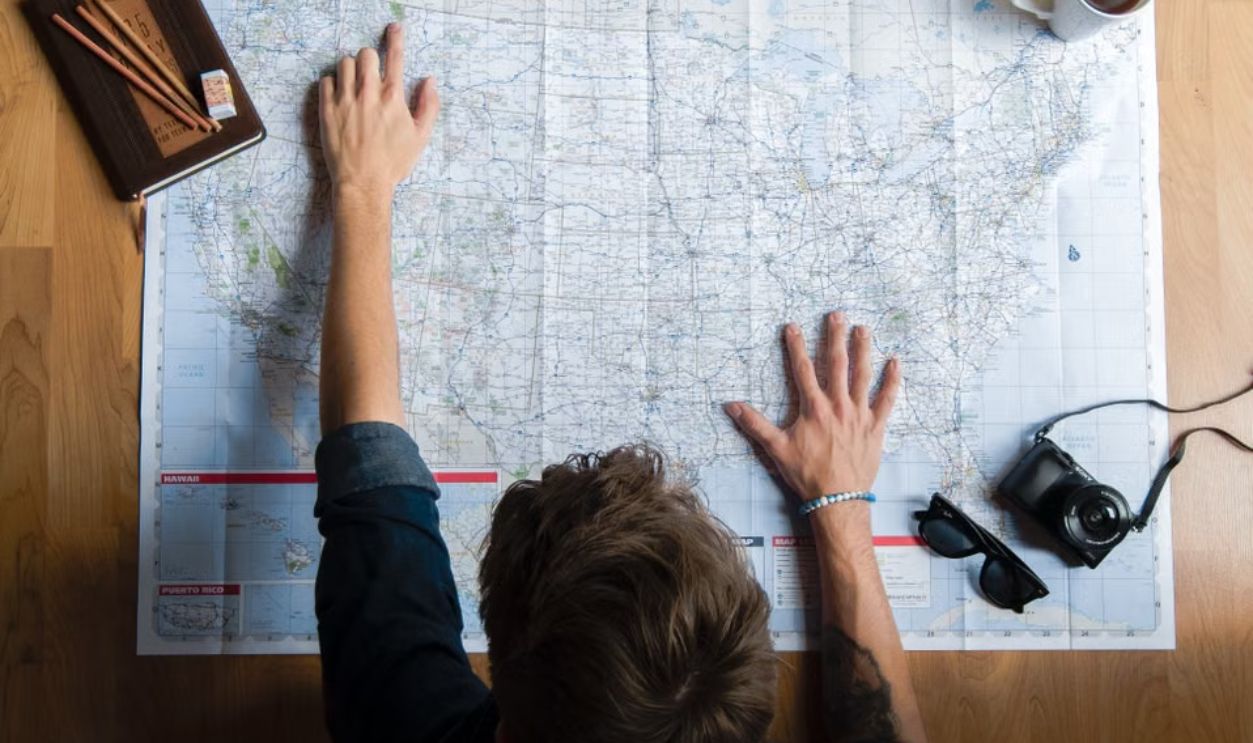
A printed road map may feel outdated until your phone overheats, breaks, or runs out of power. Keep a regional map in the vehicle and mark your hotel, major roads, and nearby communities before the trip. It doesn’t need to replace digital navigation. It only needs to help you recognize where you are and reach a place where assistance is available.

Plan Fuel Stops In Advance
Don’t count on searching for the nearest gas station after the warning light appears. Rural stations may be far apart, close earlier than expected, or temporarily lose card-processing capability when internet service fails. Identify at least two fuel options and note their addresses and usual hours. Refilling earlier than normal is often the easiest way to avoid an unnecessary problem.
Download Tickets And Passes
Museum tickets, parking passes, boarding documents, and reservation QR codes may be stored online even when they appear inside an app. Add supported passes to your phone’s digital wallet or save a clear screenshot before leaving home. Check whether the venue requires a live app connection rather than a static code. A printed copy is still useful when the rules allow one.

Carry More Than One Payment Method
A lack of cellular service can affect businesses as well as travelers. Card terminals may fail if a shop’s internet connection goes down, especially in remote locations with limited backup options. Carry a physical credit card and a modest amount of cash in small denominations. Mobile payment services shouldn’t be your only way to buy fuel, food, or supplies.

Download Entertainment Before The Drive
Streaming apps won’t be much help when the signal disappears. Download music, podcasts, audiobooks, and children’s entertainment while you’re still connected to Wi-Fi. Make sure the downloads play without an internet connection because some apps require occasional account verification. This won’t solve a navigation problem, but it can make a long rural drive far more enjoyable.
Check Your Phone’s Wi-Fi Calling Setup
Wi-Fi calling may let you make calls or send messages when cellular reception is poor but a reliable internet connection is available. It usually needs to be enabled and properly configured before you depend on it. Availability varies by phone, carrier, plan, and location. Test it at home, then ask the hotel whether its Wi-Fi is strong enough for calls throughout the property.
Hotel Wi-Fi Isn’t Guaranteed To Save You
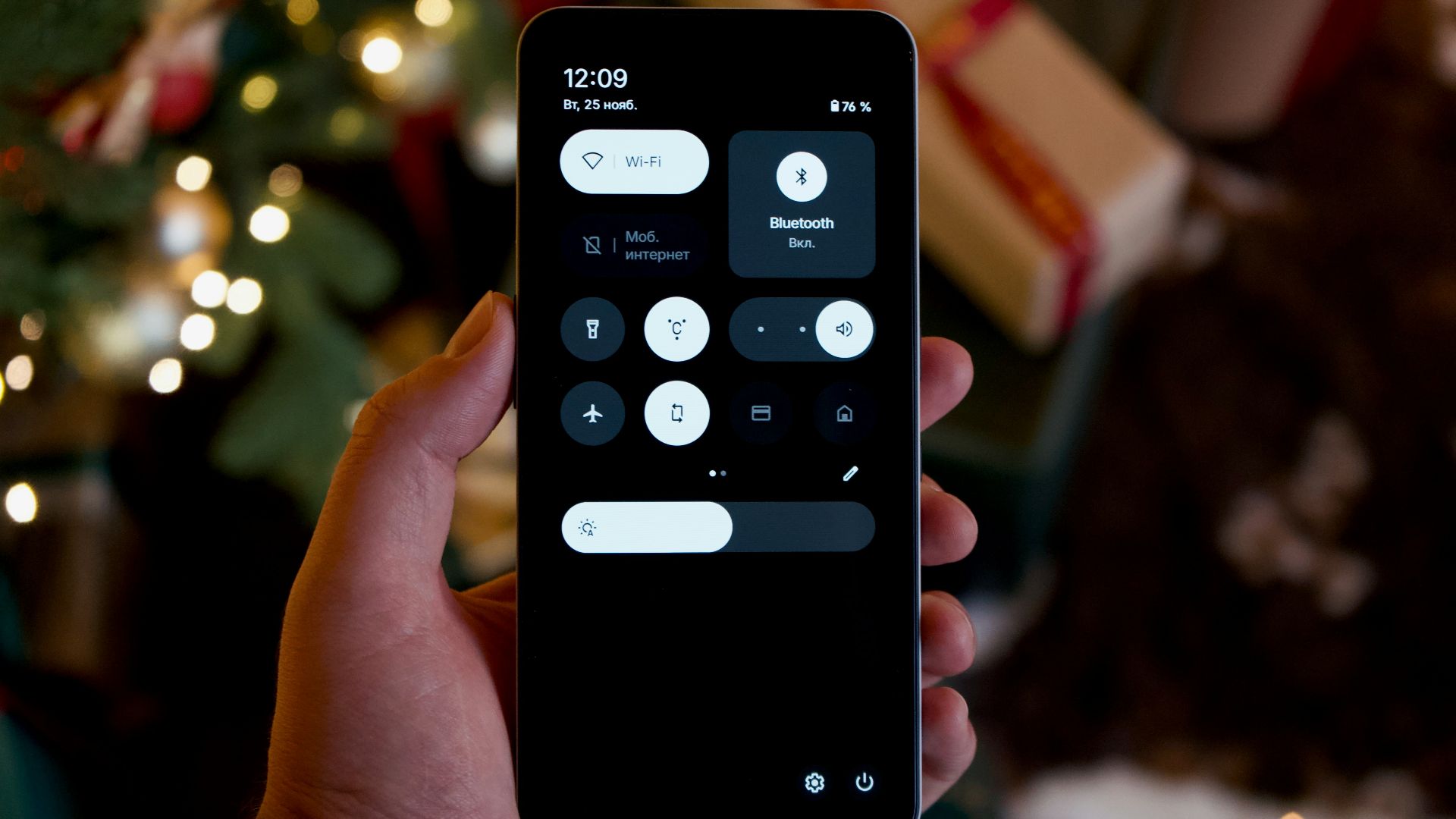
A property may advertise Wi-Fi while offering a weak signal in guest rooms or limiting service to the lobby. Rural internet connections can also slow down or stop during outages. Ask whether the Wi-Fi supports calling and video, whether there’s a password, and where reception is strongest. Downloading essential information beforehand is still safer than depending entirely on the hotel network.

Keep The Phone Charged
Phones often use more power when they’re repeatedly searching for a weak network. Navigation, photos, cold weather, and bright screens can drain the battery even faster. Bring a charged power bank, the correct cable, and a vehicle charger that you’ve already tested. A phone with offline maps and emergency features is only useful while it still has power.

Airplane Mode Can Preserve The Battery
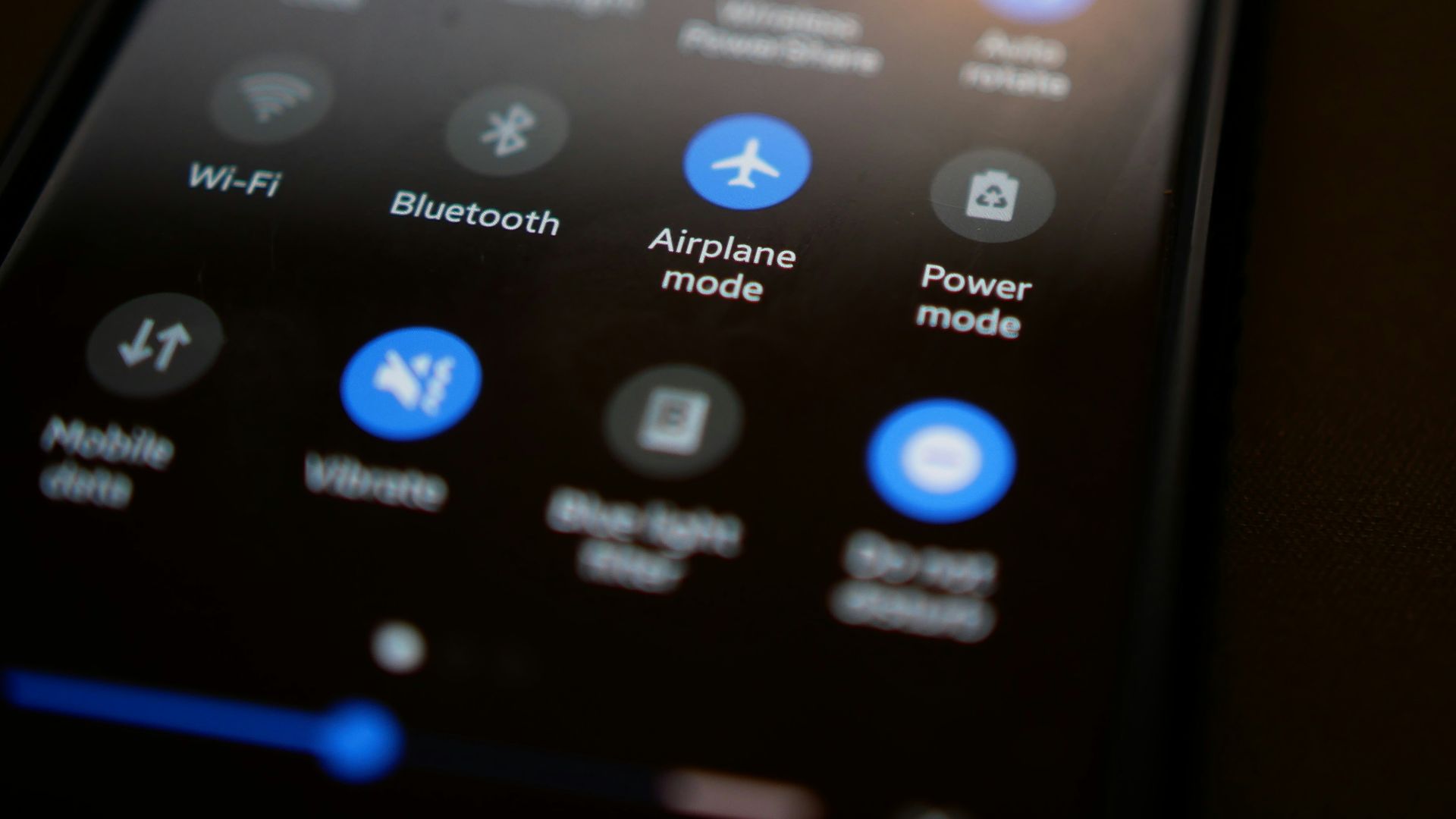
When you know there’s no usable service, airplane mode can stop the phone from constantly searching for a network. You can then turn Wi-Fi or Bluetooth back on separately when needed. Remember that airplane mode also disables ordinary cellular calling until you switch it off. Leave yourself enough battery for navigation, emergencies, and the return trip.
Tell Someone Where You’re Going
Share your destination, planned route, lodging information, and expected return time with someone who isn’t traveling with you. Agree on a time when you’ll check in after reaching service again. If you’re delayed, try to update that person before entering the dead zone. Ready.gov recommends having a communication plan so people know how they’ll reconnect when normal communication isn’t available.

Agree On A Meeting Point
Groups can become separated while exploring trails, festivals, historic districts, or rural attractions. Choose an obvious meeting place and a specific time before everyone heads off. Don’t rely on texts such as “Where are you?” because they may sit unsent for hours. A simple plan prevents a minor separation from consuming the rest of the day.

Know What 911 Can And Can’t Do
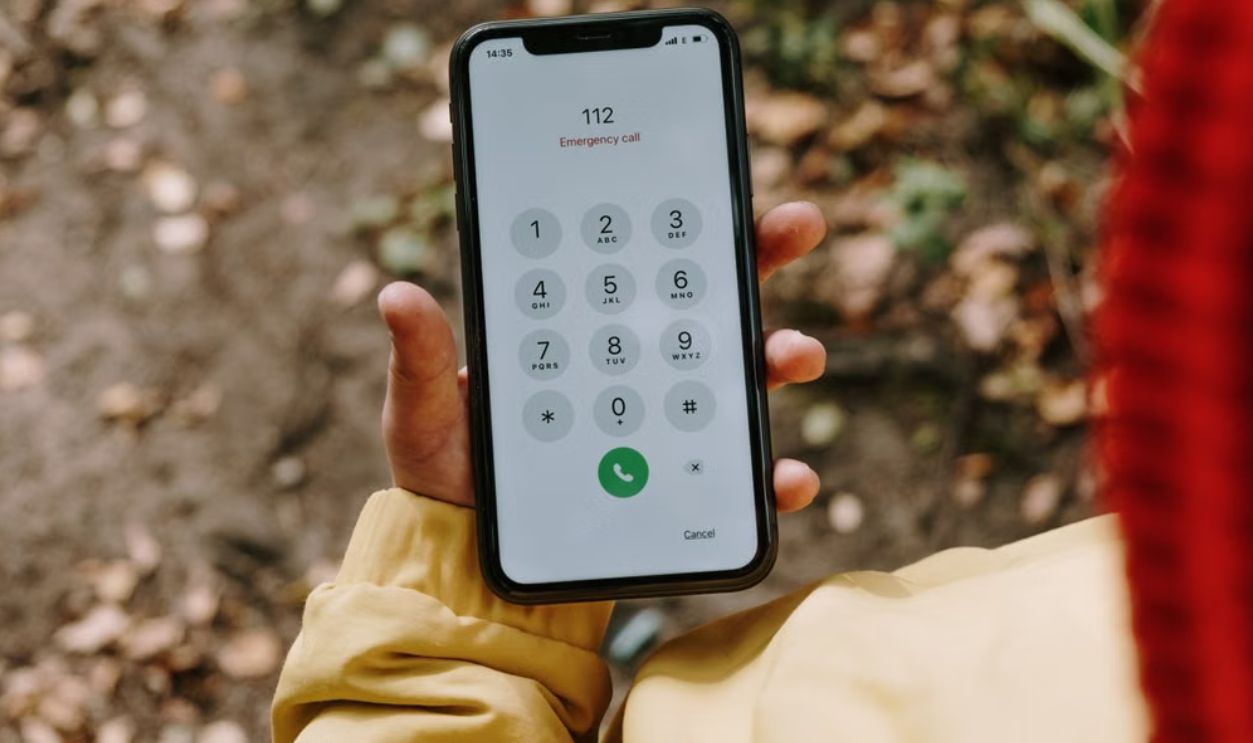
In the United States, wireless providers must transmit 911 calls even when the caller doesn’t subscribe to that particular provider. That means an emergency call may connect through another compatible network when your own carrier is unavailable. However, the phone still needs to reach a usable network, so 911 isn’t guaranteed to work in a complete dead zone. Try the emergency number first, but don’t treat it as a substitute for preparation.
Learn Your Phone’s Satellite Features
Some newer phones can contact emergency services through satellites when cellular and Wi-Fi coverage are unavailable. Apple supports Emergency SOS via satellite on compatible iPhones, while certain Google Pixel devices offer Satellite SOS in supported countries and regions. These services require compatible hardware, current software, regional availability, and a reasonably clear view of the sky. Check your specific phone before traveling instead of assuming that every recent model includes the feature.
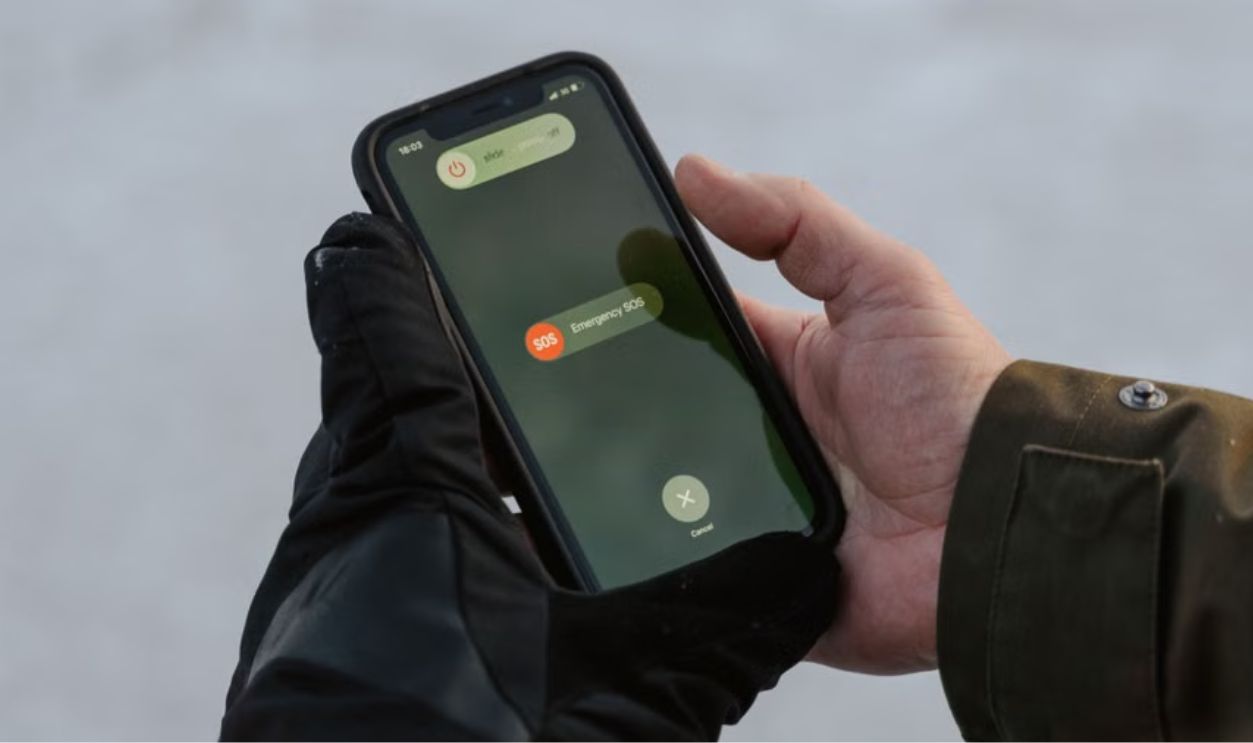
Practice Before You Need Satellite Help
Satellite connections work differently from ordinary calls and messages. You may need to stand outside, point the phone in a particular direction, and follow on-screen instructions while the device searches for a satellite. Trees, mountains, buildings, and other obstructions can interfere with the connection. Use any available demonstration mode before the trip so the process won’t be completely unfamiliar during an emergency.

Consider A Dedicated Satellite Device
Frequent hikers, backcountry travelers, and people driving far beyond populated areas may want more than a phone. Dedicated satellite communicators can provide messaging, location sharing, or emergency SOS features depending on the device and subscription. They aren’t necessary for every weekend visit to a rural town. They become more reasonable when your plans involve long stretches without service and limited passing traffic.
Download Weather Information Early
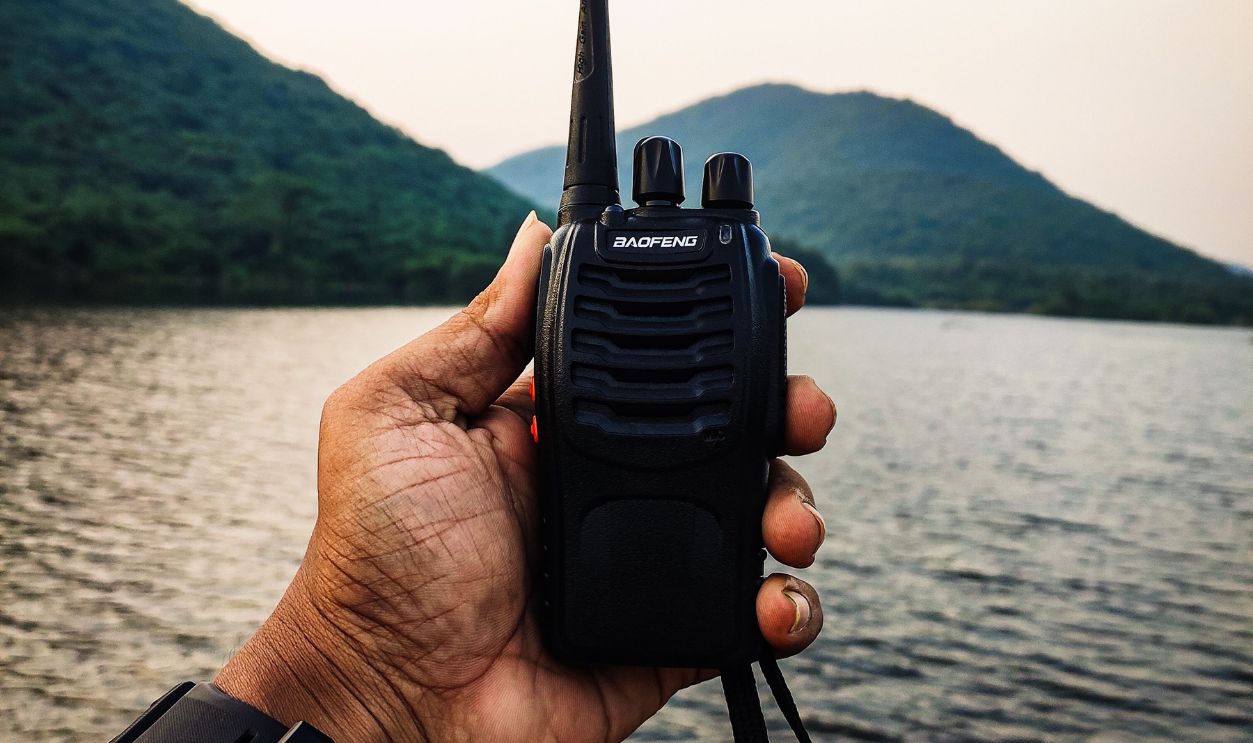
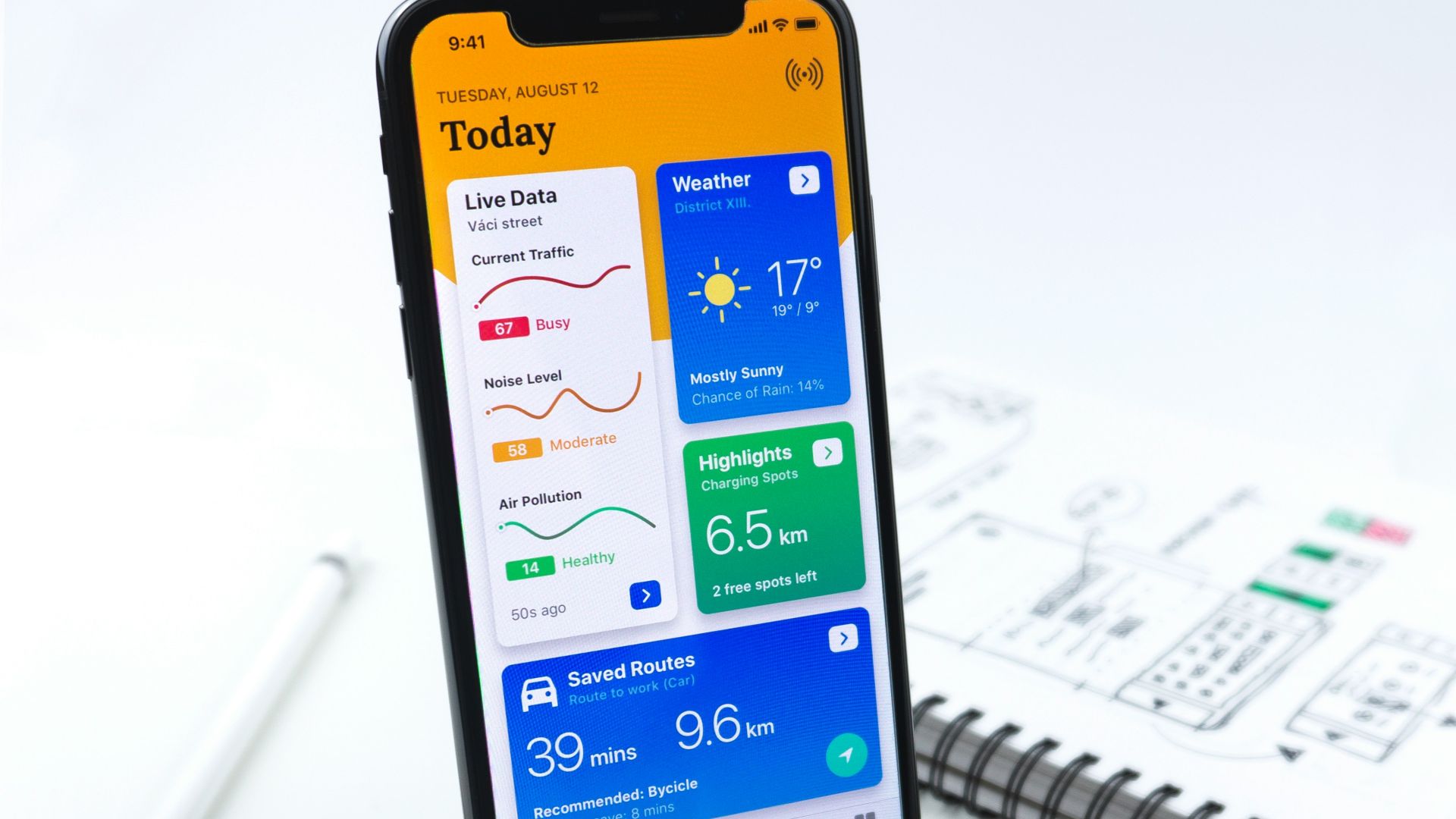
Weather apps need data to refresh forecasts, radar, and warnings. Check the forecast before entering the area and take screenshots of the expected conditions. In the United States, NOAA Weather Radio broadcasts official forecasts and hazard information continuously through a nationwide network of transmitters, although local reception still depends on terrain and distance. A battery-powered weather radio can be useful when severe weather is possible.
Keep A Small Vehicle Emergency Kit
Pack drinking water, snacks, a flashlight, basic first-aid supplies, warm clothing, and any essential medication. Add a reflective vest, tire inflator or gauge, and equipment appropriate for the season and route. You don’t need to prepare for an expedition every time you visit a small town. A modest kit can make an unexpected delay safer and much less stressful.
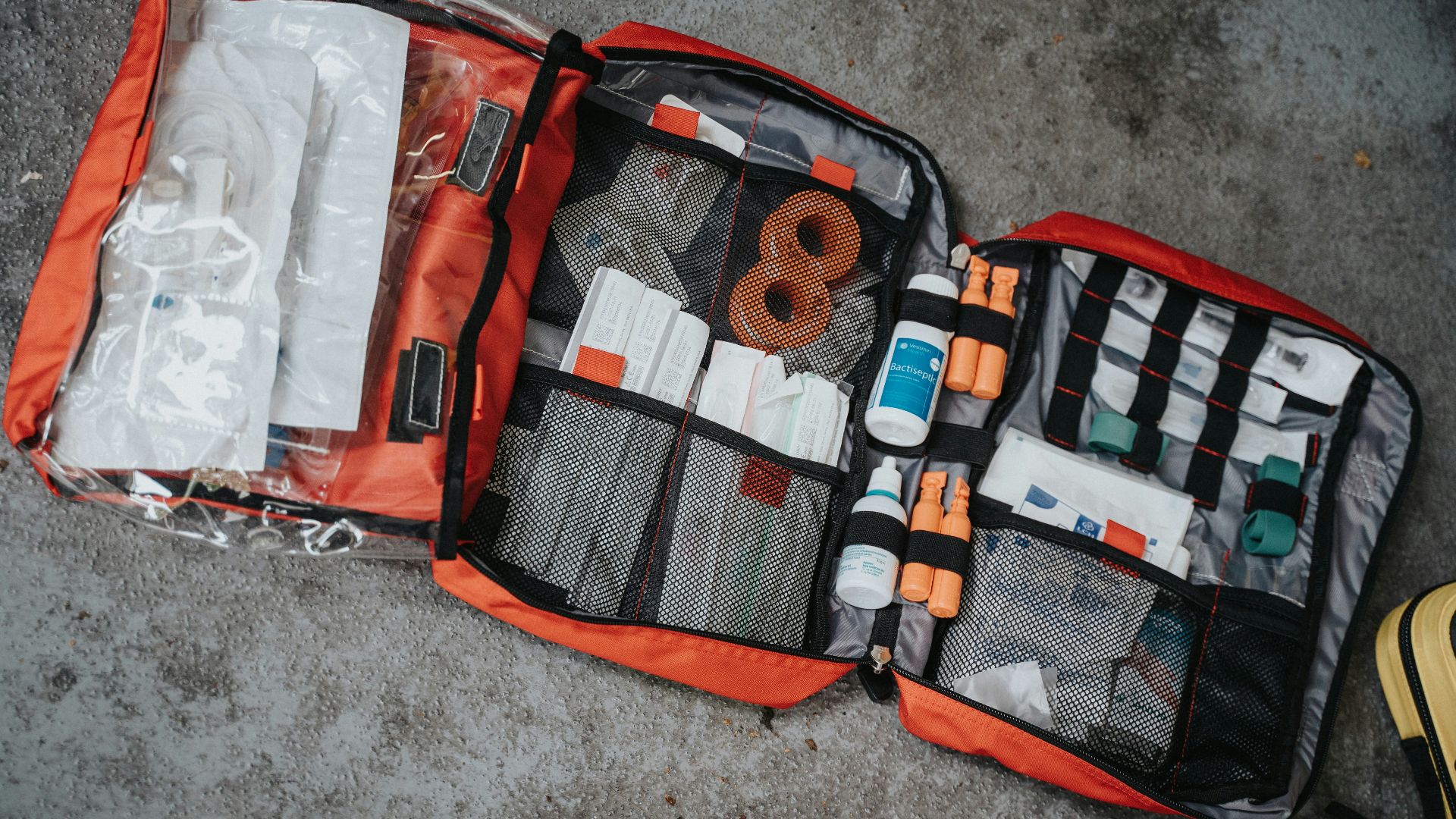 Mathurin NAPOLY / matnapo, Unsplash
Don’t Let The Phone Run The Whole Trip
Preparation doesn’t mean turning a relaxing getaway into a survival exercise. Once your maps, addresses, payments, and emergency plans are handled, the lack of notifications may actually become part of the appeal. You’ll be free to ask for directions, talk to local business owners, and enjoy the place without constantly checking a screen. The goal isn’t to avoid underrated towns. It’s to arrive ready for the reason they still feel removed from everything else.

You May Also Like: