
The Listing Promised Fast Wi-Fi, But Reality Was A Different Story
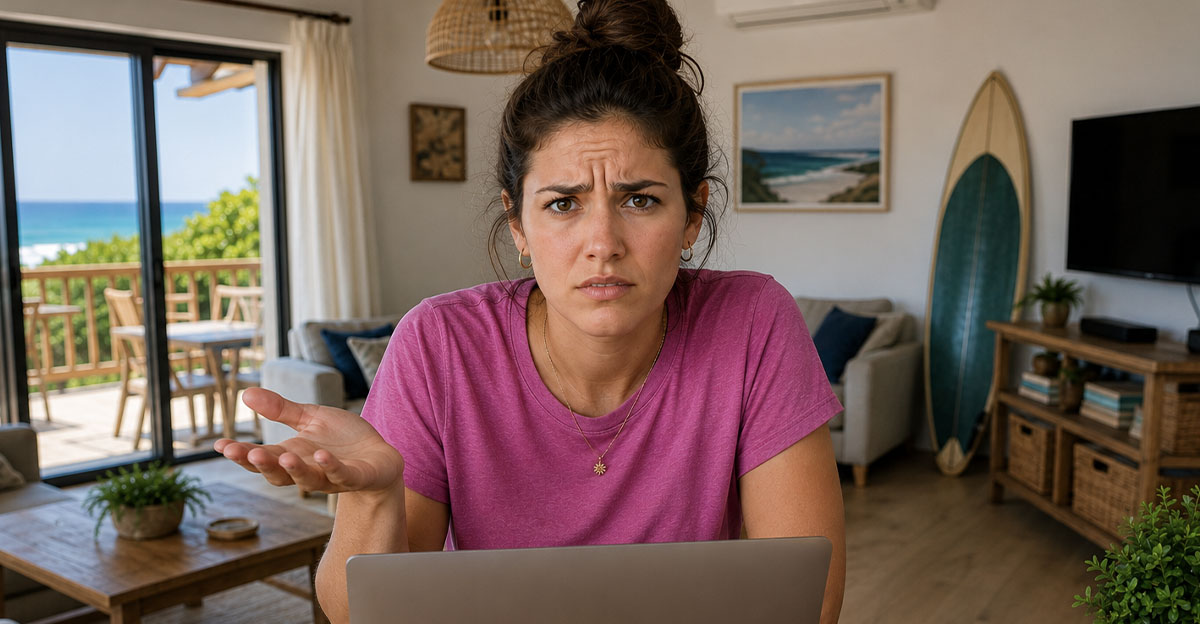
For many travelers, working remotely while on vacation has become completely normal. But what happens when the Airbnb advertises fast Wi-Fi and you arrive to find video calls constantly freezing or files taking forever to upload?
Fast Internet Has Become A Selling Point
Many vacation rentals now market themselves as ideal for remote workers. Listings may advertise fiber internet, dedicated workspaces, or "fast Wi-Fi" to attract digital nomads and business travelers. Because reliable internet has become such an important amenity, inaccurate descriptions can significantly affect a guest's stay.

"Fast Wi-Fi" Doesn't Always Mean The Same Thing
One challenge is that terms like "fast," "high-speed," or "great for remote work" aren't always precisely defined. A host may consider 25 Mbps perfectly adequate, while someone who regularly uploads large files or attends multiple video meetings may expect speeds several times higher. Understanding exactly what was promised matters.
Airbnb Even Offers Speed Testing
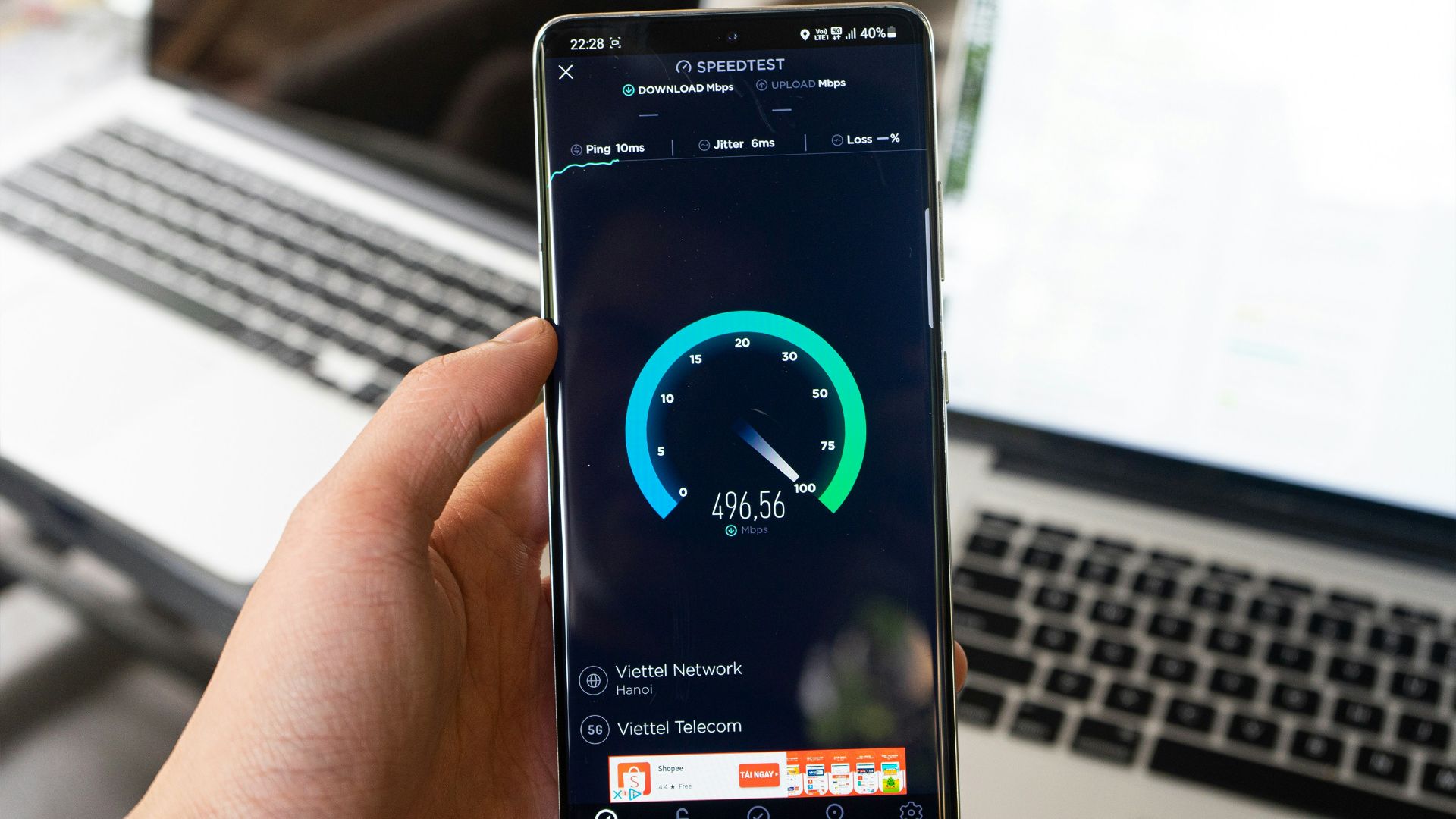
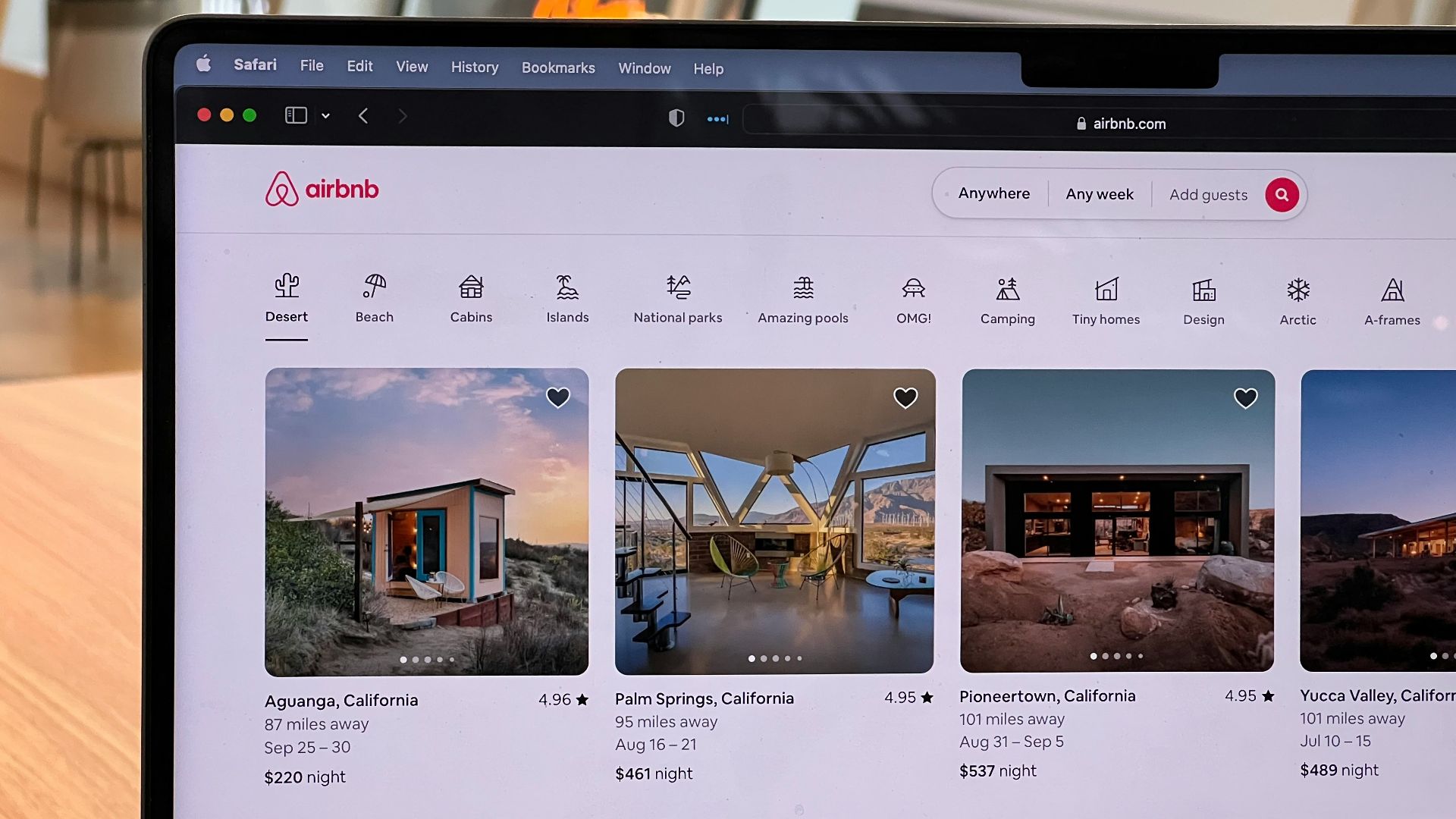
Some Airbnb listings now display verified Wi-Fi speeds based on tests performed through the Airbnb app. These verified results are generally more reliable than vague descriptions because they provide actual download speeds rather than marketing language. Before booking future stays, it's worth checking whether verified speeds are available.

Your Device Might Not Be The Problem
Before assuming the rental's internet is inadequate, make sure your own equipment isn't contributing to the issue. Restart your laptop, reconnect to the network, and test multiple devices if possible. Temporary software issues occasionally create connection problems that have nothing to do with the property's internet service.

Test The Connection Yourself
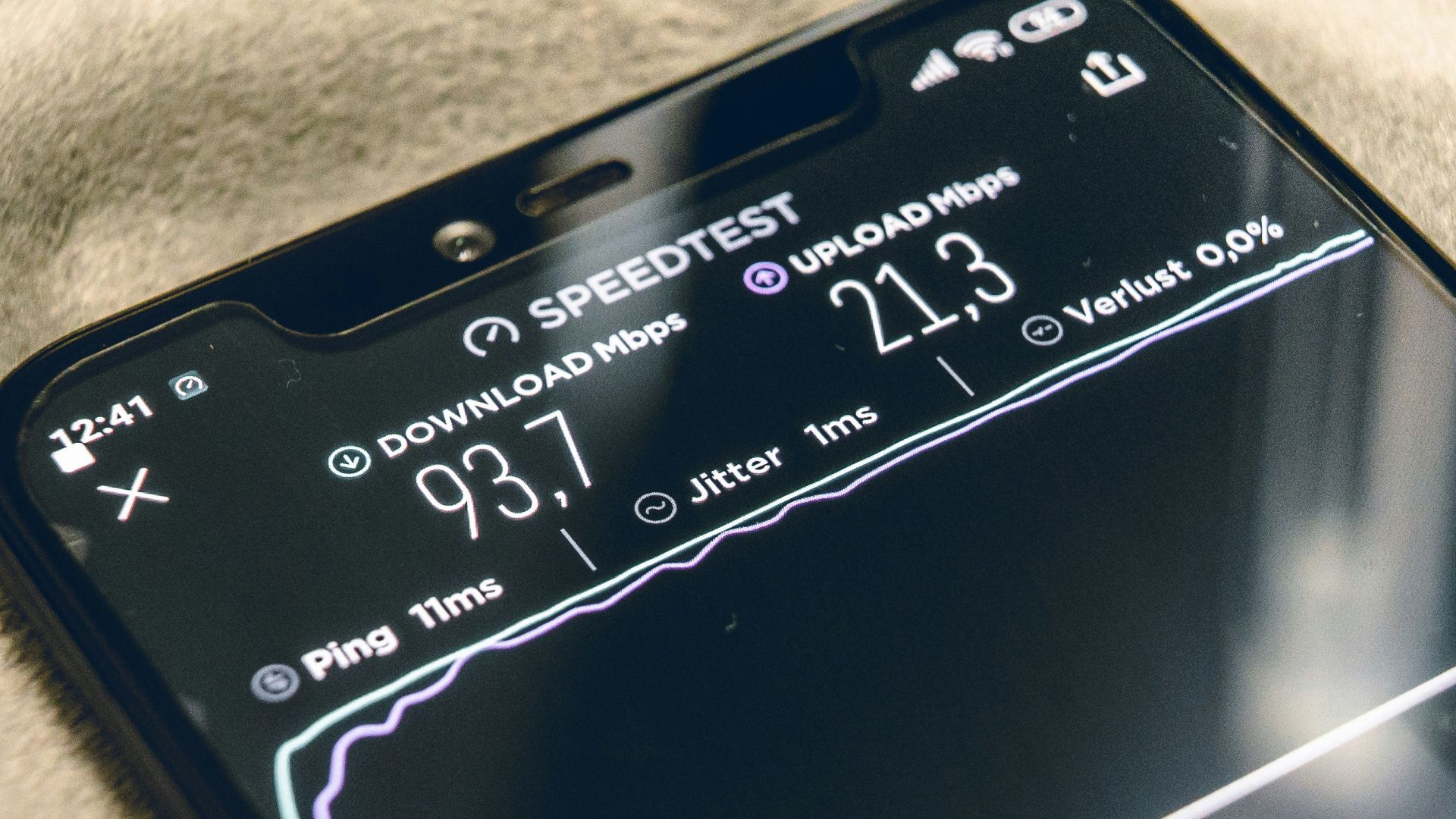
Run several internet speed tests using reputable services at different times of day. Record download speed, upload speed, and latency. If the speeds consistently fall well below what was advertised, those results may become useful if you later contact the host or Airbnb.
Time Of Day Can Matter
Internet performance sometimes changes throughout the day. In busy vacation areas, local networks may become congested during the evening when many guests are streaming movies or using video calls. Testing the connection at several different times helps determine whether the issue is temporary or constant.

Contact The Host Immediately
If you discover serious internet problems, don't wait until checkout to mention them. Politely contact the host as soon as possible and explain the issue. Some problems have surprisingly simple solutions, such as rebooting the modem, reconnecting mesh Wi-Fi equipment, or switching to another access point.

Give The Host A Chance To Fix It
Most hosts genuinely want satisfied guests and positive reviews. If the router has failed or the internet provider is experiencing an outage, the host may be able to resolve the problem quickly. Airbnb generally expects guests to notify hosts about significant issues before seeking refunds whenever possible.

Document Everything
Take screenshots of speed tests, save messages exchanged with the host, and photograph any equipment if relevant. If video calls repeatedly disconnect, keeping notes about when the interruptions occurred may also help. Clear documentation makes it much easier to explain the situation later.

Compare The Listing Carefully
Go back and read exactly how the internet was described. Did the listing promise verified high-speed Wi-Fi, or did it simply mention internet access? The more specific the description, the easier it is to evaluate whether the accommodation matched what was advertised.
 Oberon Copeland @veryinformed.com, Unsplash
Remote Work Needs Can Vary
Checking email requires far less bandwidth than participating in high-definition video conferences or uploading large media files. A connection that works perfectly for one guest may be frustrating for another. Understanding your own internet requirements helps you choose accommodations more carefully in the future.

Airbnb's AirCover May Help
If a listing is significantly different from what was advertised, Airbnb's AirCover for guests may provide assistance depending on the circumstances. Possible resolutions can include help finding another property, partial refunds, or other remedies. Each situation is evaluated individually, so outcomes vary based on the facts and the documentation available.

Refunds Aren't Automatic
Even if the internet performs poorly, receiving compensation isn't guaranteed. Airbnb generally considers factors such as what the listing promised, whether the host had an opportunity to address the issue, and how much the problem affected the stay. That's one reason prompt communication is so important.

Have A Backup Plan
If your work absolutely depends on reliable internet, consider identifying nearby coworking spaces, libraries, cafés, or business centers before you travel. Mobile hotspots can also provide an emergency solution in areas with good cellular coverage. Having alternatives reduces stress if the rental's internet disappoints.

Ask Better Questions Before Booking
If you'll be working remotely, don't hesitate to message the host before making a reservation. Ask whether the Wi-Fi speed has been tested recently, whether multiple people regularly work remotely from the property, and whether the connection is fiber, cable, DSL, or another service. Many hosts are happy to answer.

Read Recent Reviews Carefully
Previous guests often mention internet quality in their reviews, particularly if they worked remotely during their stay. Comments about unstable video calls, unreliable connections, or excellent Wi-Fi can provide valuable insight beyond the property's official description.
Consider Cellular Coverage Too
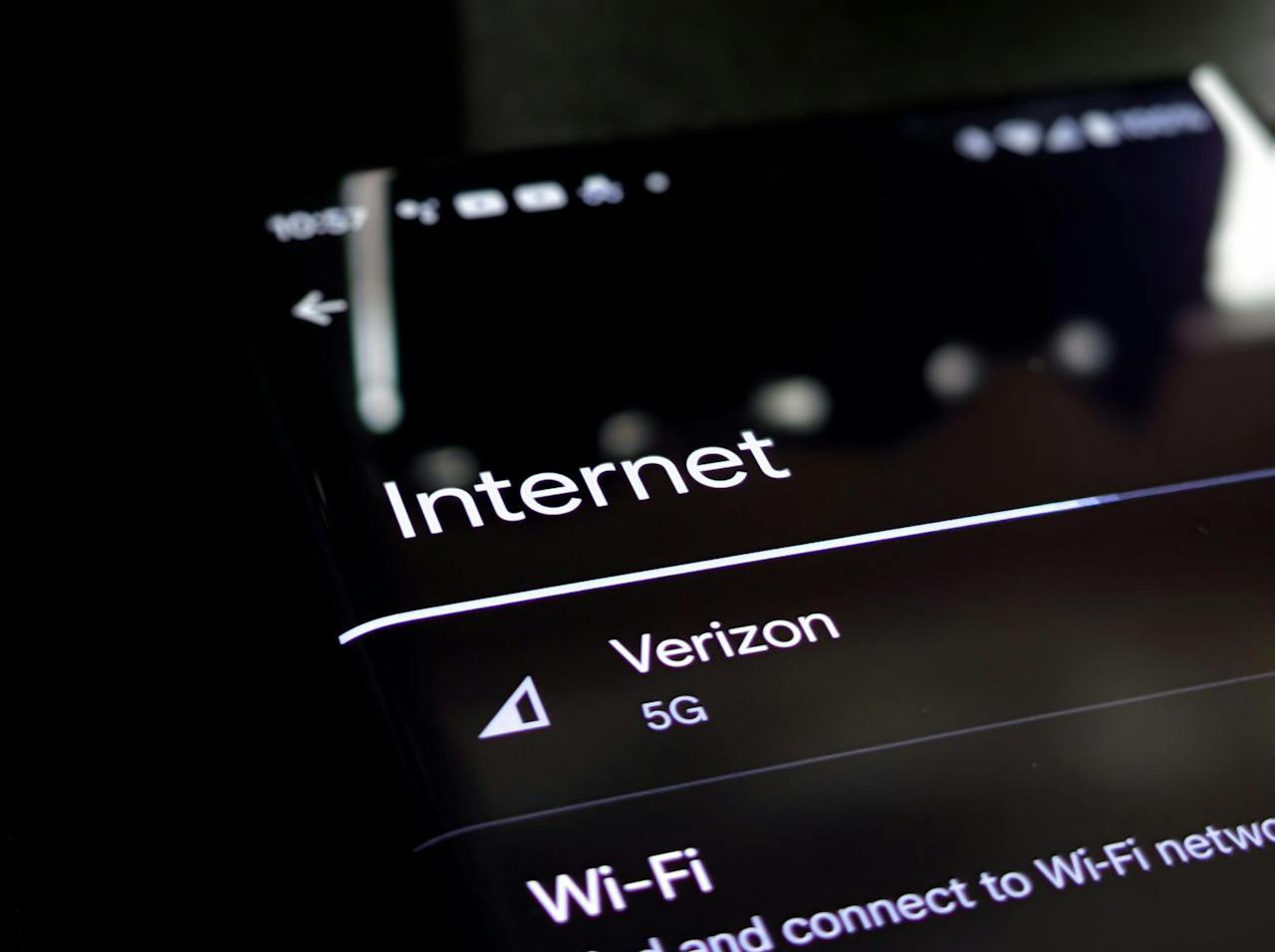
Reliable Wi-Fi isn't your only backup option. Before booking, check whether your mobile carrier provides strong coverage in the area. If necessary, a smartphone hotspot may allow you to continue working while the property's internet issues are resolved.
Weather And Local Infrastructure Can Affect Service
In some destinations, internet service depends on aging infrastructure or may be disrupted by storms, power outages, or regional service interruptions. Those situations aren't always within the host's control. However, if the listing promised a certain level of connectivity, it's still reasonable to discuss the impact on your stay.

Leave An Honest Review
If the host couldn't resolve the issue, include accurate, factual information about the internet in your review. Mention the speeds you experienced, how the host responded, and whether the problem affected your ability to work. Balanced reviews help future travelers make informed decisions without unfairly criticizing hosts who handled the situation responsibly.

Think About Booking Longer Stays Carefully
If you're planning to work remotely for several weeks, consider arriving a day before important meetings whenever possible. That extra time gives you an opportunity to test the internet and make alternate arrangements if necessary before work obligations begin.

Reliable Internet Is No Longer A Luxury
For many travelers, internet access isn't simply an amenity. It's essential for earning a living. As remote work becomes more common, hosts who accurately represent their internet service are likely to attract more bookings and happier guests. Clear expectations benefit everyone involved.

Planning Ahead Can Prevent Most Problems
The best way to avoid internet surprises is to research carefully before you book. Verified Wi-Fi speeds, recent guest reviews, direct questions to the host, and a backup work location can dramatically reduce the chances of a stressful trip. A little preparation often saves a lot of frustration later.

You May Have Recourse, But Acting Quickly Matters
If your Airbnb's internet speeds are nowhere near what was advertised, don't assume you're simply out of luck. Test the connection, document the problem, contact the host immediately, and review both the listing and Airbnb's guest protections. While refunds or other remedies depend on the specific circumstances, prompt communication and solid documentation give you the strongest chance of reaching a fair solution. And for future trips, verifying internet performance before booking can make working remotely far less stressful.

You May Also Like: