

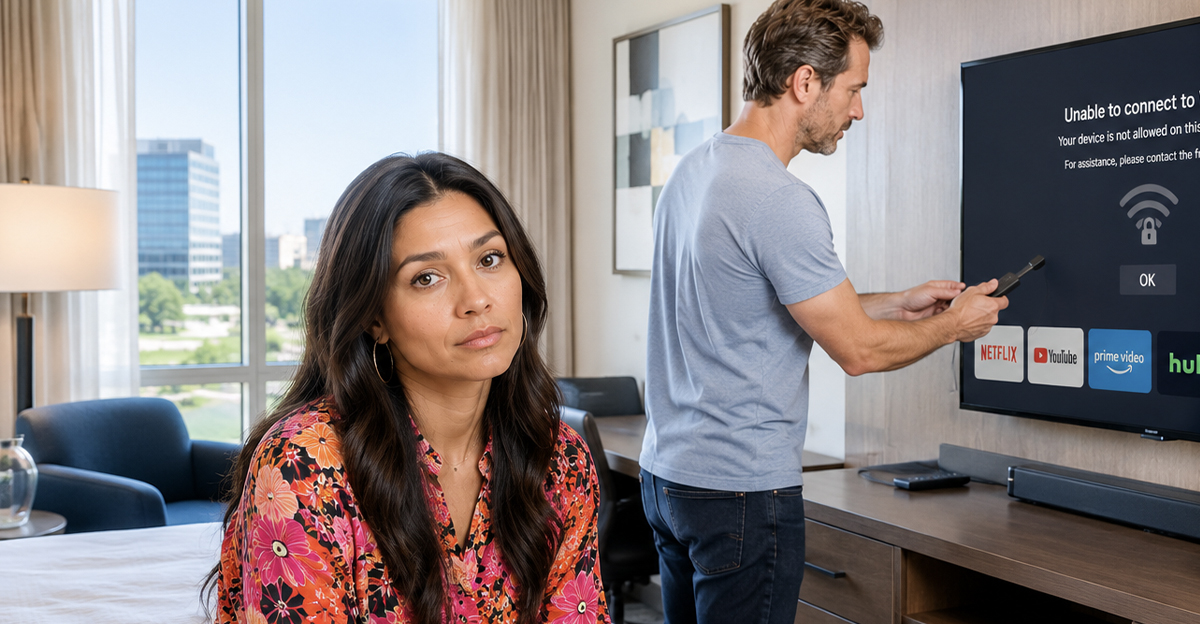
I Packed My Streaming Stick, But The Hotel Wi-Fi Wouldn't Let It Connect
Many travelers bring Roku, Fire TV, Chromecast, Apple TV, or similar streaming devices when they stay in hotels. It seems like a simple way to watch your own subscriptions instead of flipping through hotel channels. Then you get to the room and discover the device either won't connect to the Wi-Fi or can't reach the internet.
The good news is that hotels are generally allowed to manage their networks however they choose, but there are often ways to get your streaming device working anyway.
Hotels Don't Have To Support Every Device
Most hotels are not legally required to support personal streaming devices. Their Wi-Fi systems are typically designed to serve phones, tablets, and laptops first. Streaming sticks and smart TVs sometimes create technical challenges that the network wasn't specifically designed to handle. As a result, hotels may offer internet access without guaranteeing compatibility with every device you bring.
Captive Portals Cause A Lot Of Problems
One of the biggest obstacles is the hotel's login page. Many hotel networks use what's called a captive portal, which requires users to enter a room number, last name, access code, or terms-of-service agreement before connecting. Streaming devices often can't display these login pages properly. The result is a device that appears connected but never actually gets online.

Streaming Devices Aren't Always Designed For Hotel Networks
Most streaming devices are built with home networks in mind. At home, you usually connect directly to your Wi-Fi and start watching. Hotel networks are often much more complicated, involving guest authentication systems, bandwidth controls, device limits, and security measures. What works perfectly at home may struggle in a hotel environment.

Some Hotels Actively Support Streaming Devices
The good news is that many hotel chains have started adapting to modern traveler habits. Some properties now offer streaming-friendly networks specifically designed to work with Roku, Fire TV, Apple TV, and Chromecast devices. Others even allow guests to cast directly from their phones to the room television. The experience varies dramatically from one hotel to another.
Older Hotels Tend To Have More Issues
Many connectivity problems stem from aging network infrastructure. Hotels that upgraded their Wi-Fi years ago may not have anticipated guests bringing multiple streaming devices, smart watches, gaming systems, tablets, laptops, and phones. As device counts increase, older systems can struggle to keep up.

Device Limits Can Create Surprises
Some hotels limit the number of devices that can connect under a single room reservation. If you've already connected multiple phones, laptops, and tablets, your streaming device may exceed the limit. This can make it appear as though the streaming device is broken when the real issue is simply a device cap.

Bandwidth Management Is Common
Hotels often manage bandwidth to prevent a small number of guests from consuming excessive resources. Video streaming uses much more data than email or web browsing. Some hotels prioritize basic internet activity while limiting high-bandwidth applications during busy periods. That doesn't always block streaming entirely, but it can affect performance.

Security Is Part Of The Equation
Hotels have legitimate security concerns. Thousands of devices may connect to the network each month. Restricting certain device types, limiting peer-to-peer connections, and controlling network access can help reduce security risks. While these measures can be frustrating for guests, they're often intended to protect the overall network.
The Front Desk May Have A Solution
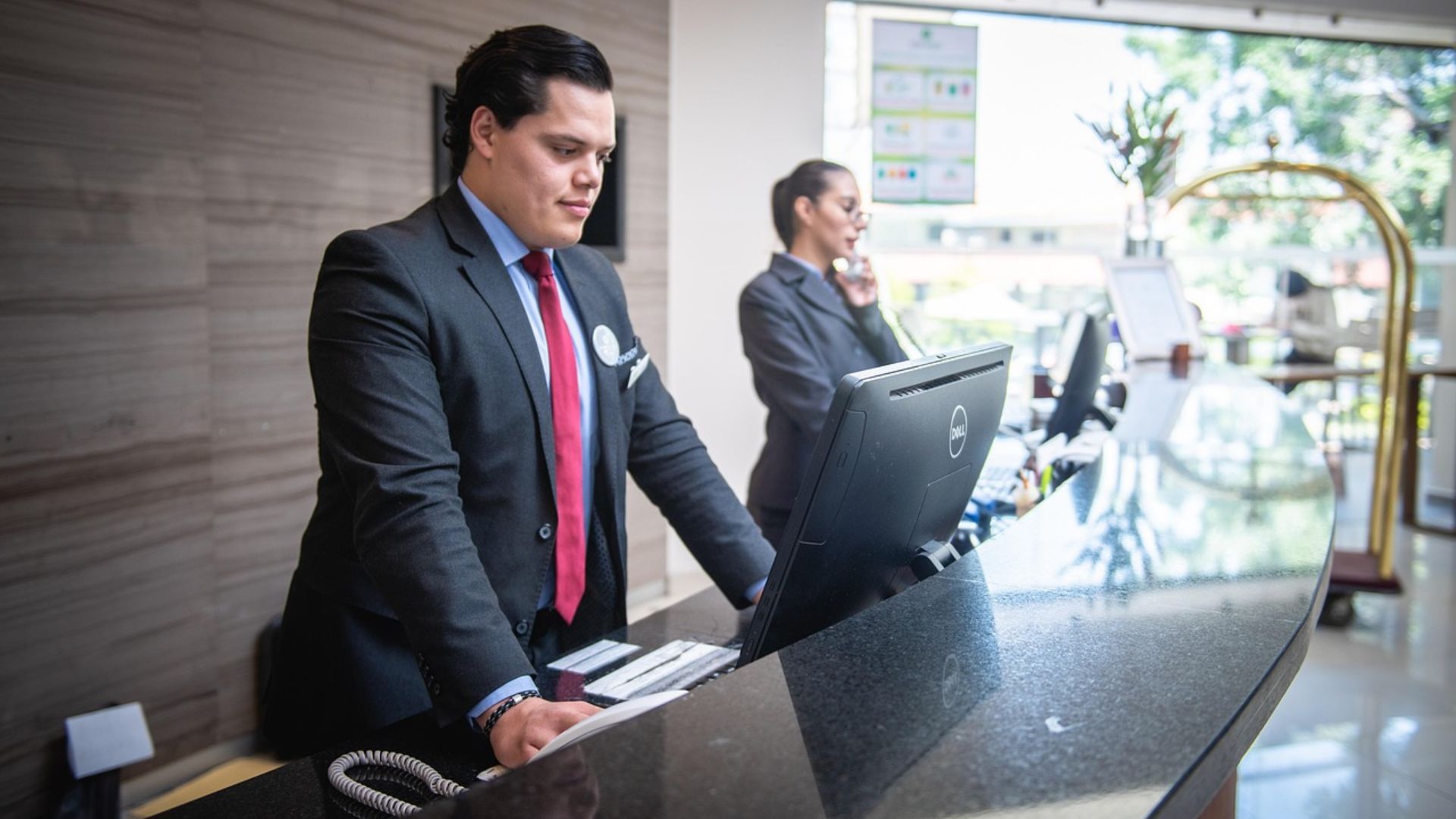
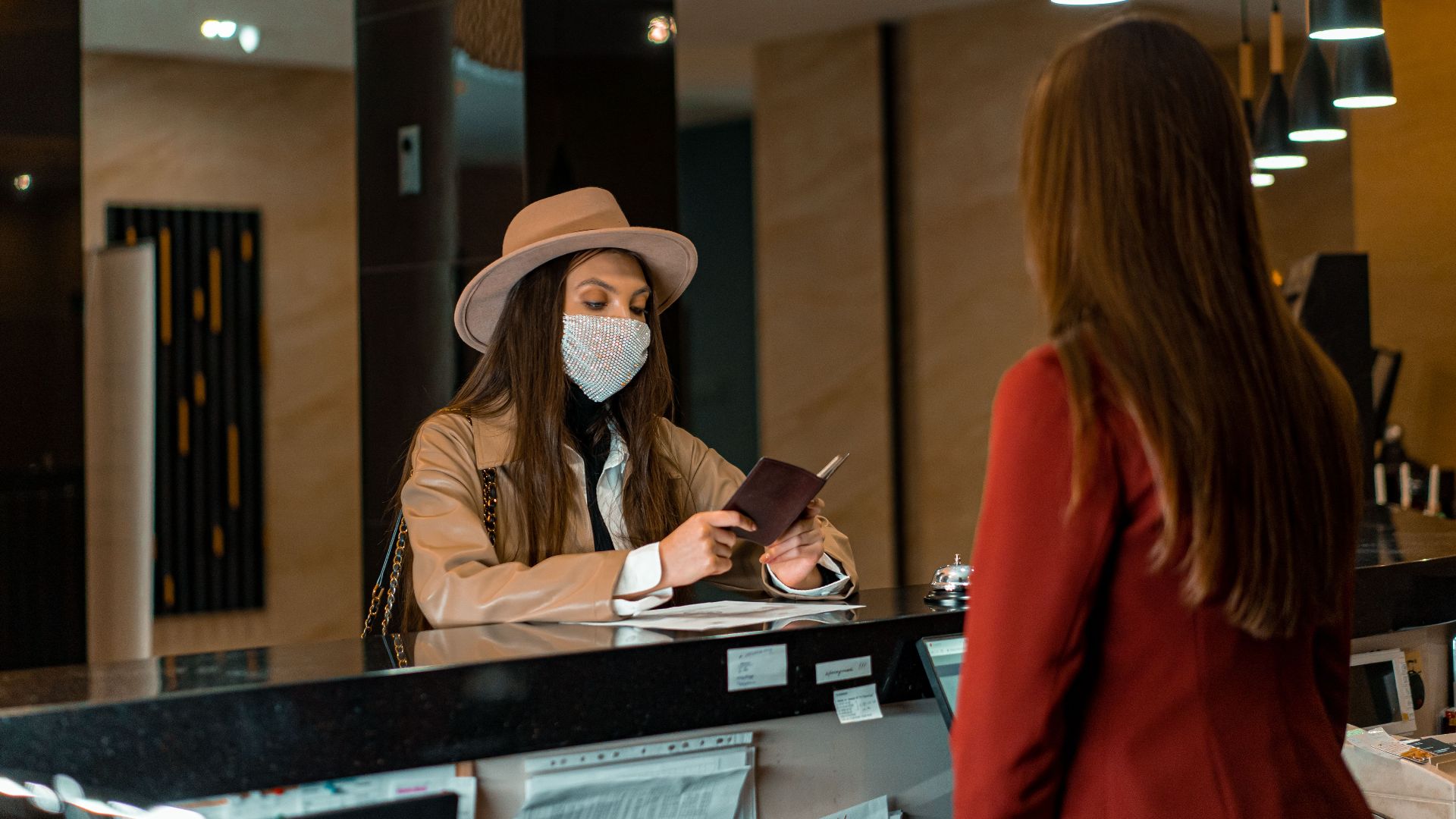
Before giving up, contact the front desk or technical support line. Many hotels have procedures specifically for streaming devices. They may be able to register your device manually, provide a separate network, bypass the captive portal, or walk you through the connection process. The solution is often easier than guests expect.

MAC Address Registration Can Help
Some hotels allow guests to register a device's MAC address manually. A MAC address is a unique identifier assigned to network hardware. Once the hotel adds it to their system, the device may be allowed online without needing to navigate the normal login page. Many streaming-device connection guides rely on this method.

Travel Routers Are Popular With Frequent Travelers
Many experienced travelers carry small travel routers. These devices connect to the hotel Wi-Fi once and then create a private network inside the room. Your streaming device connects to the travel router rather than directly to the hotel's system. This approach often solves authentication and compatibility problems.
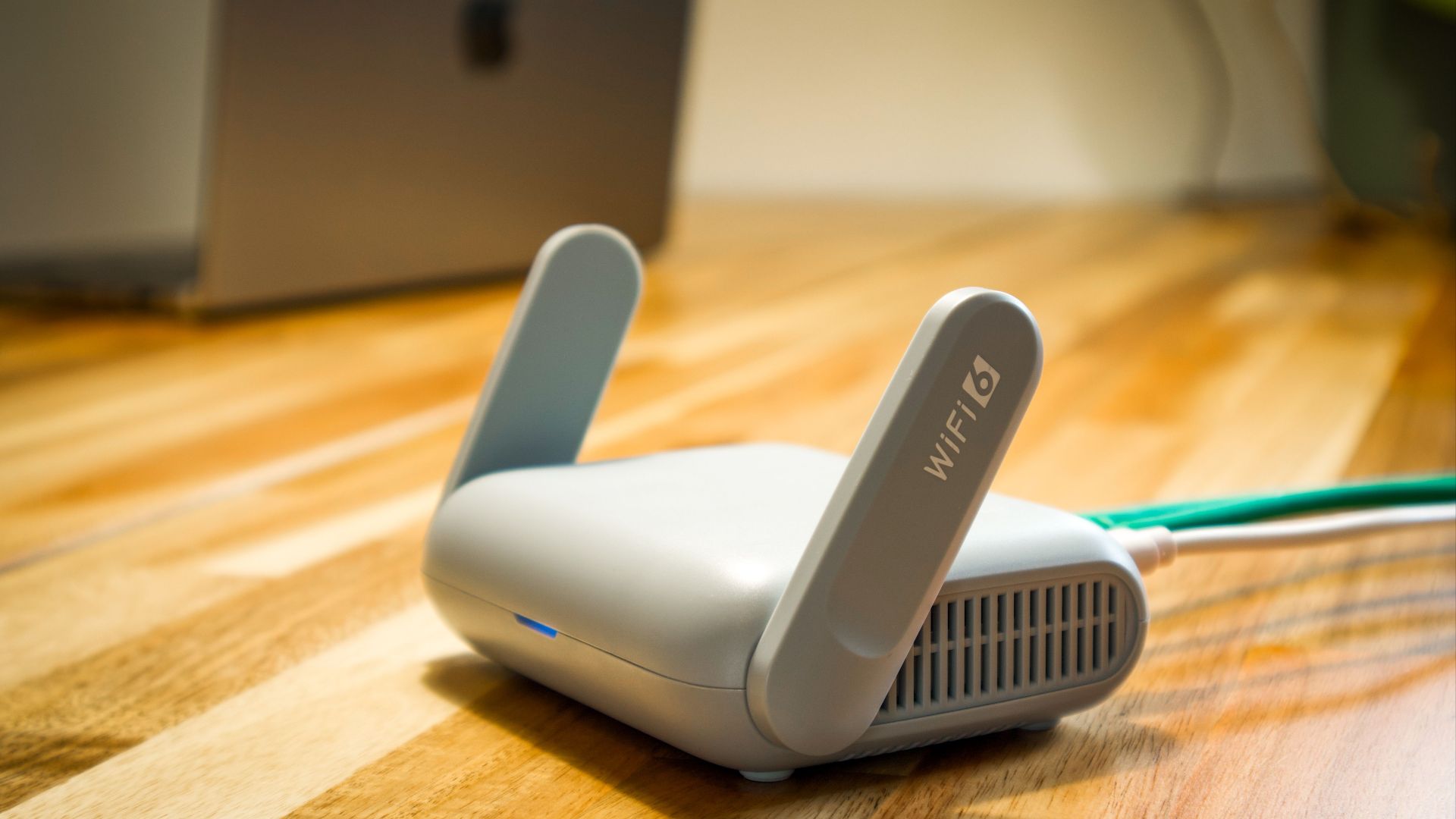
Not Every Hotel Allows Travel Routers
While travel routers are generally legal to use, some hotels discourage or restrict them because they can interfere with network management. Most properties won't object, but it's worth understanding the hotel's policies. Using one improperly could create connectivity issues for yourself or nearby guests.
Mobile Hotspots Are Another Option
If your cellular plan supports it, a mobile hotspot may bypass hotel Wi-Fi entirely. Many streaming devices work perfectly when connected to a hotspot. However, streaming video can consume significant amounts of data. Make sure you understand your data limits before relying on this approach.

Hotel TVs Can Create Their Own Challenges
Even when the streaming device connects successfully, the television may present another obstacle. Some hotels disable HDMI inputs, lock television settings, or make input switching difficult. It's worth checking television accessibility before assuming the internet is the only problem.

Bring The Right Cables
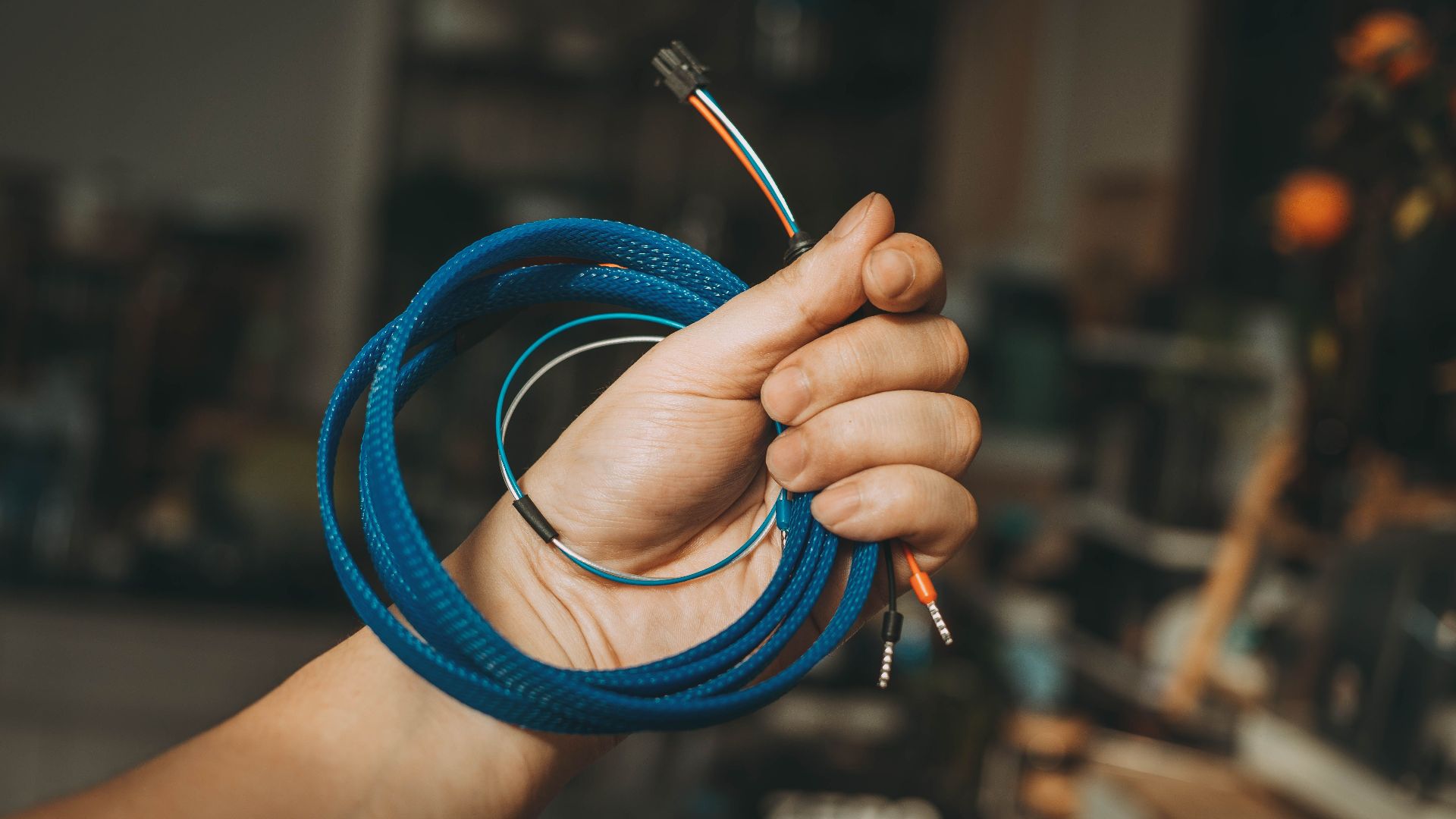
Experienced travelers often pack a small collection of cables and adapters. HDMI extension cables, extra power adapters, USB power cables, and compact extension cords can make setup much easier. Hotel room layouts aren't always designed with streaming devices in mind.
Chromecast Devices Sometimes Need Extra Steps
Chromecast devices often require both the casting device and the Chromecast itself to be on the same network. Hotel authentication systems can sometimes interfere with this process. While Chromecast can work in hotels, it often requires more troubleshooting than some other streaming products.
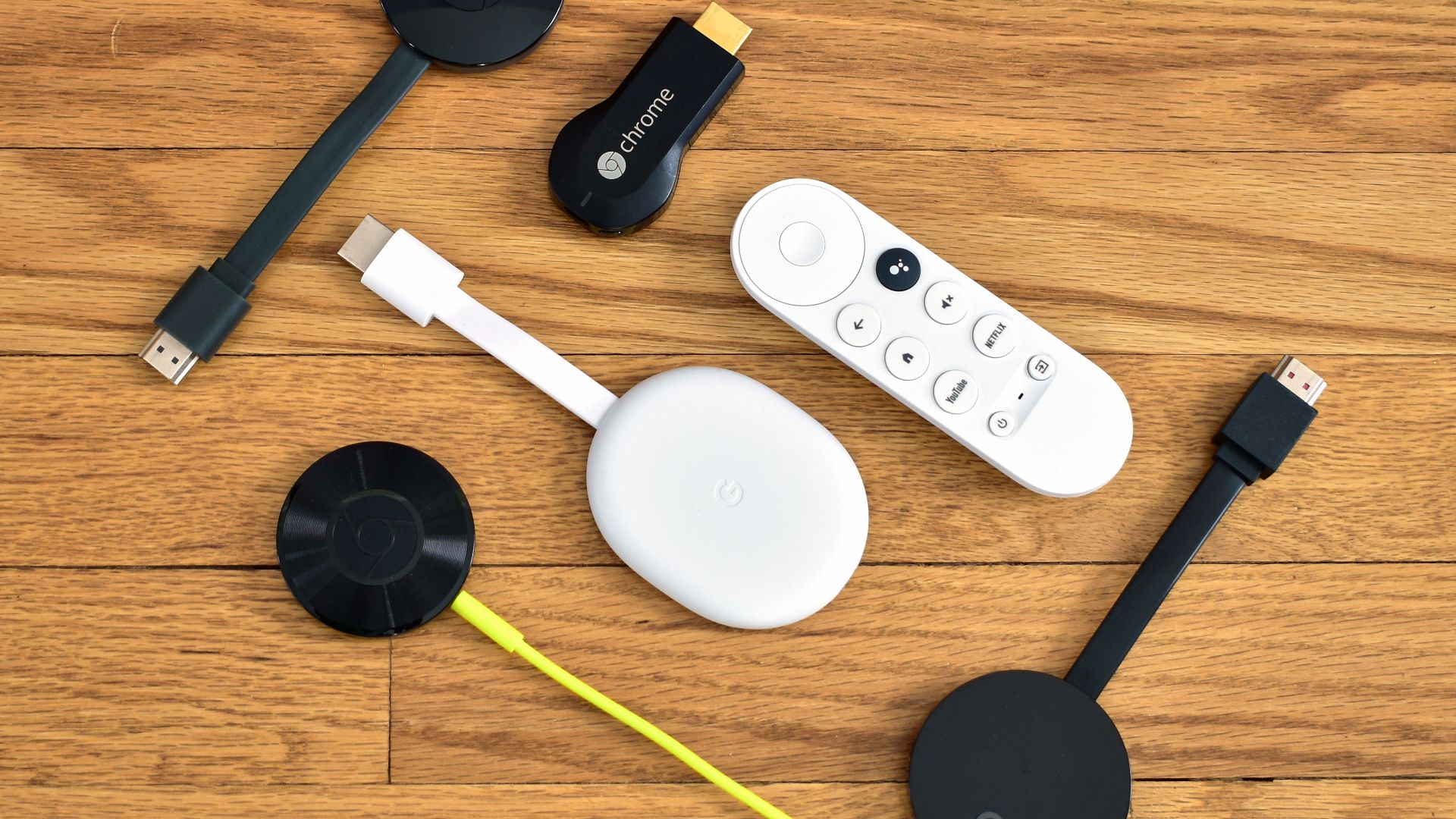 Y2kcrazyjoker4, Wikimedia Commons
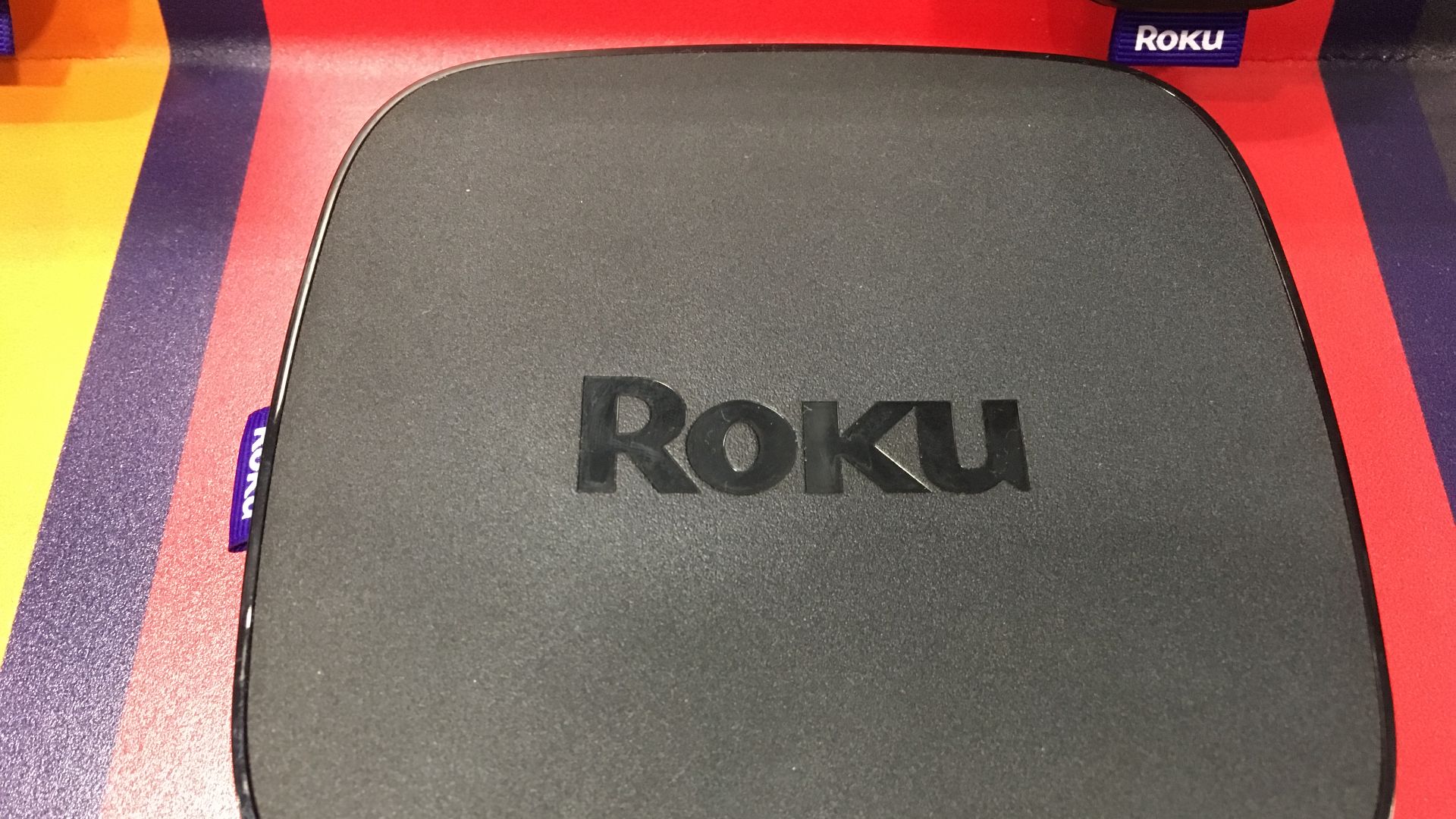
Roku Has Hotel And Dorm Features
Roku actually includes a Hotel & Dorm Connect feature designed specifically for captive-portal environments. This feature allows users to complete the hotel login process through a linked smartphone or laptop. Many travelers don't realize this option exists until they encounter problems.
Speed Matters Too
Even if the streaming device connects successfully, hotel internet speeds may not be sufficient for smooth viewing. High-definition and 4K streaming require significant bandwidth. During busy periods, buffering and reduced video quality can become unavoidable.

Premium Wi-Fi Doesn't Guarantee Success
Paying extra for premium internet may improve speeds, but it doesn't necessarily solve authentication or compatibility problems. Some guests spend extra money on faster service only to discover the device still can't complete the login process. Understanding the actual issue can prevent wasted spending.

Downloading Before The Trip Can Help
Many streaming services allow offline downloads. Downloading movies, shows, and content before leaving home can eliminate dependence on hotel internet entirely. This is often the simplest solution for travelers who know they'll be staying in multiple hotels.
Some Hotels Offer Built-In Streaming
An increasing number of hotels now provide built-in access to Netflix, Hulu, Disney+, YouTube, and other platforms through the room television. Guests typically sign into their own accounts temporarily. Before unpacking your streaming device, check whether the hotel already offers what you need.
Check Hotel Reviews Before Booking
Connectivity complaints often appear in hotel reviews. Travelers frequently mention whether streaming devices worked, whether Wi-Fi was reliable, and whether technical support was helpful. A quick review search before booking can sometimes prevent frustration later.

Business Hotels Tend To Perform Better
Properties catering to business travelers often invest more heavily in internet infrastructure. Since reliable connectivity is a major selling point, these hotels may provide stronger Wi-Fi, better technical support, and improved compatibility with guest devices. That doesn't guarantee success, but it can improve the odds.

Most Problems Have A Workaround
If your streaming device won't connect at a hotel, it doesn't necessarily mean the hotel is doing something wrong. Hotels are generally allowed to manage their networks and don't have to guarantee compatibility with every device. Fortunately, options like front-desk assistance, MAC address registration, travel routers, mobile hotspots, offline downloads, and built-in hotel streaming services often provide workable alternatives. A little preparation can turn what feels like a major inconvenience into a minor speed bump.

You May Also Like: