
When Your Room Key Runs Out Of Power
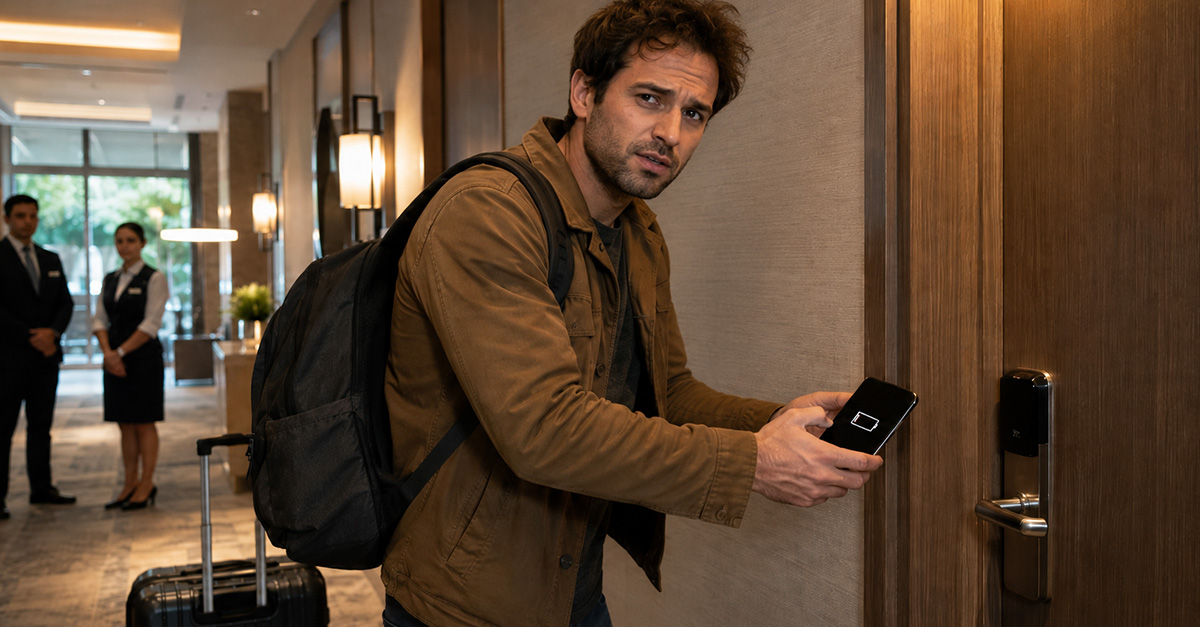
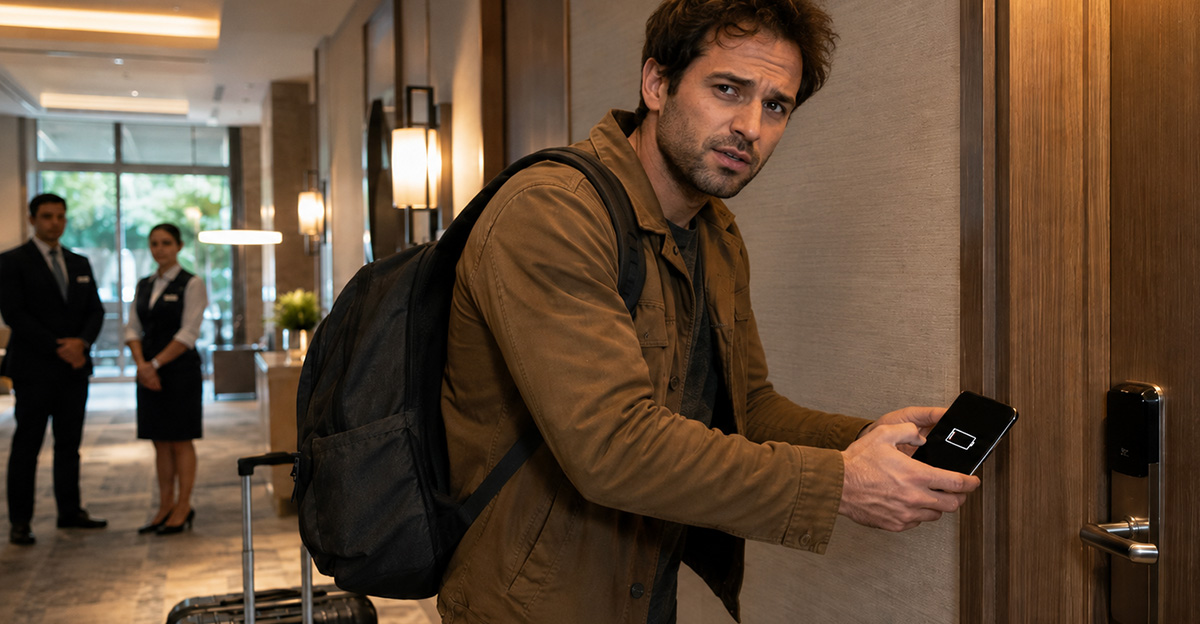
You have survived the flight, found the hotel, and dragged your suitcase through the lobby. Then, just as you reach your room, your phone dies. Unfortunately, your phone is also your key. Suddenly, a supposedly convenient hotel feature feels like a very expensive practical joke.
Mobile Keys Sound Great In Theory
Mobile room keys promise a smoother arrival. Guests can often check in through an app, skip the front desk, and unlock their rooms using Bluetooth. Hilton, for example, presents its Digital Key as a way to enter without carrying a physical card.

The Problem Is Right In Your Hand
The system only feels convenient while your phone is working. Batteries die, screens break, apps freeze, and software updates appear at terrible moments. Travelers may also arrive without mobile data, reliable Wi-Fi, roaming service, or enough storage to download yet another hotel app.

Yes, Hotels Should Expect This
A dead battery is not some bizarre emergency nobody could predict. Hotels know that guests travel long distances while using their phones for boarding passes, maps, translation, rideshares, photographs, and entertainment. Requiring that same exhausted device to operate the bedroom door creates an obvious weak point.

Digital Should Be An Option
The fairest approach is simple: mobile keys should be offered as a convenience, not imposed as the only reasonable way into a room. Guests who enjoy app-based access can use it. Everyone else should be able to request a conventional key without an argument or lecture.
Physical Cards Have Their Problems Too
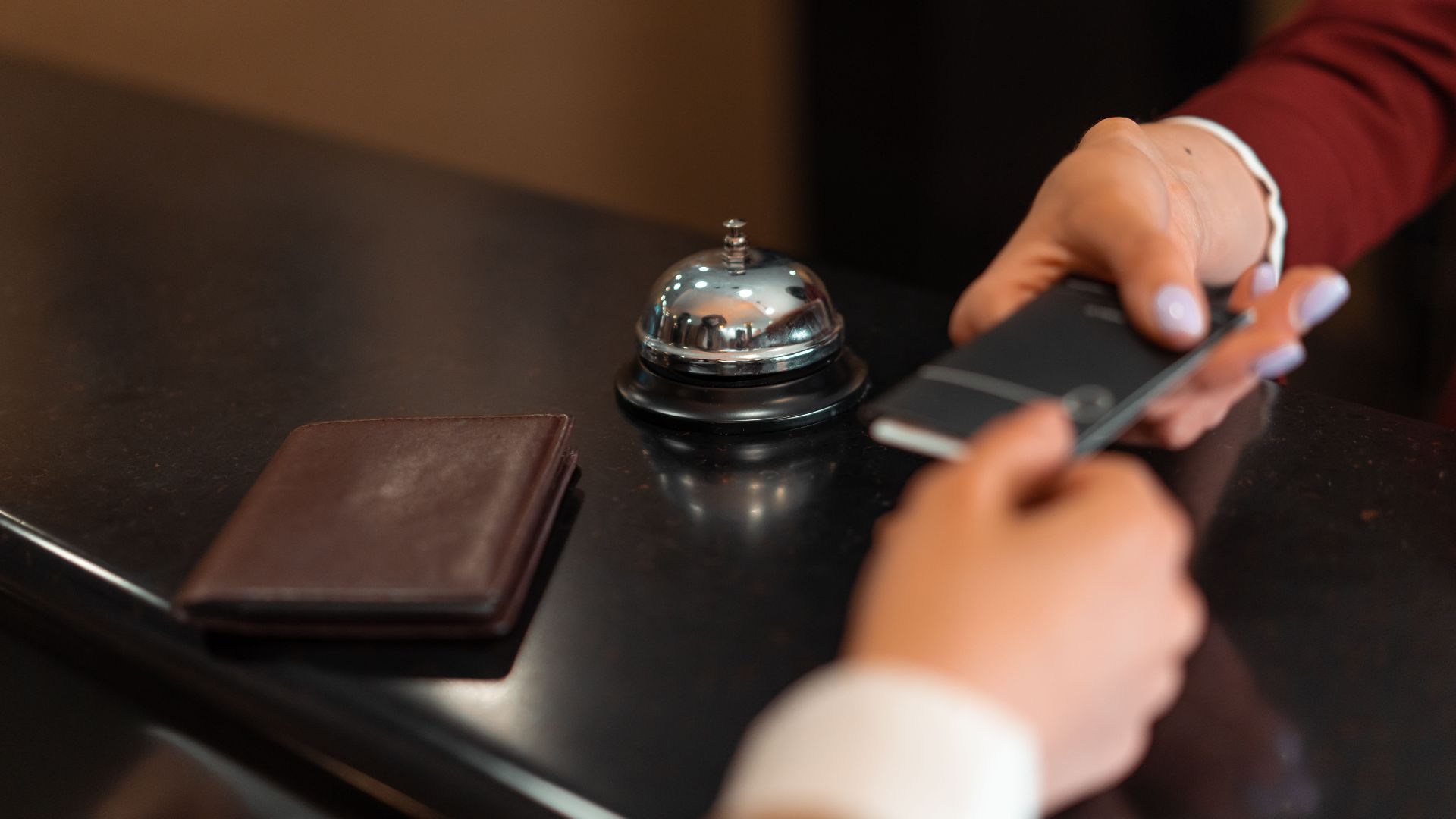
Traditional key cards are hardly perfect. They can disappear into bags, stop working, or become damaged. Mobile keys were designed partly to remove those frustrations. Still, replacing one imperfect system with another does not make sense unless the hotel keeps a dependable backup available.
Some Major Hotels Offer Backups
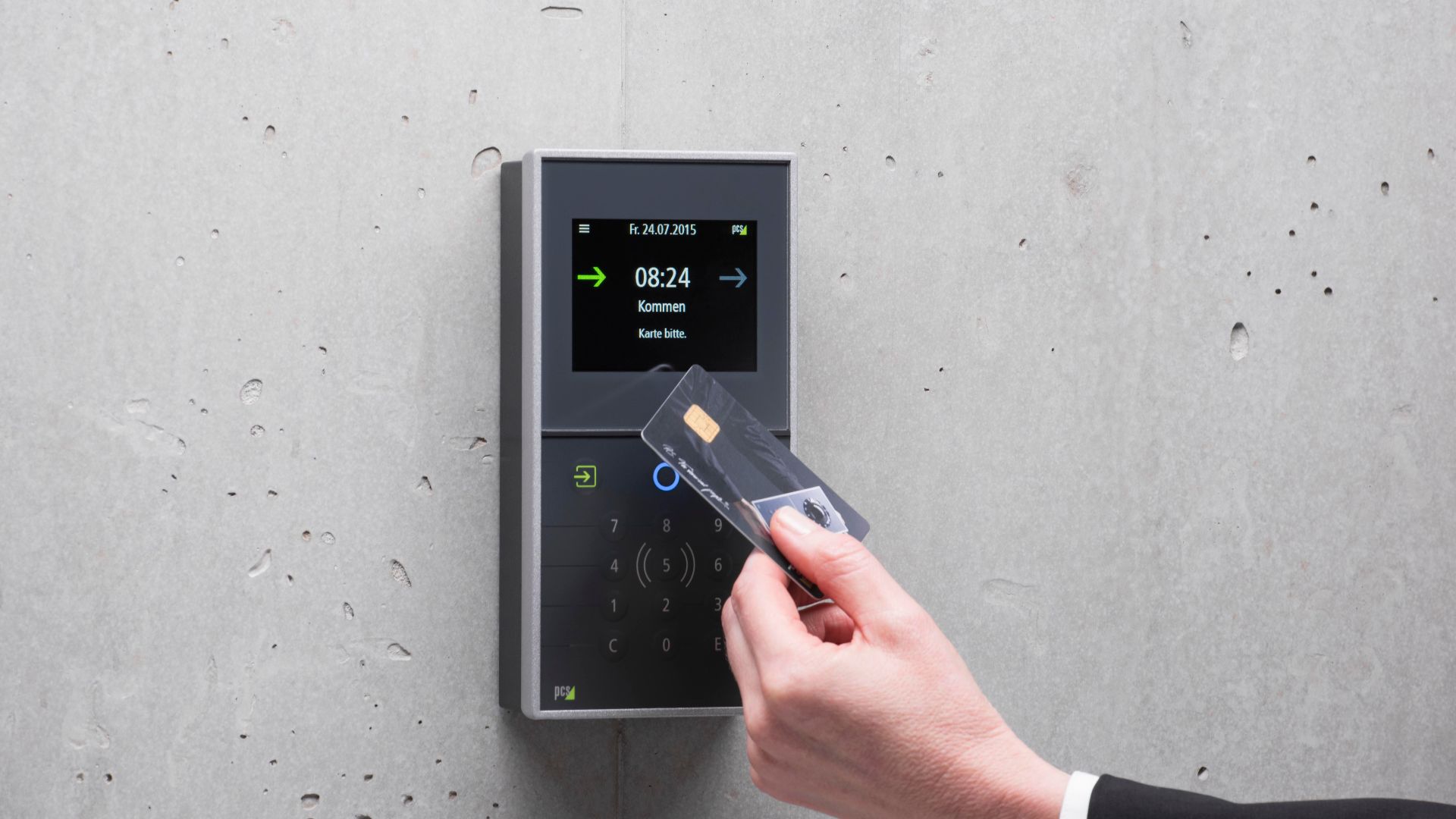
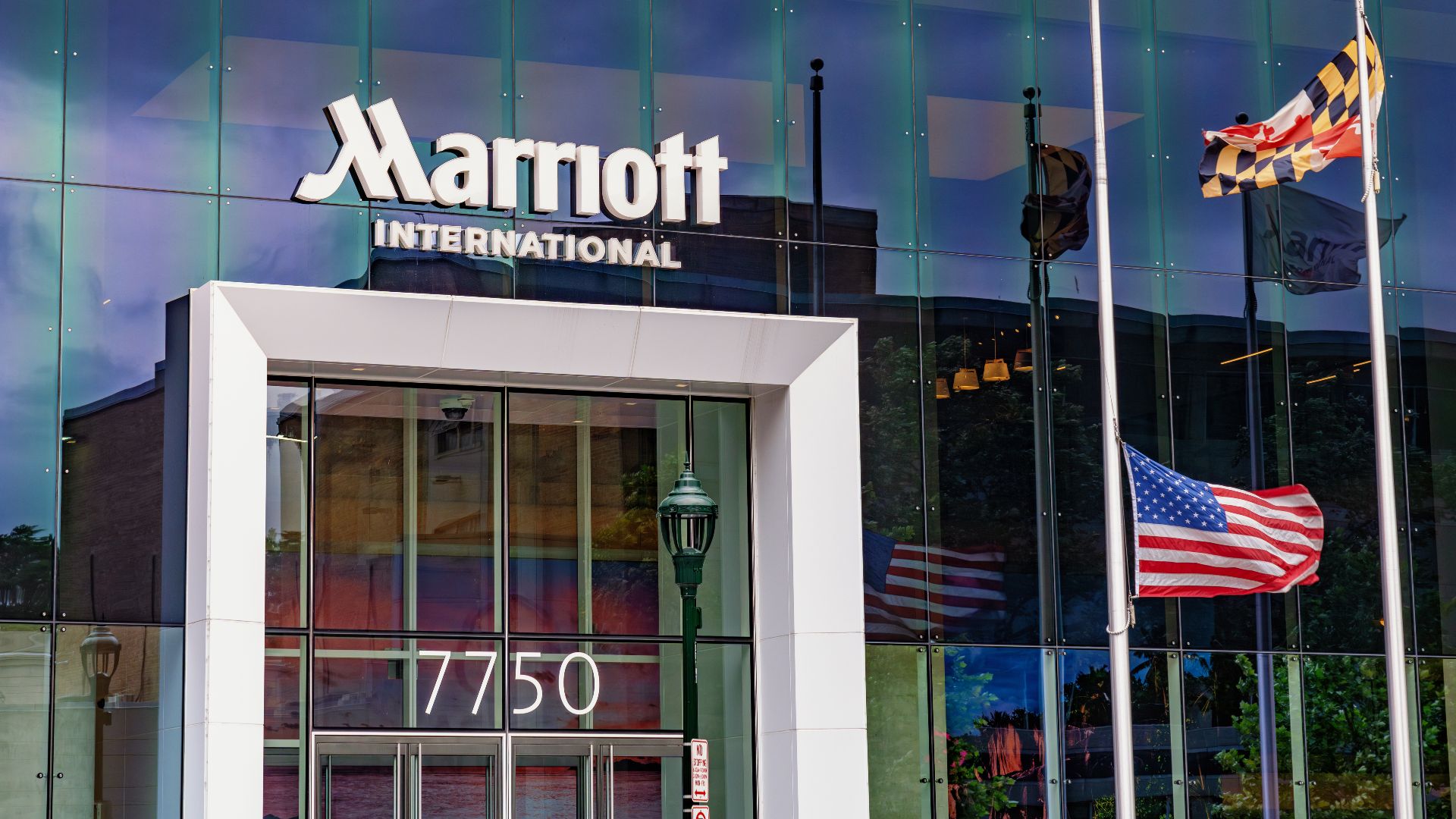
At least some large chains officially recognize the need for alternatives. Marriott says guests using Mobile Key can still request traditional physical key cards from the front desk at any time. That is exactly the kind of sensible fallback every mobile-key property should provide.
 Tony Webster, Wikimedia Commons
The Front Desk Still Matters
Hotels sometimes advertise mobile check-in as a way to avoid the desk completely. That can be wonderful after a tiring journey. However, the front desk remains essential when technology fails, reservations become confused, guests need identification verified, or somebody simply cannot open the door.

What If The Lobby Is Closed?
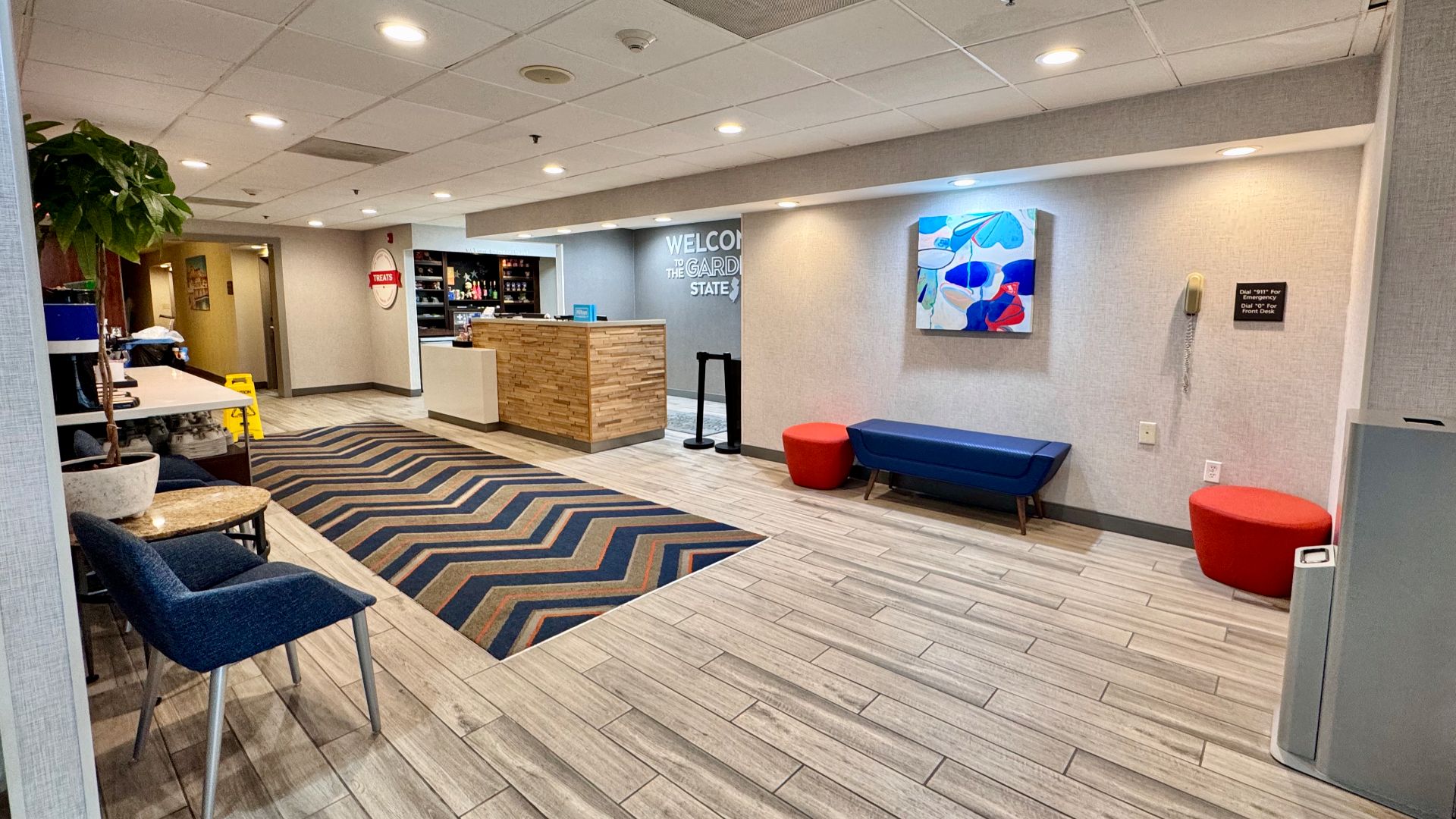
The situation becomes more serious at properties with limited staffing. A guest arriving late may encounter a locked lobby, an unattended desk, and instructions delivered entirely through an app. If the phone dies then, finding a human being may become harder than finding the actual hotel.
 Harrison Keely, Wikimedia Commons
Chargers Are Not A Complete Solution
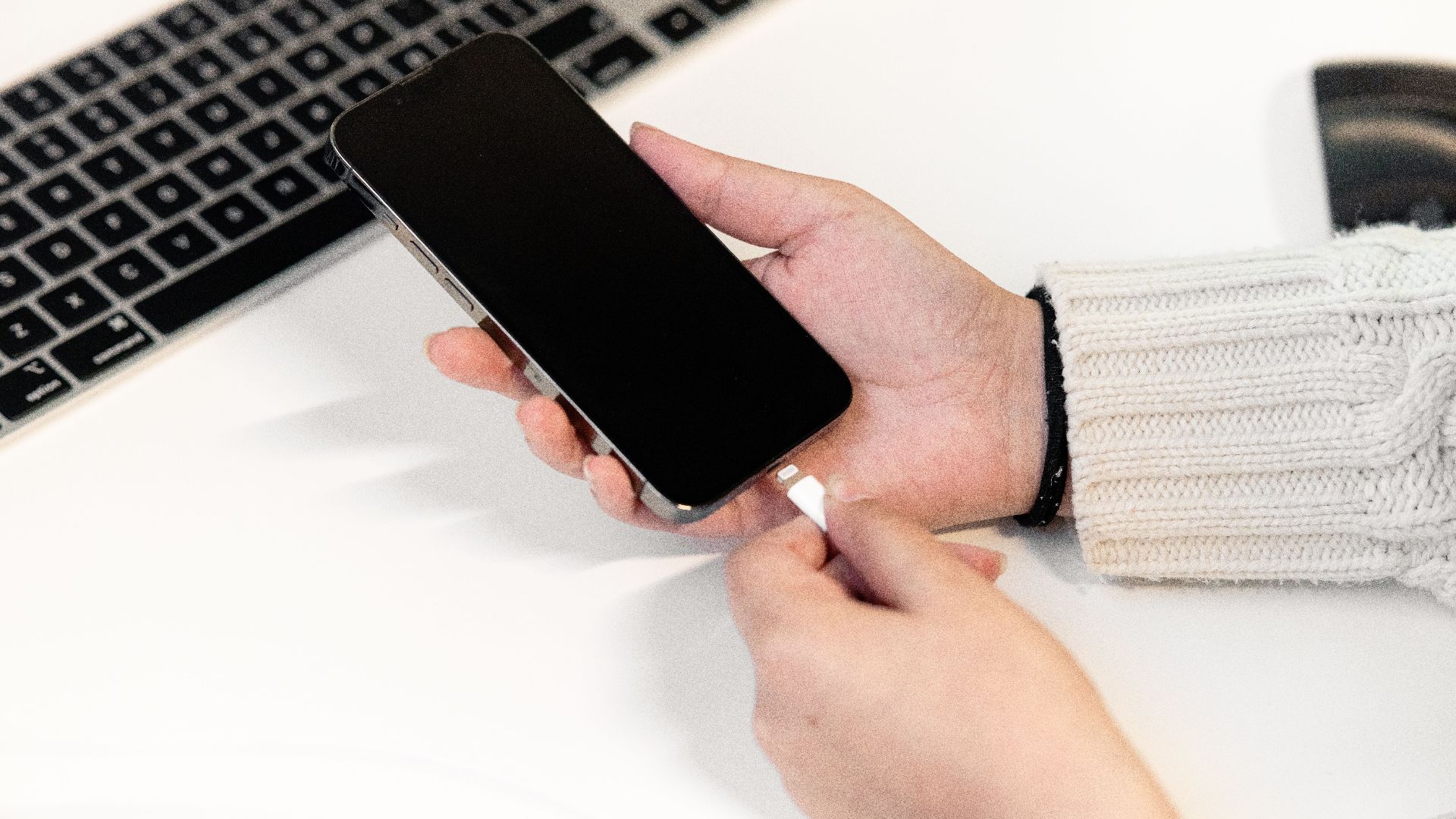
A hotel might offer to charge your phone, which is helpful but not ideal. You could be stuck in the lobby waiting while your belongings, medication, children, or travel companion remain upstairs. A temporary key card would solve the problem much faster and with far less frustration.
Charging Stations Should Still Exist
Even with physical keys available, modern hotels should provide charging options in the lobby. A few secure outlets, loaner cables, or charging lockers can rescue guests whose phones are needed for more than room access. It is a small amenity that can prevent a very large headache.
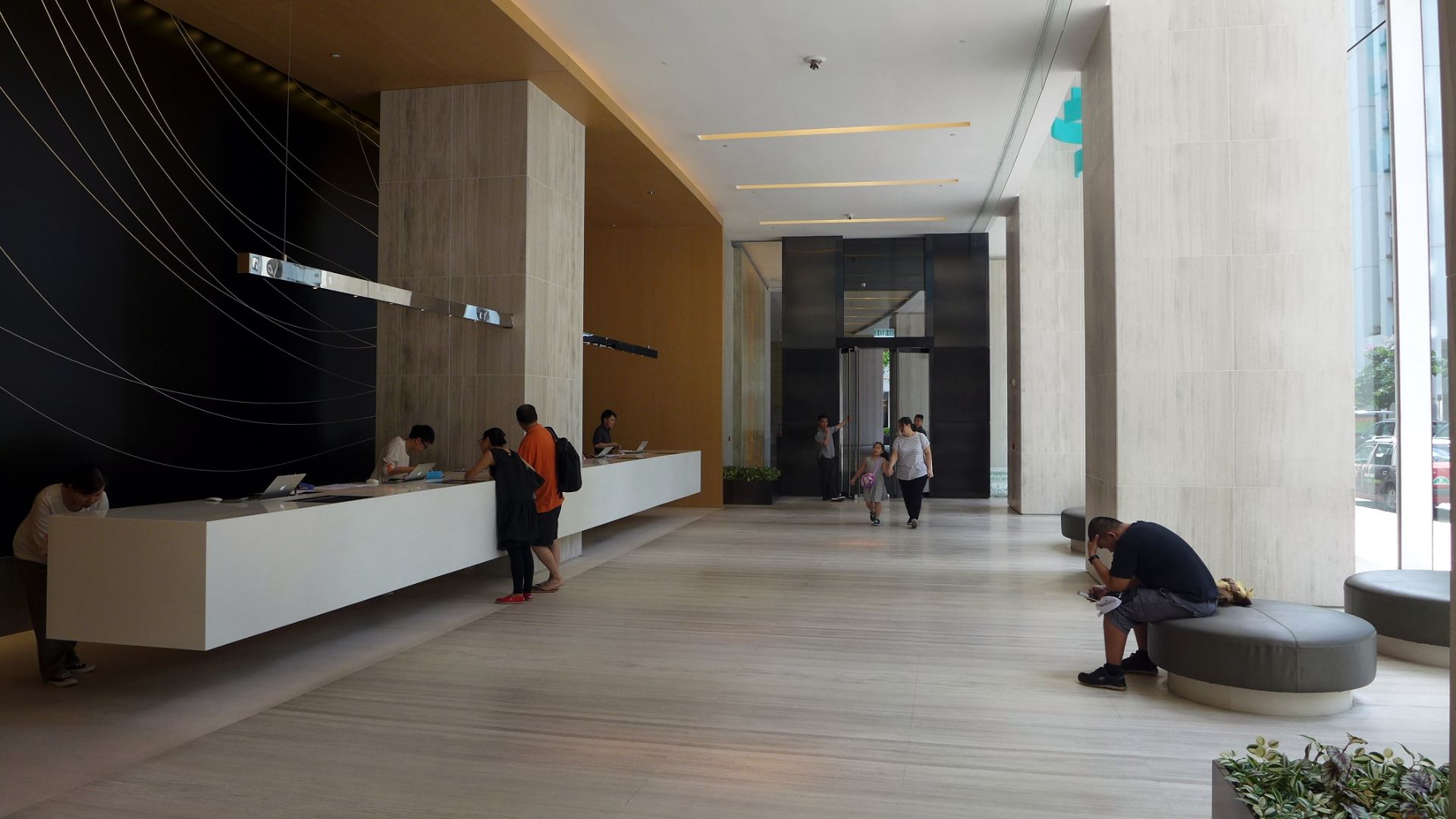
Not Everyone Owns The Right Phone
Mobile access can also exclude guests with older devices, incompatible operating systems, limited data plans, or no smartphone at all. Others may avoid downloading apps because of privacy concerns. A hotel should never assume every paying guest travels with the newest technology in their pocket.

Accessibility Deserves More Attention
Technology that feels effortless to one traveler may be difficult for another. Guests with visual, physical, or cognitive disabilities may struggle with small buttons, complicated verification steps, or inconsistent app layouts. Accessible hospitality requires more than announcing that a feature is modern and contactless.

International Travelers Face Extra Hurdles
Visitors from abroad may keep their phones in airplane mode to avoid roaming charges. Their app store may be registered in another country, or authentication messages may be sent to a number that no longer works overseas. A plastic key suddenly looks wonderfully uncomplicated.

Apps Sometimes Refuse To Cooperate
Even a fully charged phone can fail as a room key. Bluetooth may disconnect, permissions may change, or the hotel app may repeatedly ask the guest to sign in. Mobile-entry providers themselves acknowledge that a smooth experience depends heavily on reliable software and compatible systems.

Hotel Wi-Fi Can Complicate Matters
Guests are often told to connect to hotel Wi-Fi, only to encounter a login page demanding their room number before they can access the room. That creates a wonderfully absurd circle: you need the internet to retrieve the key, but you need the room to access the internet.

Security Still Requires Identification
When issuing a replacement card, the hotel should verify the guest’s identity rather than handing over access to anyone who knows a room number. That may feel inconvenient, but it protects travelers. The solution is not weaker security. It is a clear, quick, well-trained backup procedure.

Staff Need Proper Training
A fallback system is useless when employees do not know how to use it. Every shift should include someone authorized to verify the reservation, issue a physical key, operate emergency access, and explain the problem calmly. Guests should not be treated like troublemakers because the hotel’s technology failed.
 KONSTANTIN_SHISHKIN, Shutterstock
The Hotel Should Explain The System
Properties relying heavily on mobile keys should warn guests before arrival. The confirmation email should explain the app requirements, phone compatibility, Bluetooth settings, internet needs, and physical-key options. Discovering all of this outside your locked room is far too late.
Keep Proof Of Your Reservation
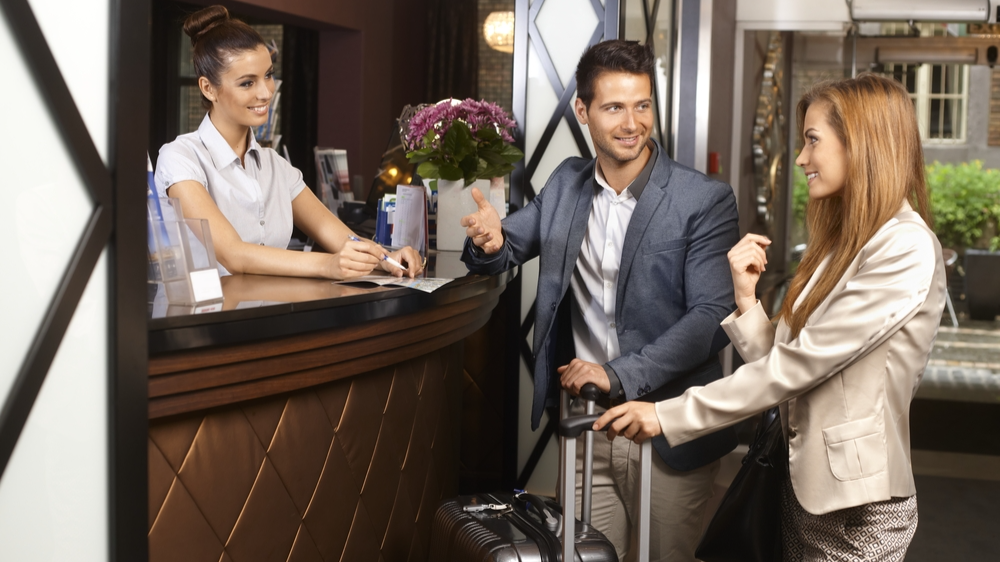
Travelers should save a screenshot of the confirmation number and hotel address before leaving home. Carrying photo identification and the payment card used for booking can also speed up verification. These steps should not be necessary to overcome bad systems, but they can make the rescue easier.

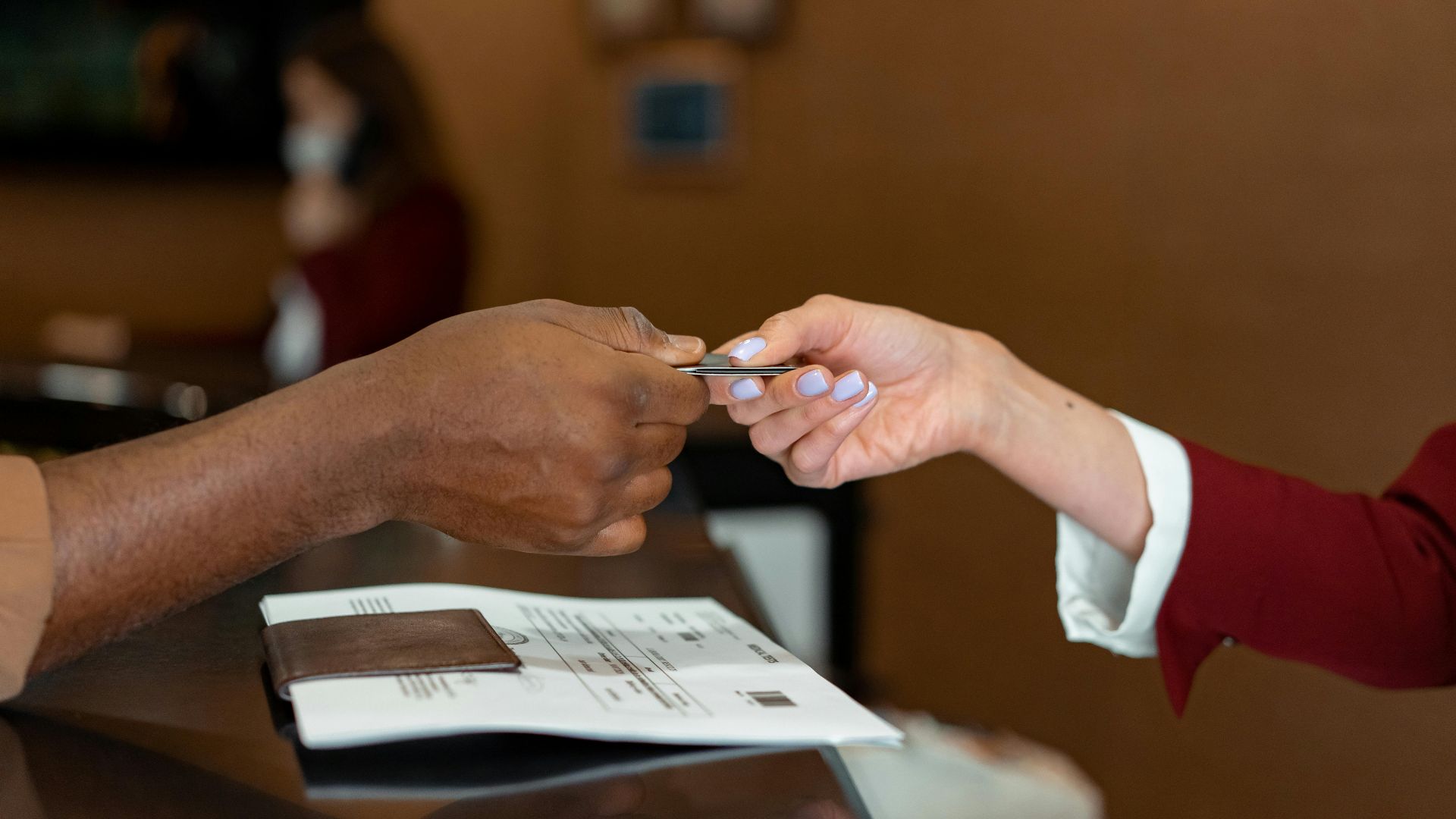
Ask For A Card At Check-In
Even when you plan to use the mobile key, requesting a physical card is reasonable. Keep it in your wallet, purse, or passport holder rather than beside the phone. Think of it as a spare tire: you hope not to use it, but appreciate it when something goes wrong.
Carry A Small Power Bank
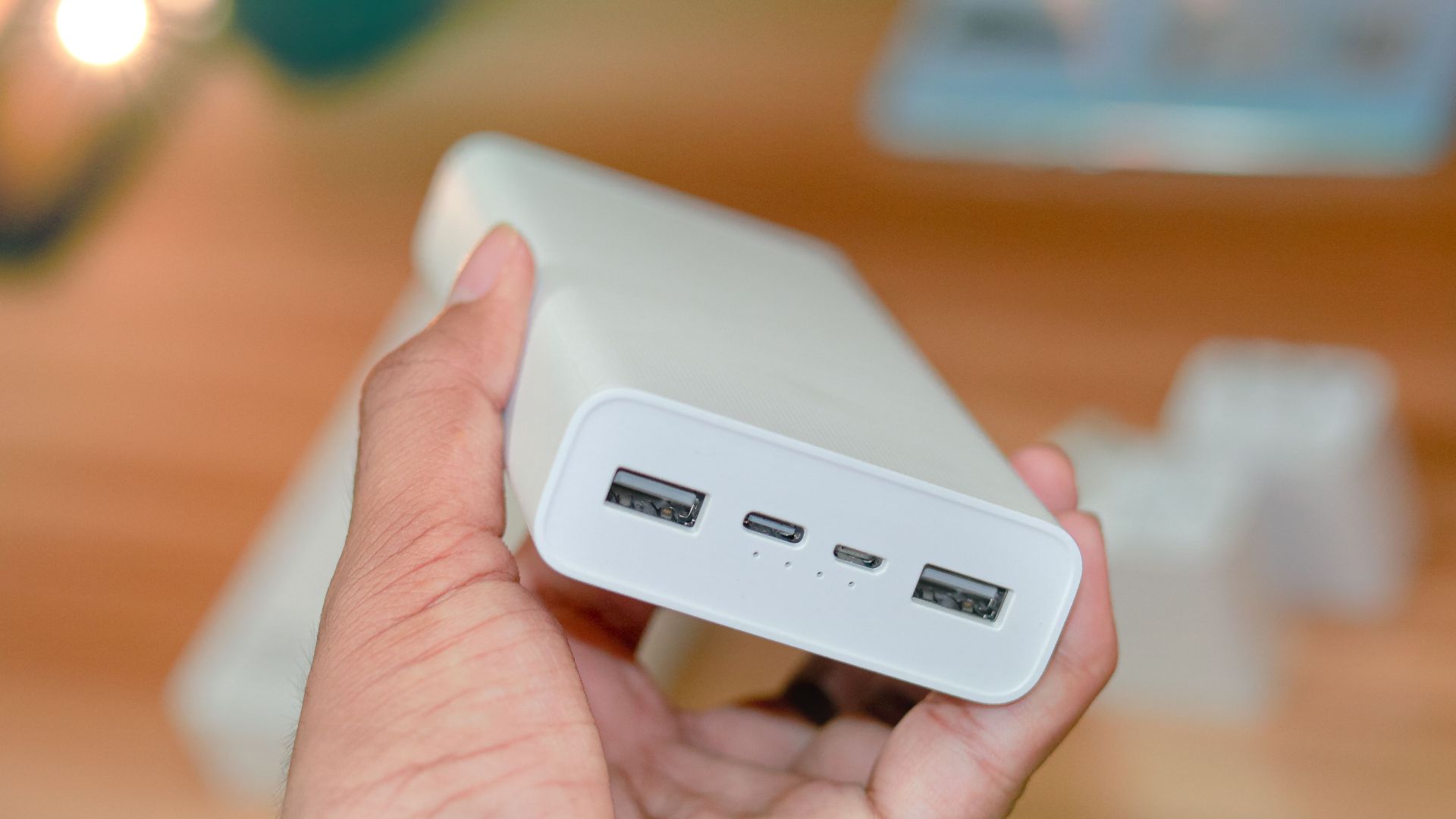
A compact portable charger can save the day, especially during long travel stretches. Remember to charge the power bank itself before leaving, which is the detail people tend to forget. A powerless battery pack is merely a surprisingly heavy object taking up space in your bag.
What Should You Do Immediately?
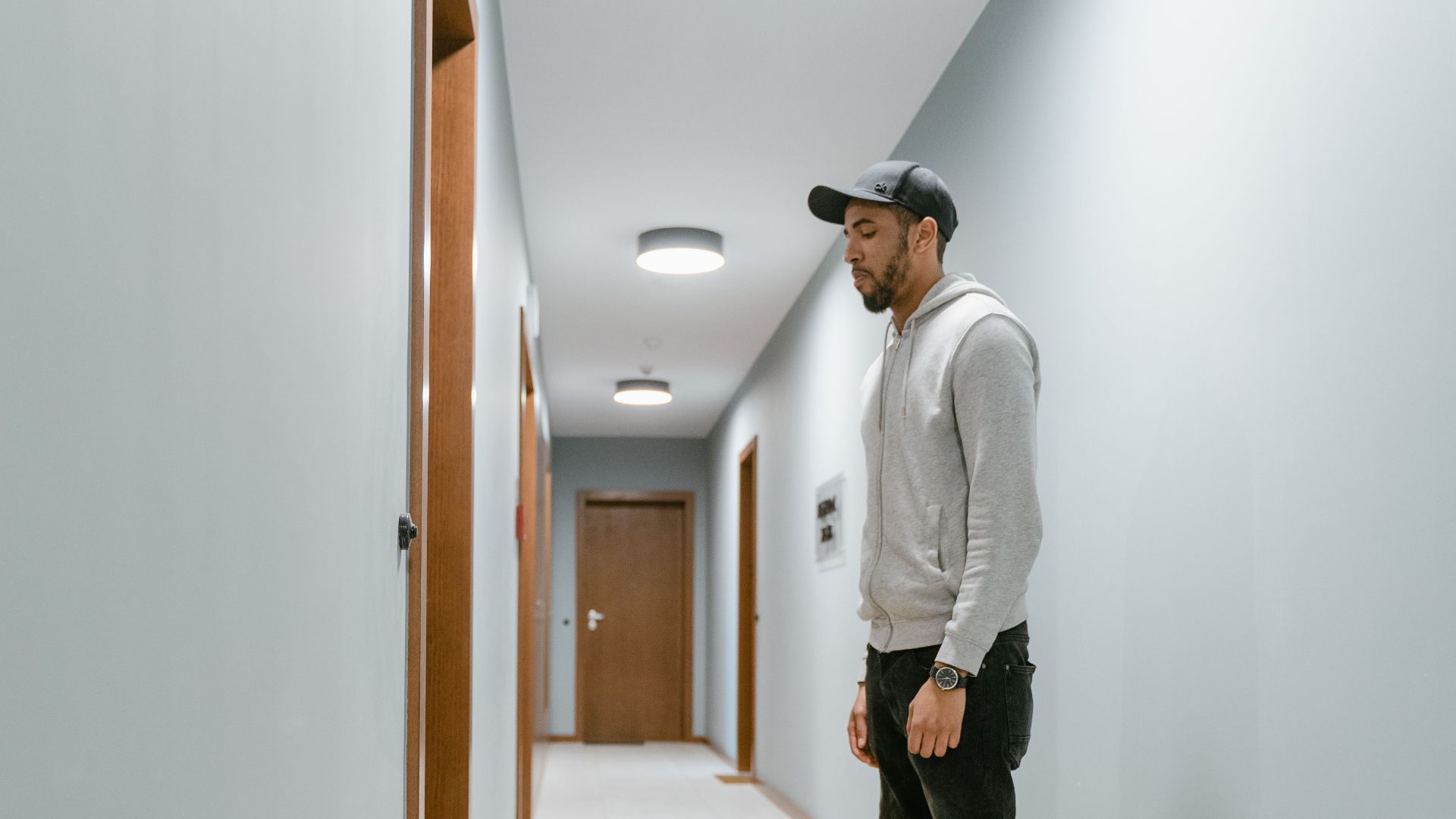
Return to the front desk or contact hotel staff using a lobby phone. Explain that your mobile key is inaccessible and request a physical card. Be prepared to show identification. If the desk is unattended, use the hotel’s emergency contact number or assistance button rather than forcing the door.
Should You Receive Compensation?
A brief inconvenience may only justify an apology. However, if the hotel left you locked out for a long period, forced you to miss plans, separated you from essential medication, or offered no workable alternative, requesting a fee adjustment, points, or another remedy would be perfectly reasonable.
 Andri150283, Wikimedia Commons
Put Your Complaint In Writing
If staff cannot resolve the problem, send a concise email to hotel management or the brand’s customer service department. Include the date, approximate times, employee responses, and any expenses. Focus on the lack of backup access, not simply the fact that your battery died.

Convenience Requires A Backup Plan
Mobile keys can be fast, secure, and useful. They can also eliminate demagnetized cards and shorten check-in lines. But good technology should reduce problems rather than shift responsibility onto guests. A hotel adopting digital access must plan for dead phones, broken apps, and unreliable connections.
Your Hotel Should Have Thought Of That
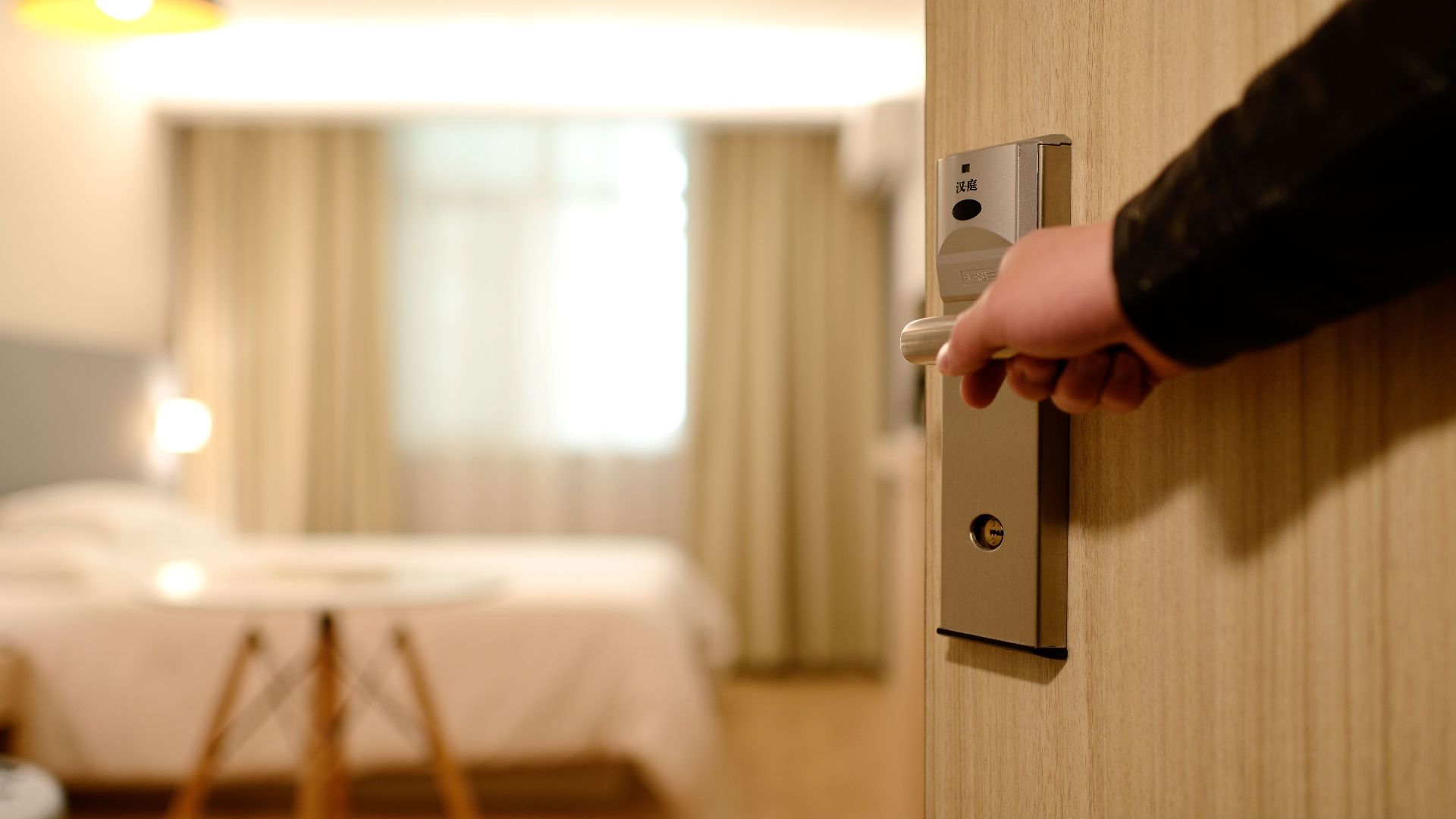
Yes, the hotel should have anticipated your phone dying. Guests should take sensible precautions, but access to a paid room cannot reasonably depend on one battery-powered device. The best system is not purely digital or purely physical. It is the one that still works when something fails.

You May Also Like:
Airlines Baby Boomers Thought Would Last Forever—Now No One Born After 2000 Has Even Heard Of Them