
When Your GPS Sends You Somewhere It Really Shouldn’t
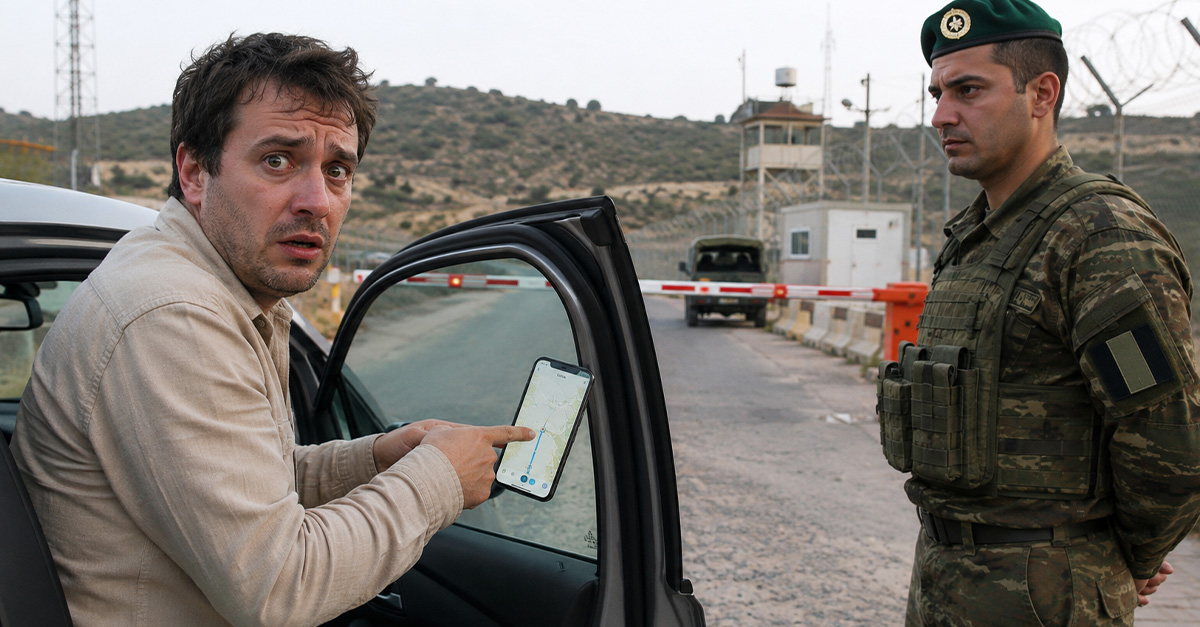
There are few travel moments more stomach-dropping than realizing your GPS has confidently led you somewhere you are absolutely not supposed to be. One minute you are following the calm little blue line. The next, you are staring at guards, gates, warning signs, or a very unimpressed local official.
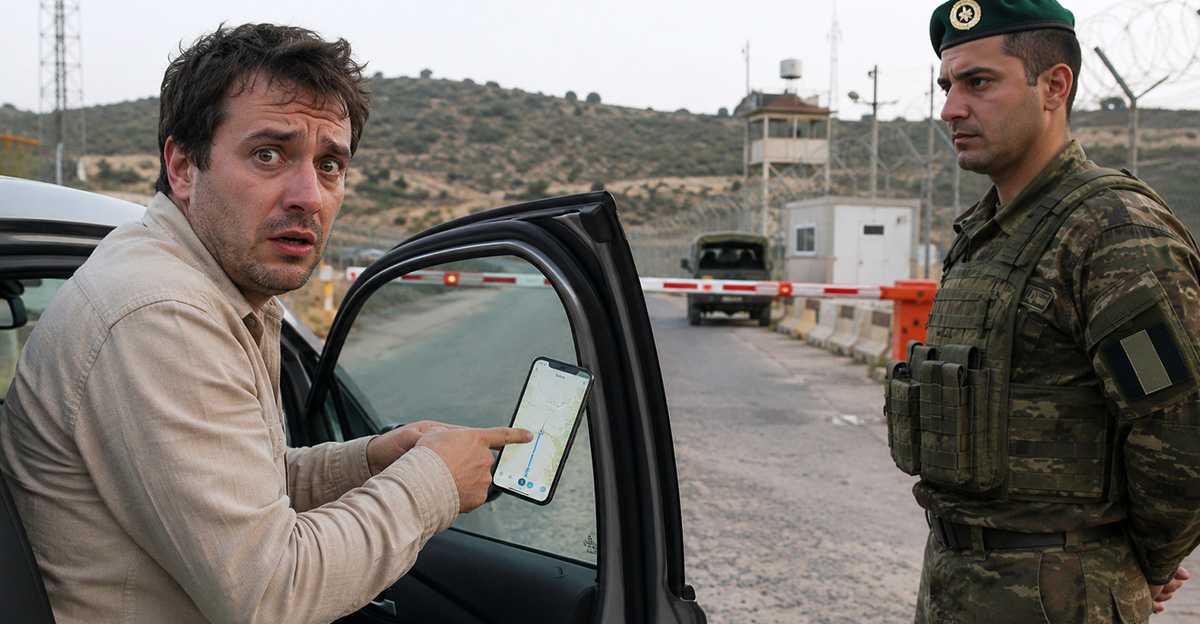
The App Said Turn Left, So You Did
It is easy to feel betrayed. You were not trying to sneak into a restricted zone. You were just following directions, probably while also dealing with unfamiliar road signs, roundabouts, rental car nerves, and maybe a passenger who kept saying, “Are you sure this is right?”

So, Who Is Actually Responsible?
The frustrating answer is: probably not just one party. GPS companies have a role to play, especially when their apps route travelers into known trouble spots. But drivers still have responsibility too, because local laws do not disappear just because a navigation app had a bad day.
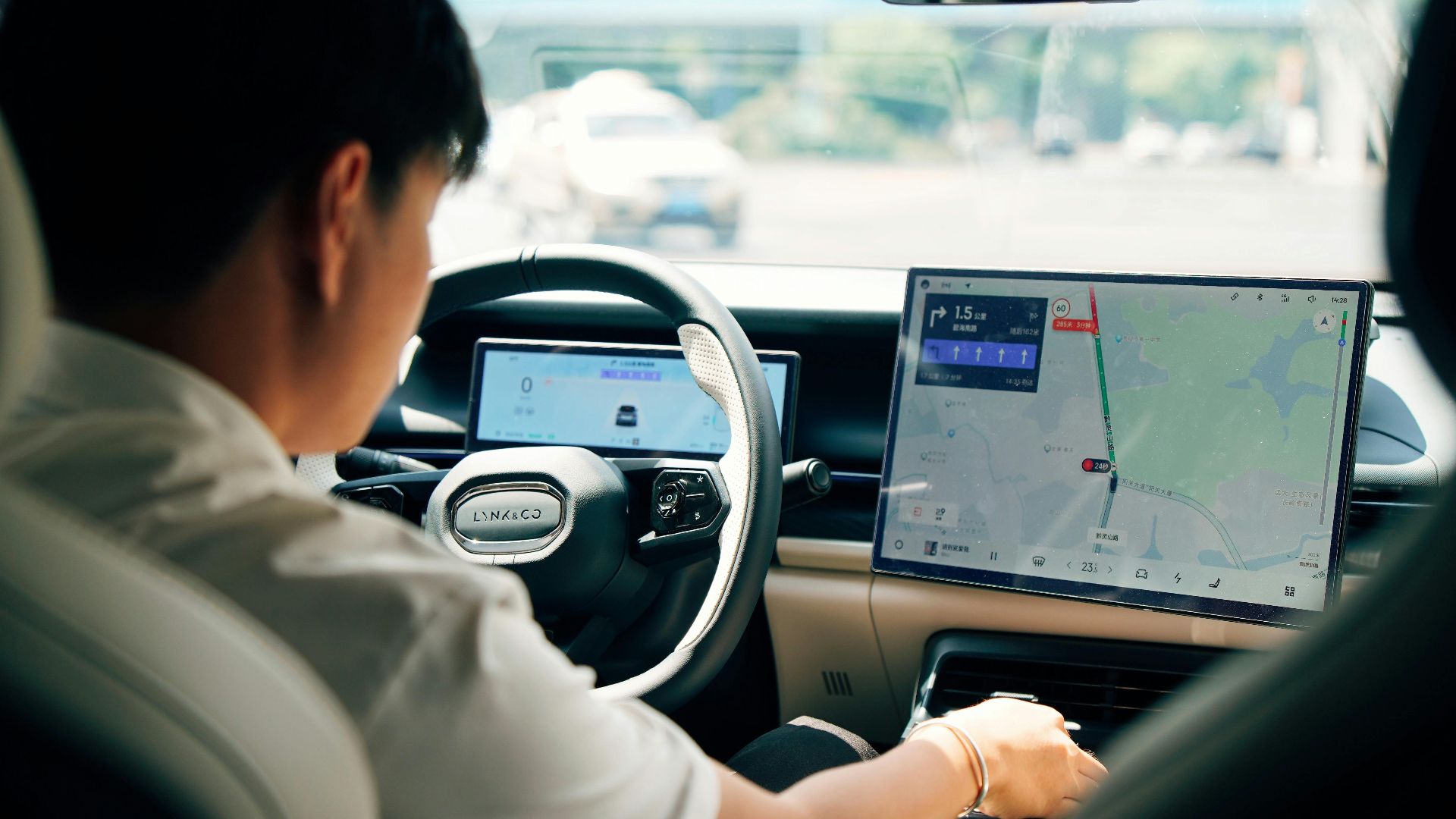
GPS Is Brilliant, But Not All-Knowing
Navigation apps feel magical until they are not. They can predict traffic, find gas stations, and rescue you from maze-like city streets. But they cannot always understand every local restriction, temporary closure, military boundary, private access road, or security-sensitive area in real time.
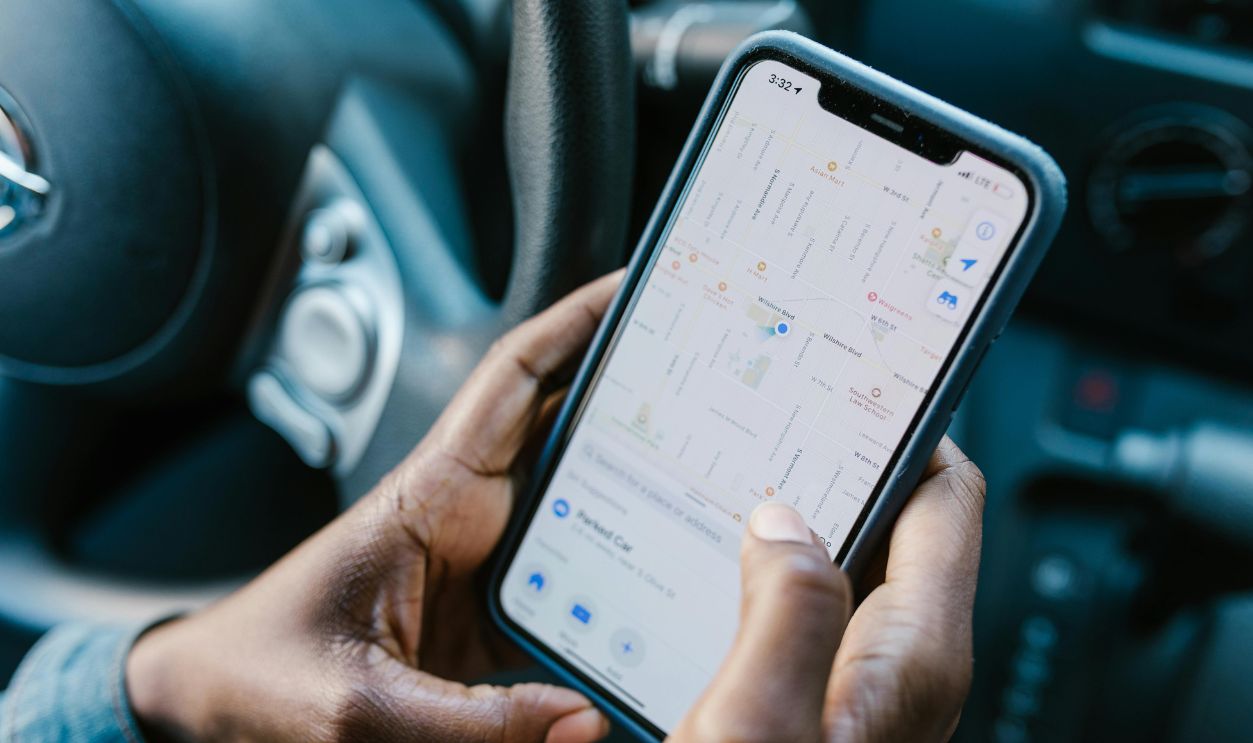
Some Restricted Areas Look Shockingly Normal
This is where things get tricky. Not every restricted area looks like a movie scene with floodlights and barbed wire. Sometimes it is just a paved road, a quiet turnoff, or a gate that appears after you have already committed to the route.
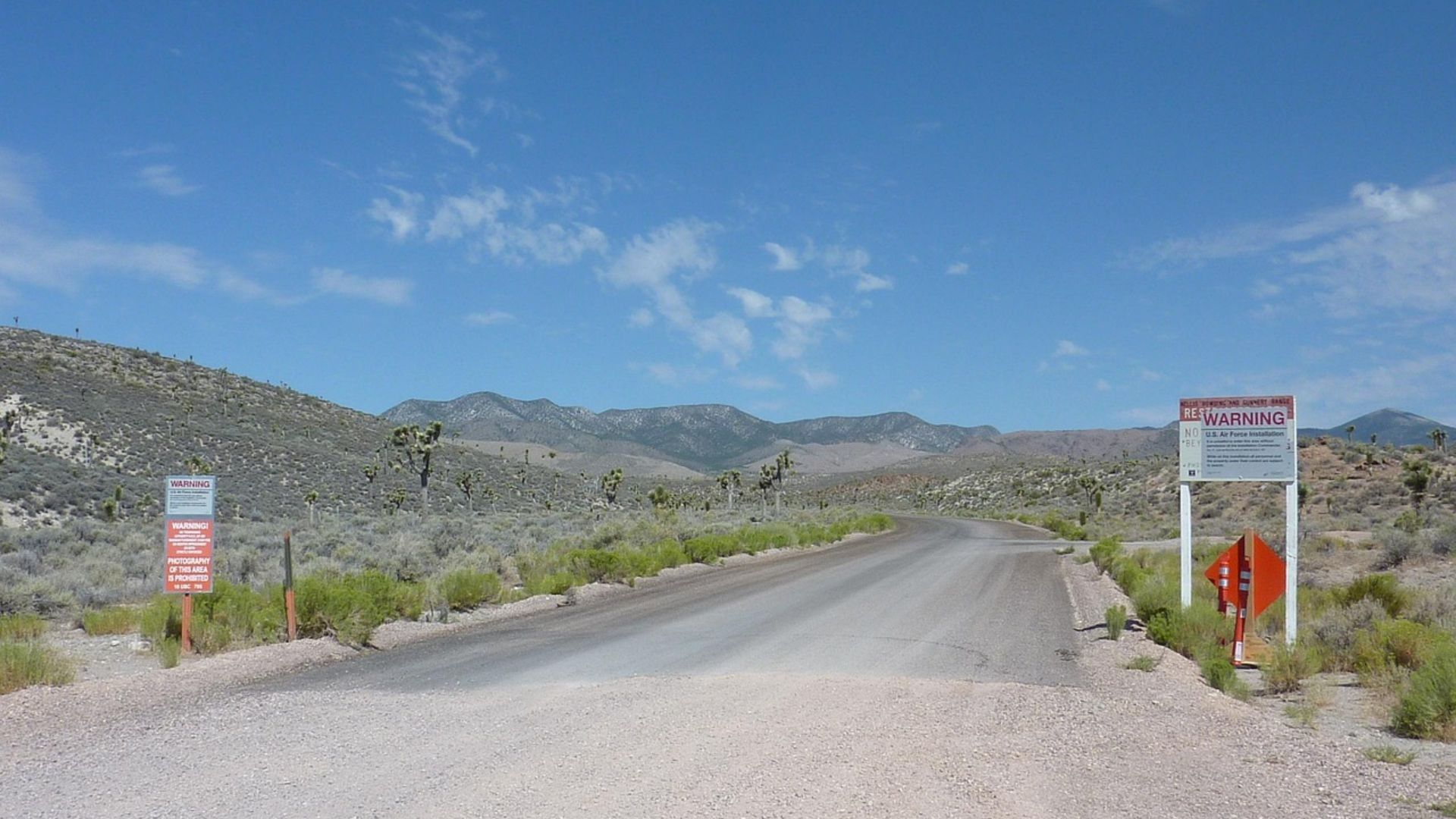
Signs Are Not Always Tourist-Friendly
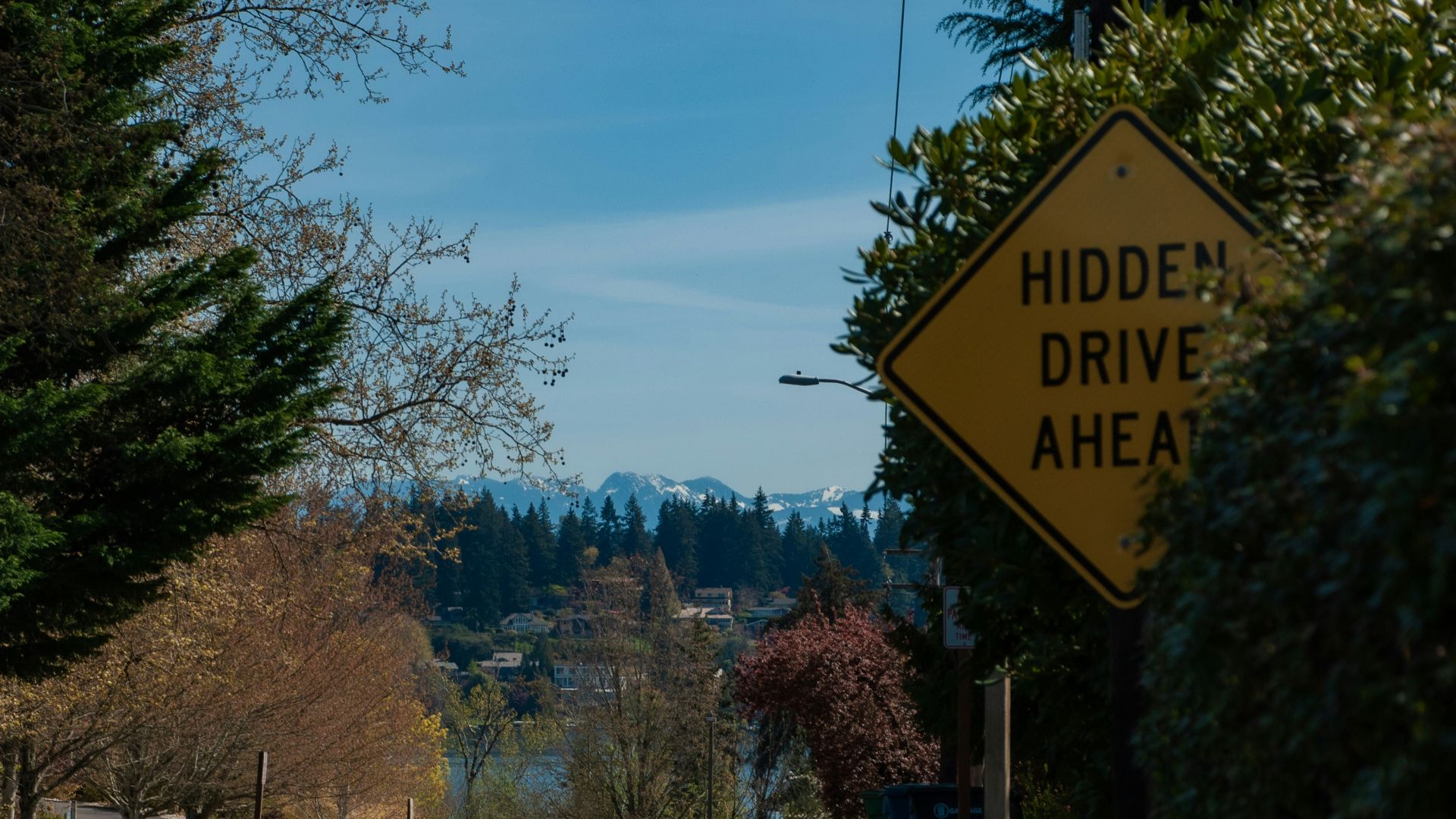
In an ideal world, every warning sign would be huge, clear, multilingual, and impossible to miss. In the real world, signs may be small, faded, hidden behind trees, written only in the local language, or placed after the point where a nervous tourist should have turned around.
Maps Can Be Behind Reality
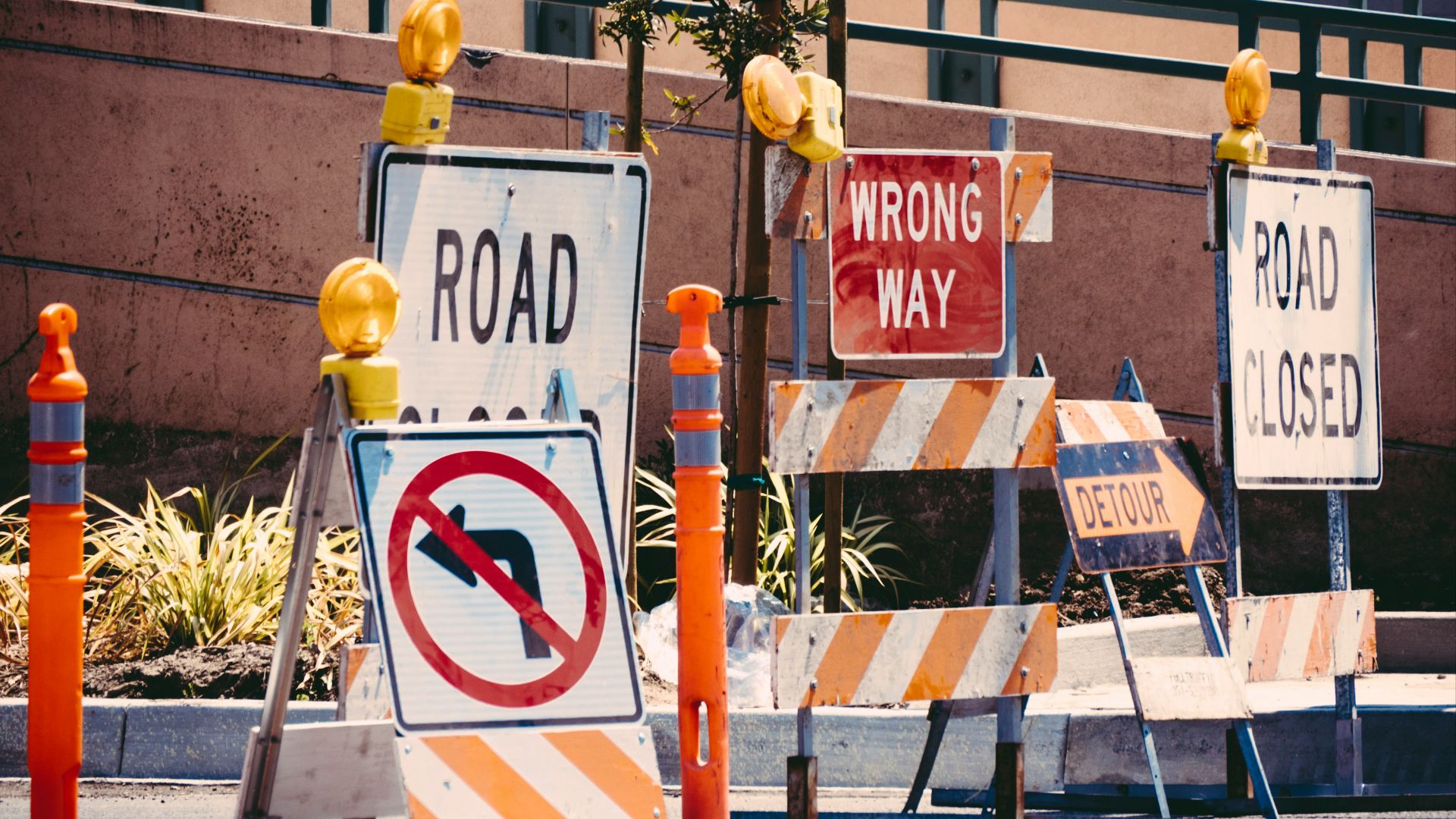
Road data is always playing catch-up with the real world. A road may close, a checkpoint may move, or an area may become restricted before the change appears in your app. Maps are constantly updated, but “constantly” does not always mean “before your rental car gets there.”
Private Roads Can Fool Everyone
Some roads look public because they connect neatly to normal streets. But they may belong to an airport, port, factory, military site, royal estate, mine, or protected government facility. Your phone sees a road. The authorities see someone entering a place they should not be.
Local Law Gets The Final Say
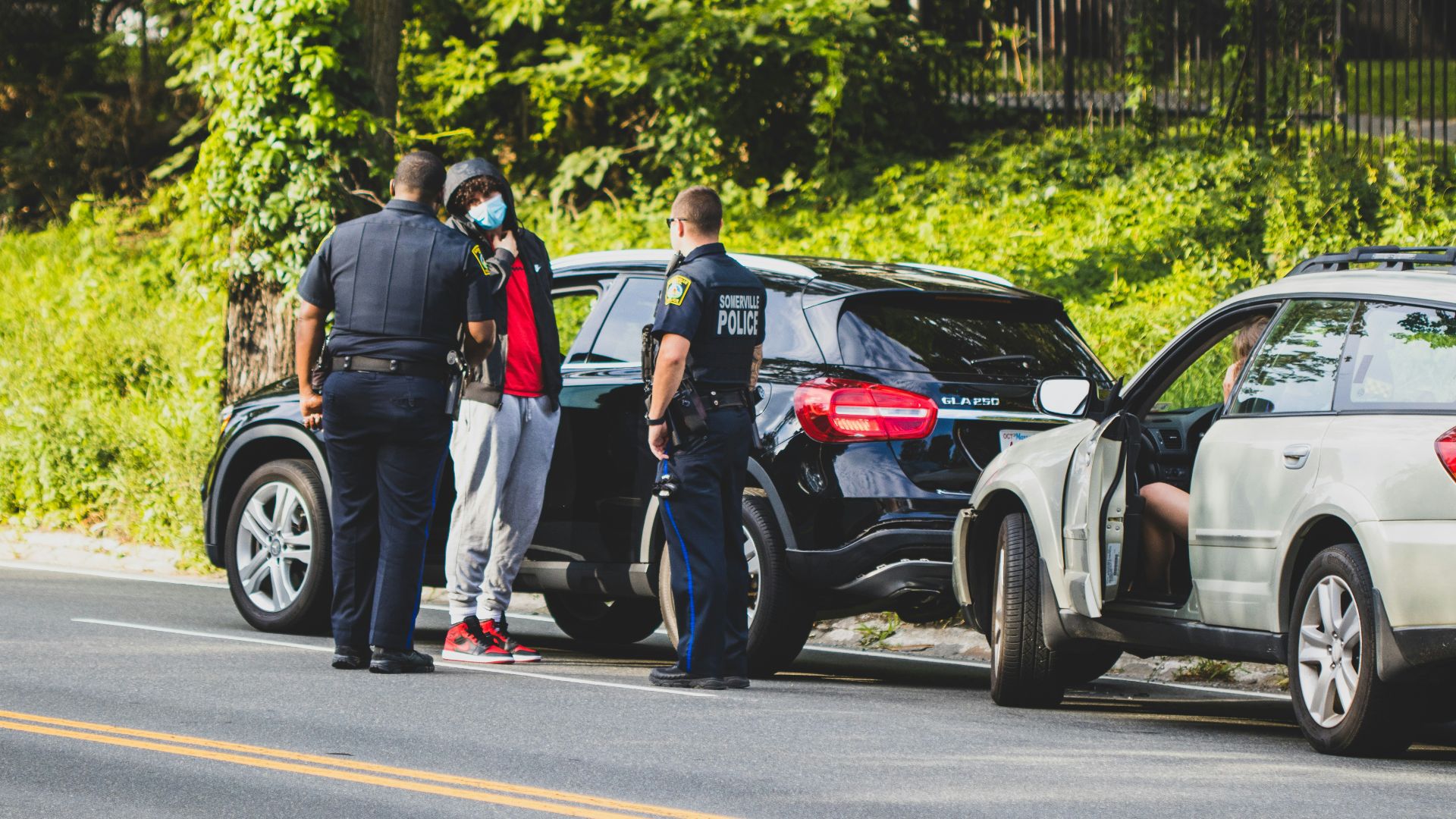
“I was following GPS” may explain what happened, and it may make you sound less suspicious, but it is not a magic legal shield. Depending on the country and the location, authorities may still question you, fine you, turn you around, or take the mistake seriously.
Tourists Are Especially Vulnerable
Driving overseas already takes extra brainpower. You are watching for unfamiliar signs, different lane rules, strange intersections, and local driving habits that may feel like organized chaos. Add a confident GPS voice into the mix, and it is very easy to trust the phone too much.
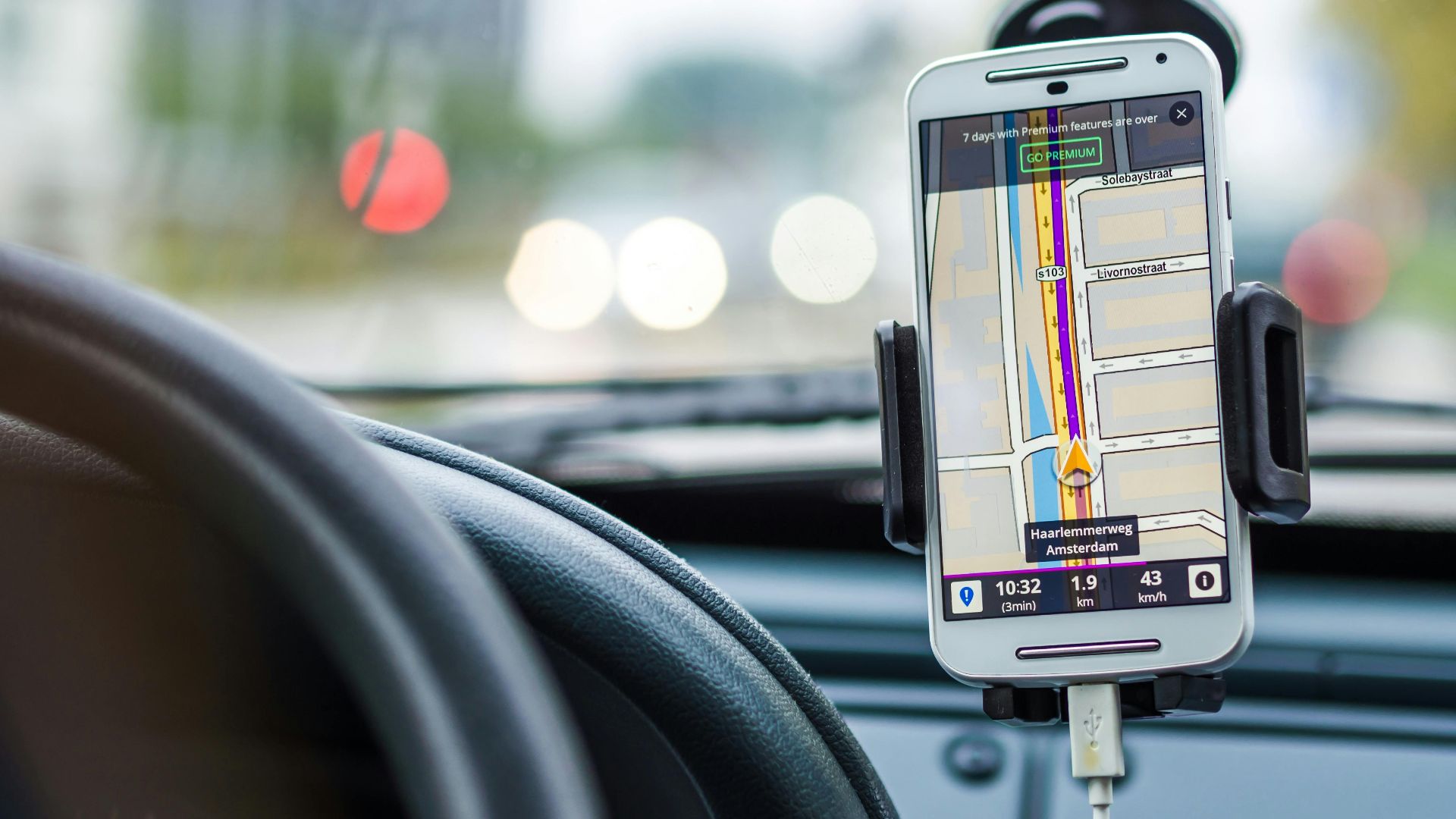
GPS Companies Do Try To Fix This
To be fair, mapping companies are not sitting around hoping tourists meet angry border guards. They collect reports, update road access, mark closures, and add warnings when they can. The problem is that the world is huge, complicated, and very bad at staying neatly mapped.
 National Cancer Institute, Unsplash
But They Cannot Know Everything Instantly
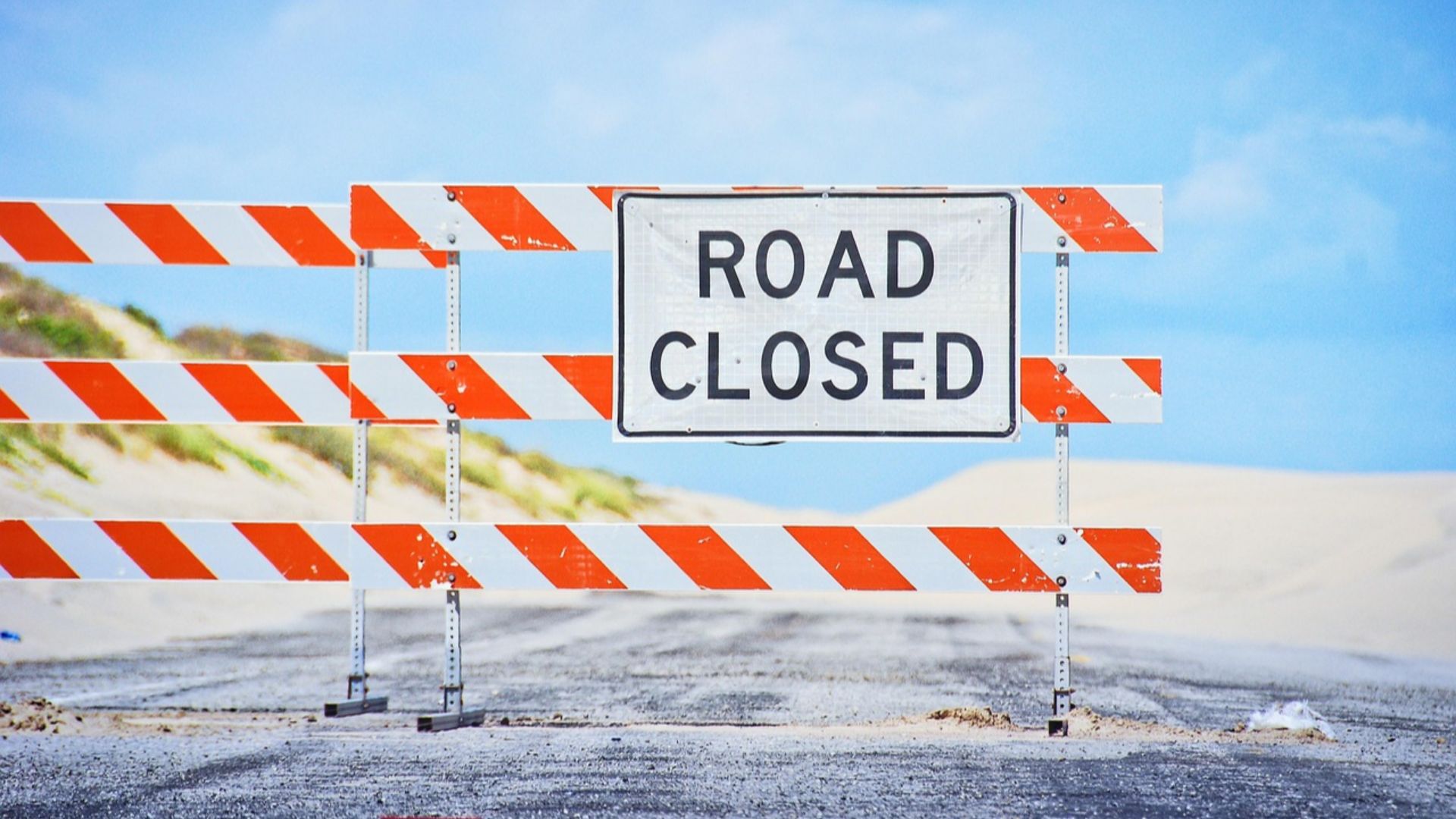
A temporary security zone can appear overnight. A road can close for a military exercise, protest, VIP visit, festival, storm, or construction project. By the time the change is reported, checked, processed, and pushed into the app, someone may already be making the wrong turn.
Governments May Not Share Sensitive Details
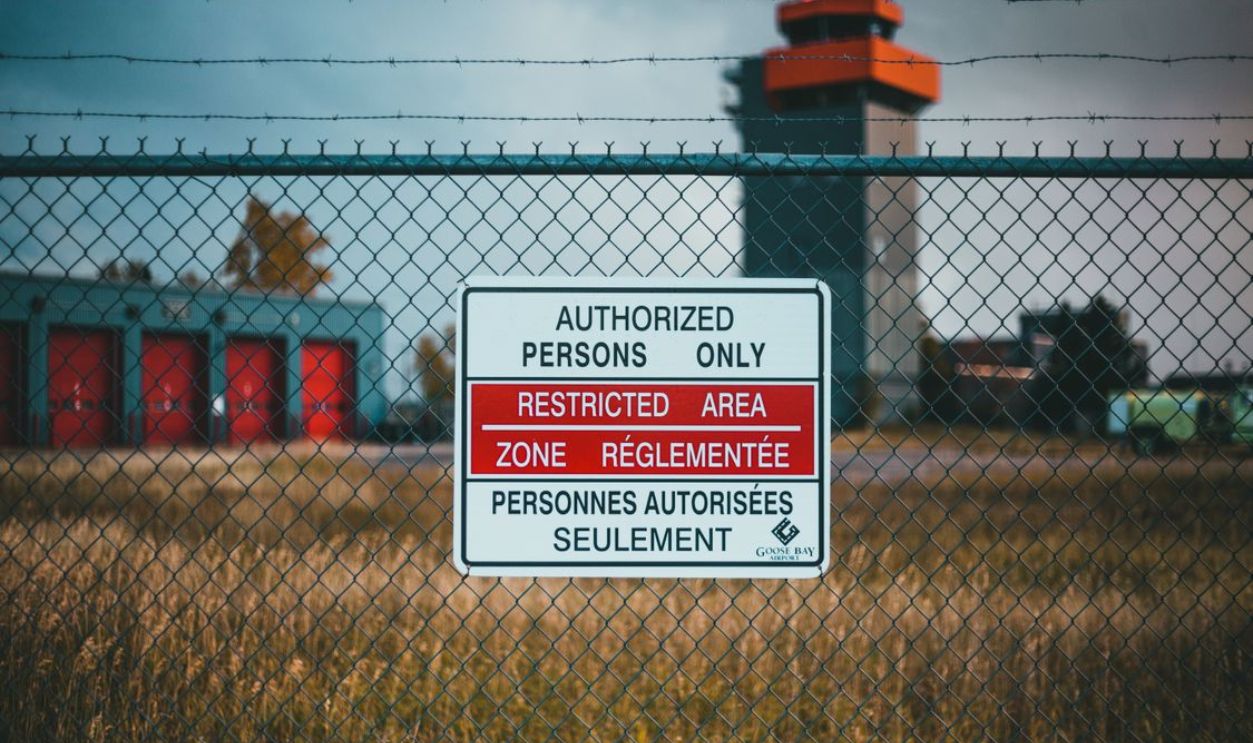
There is another wrinkle: some restricted zones are restricted because they are sensitive. Governments may not publish exact digital boundaries of military sites, border areas, or security facilities. If the data is vague, missing, or deliberately limited, GPS companies have less to work with.
Still, Apps Could Do Better
Travelers are right to expect better warnings. If an area is known to cause problems, a navigation app should flag it clearly. A simple “restricted access possible” alert could save tourists, authorities, and rental car companies a lot of stress and awkward translation-app conversations.
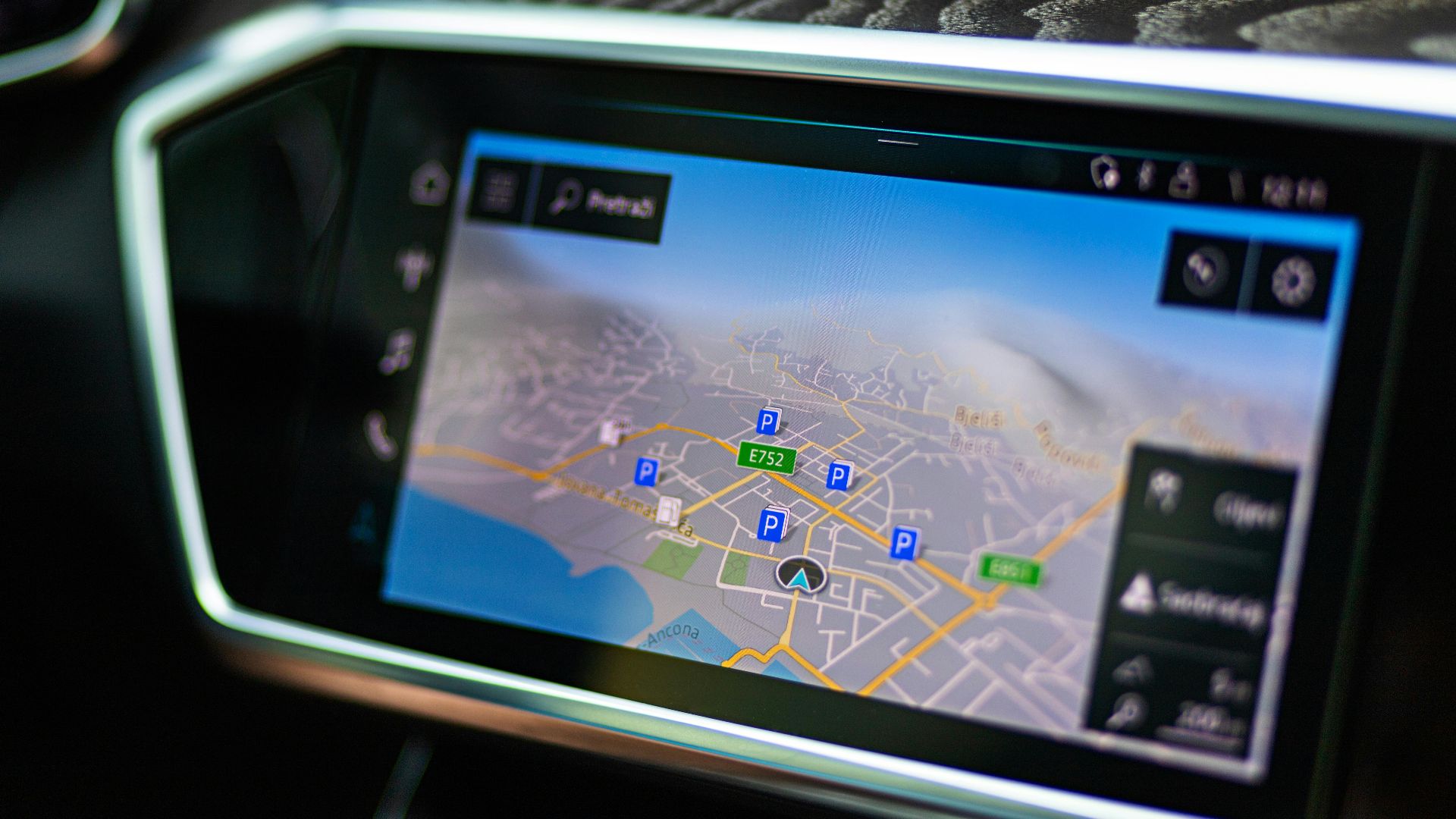
Your Eyes Still Beat The Screen
The best travel rule is boring but useful: never let the map overrule what is directly in front of you. If you see a gate, guardhouse, barrier, warning sign, checkpoint, cameras, or a road that suddenly feels official, slow down and rethink the route.
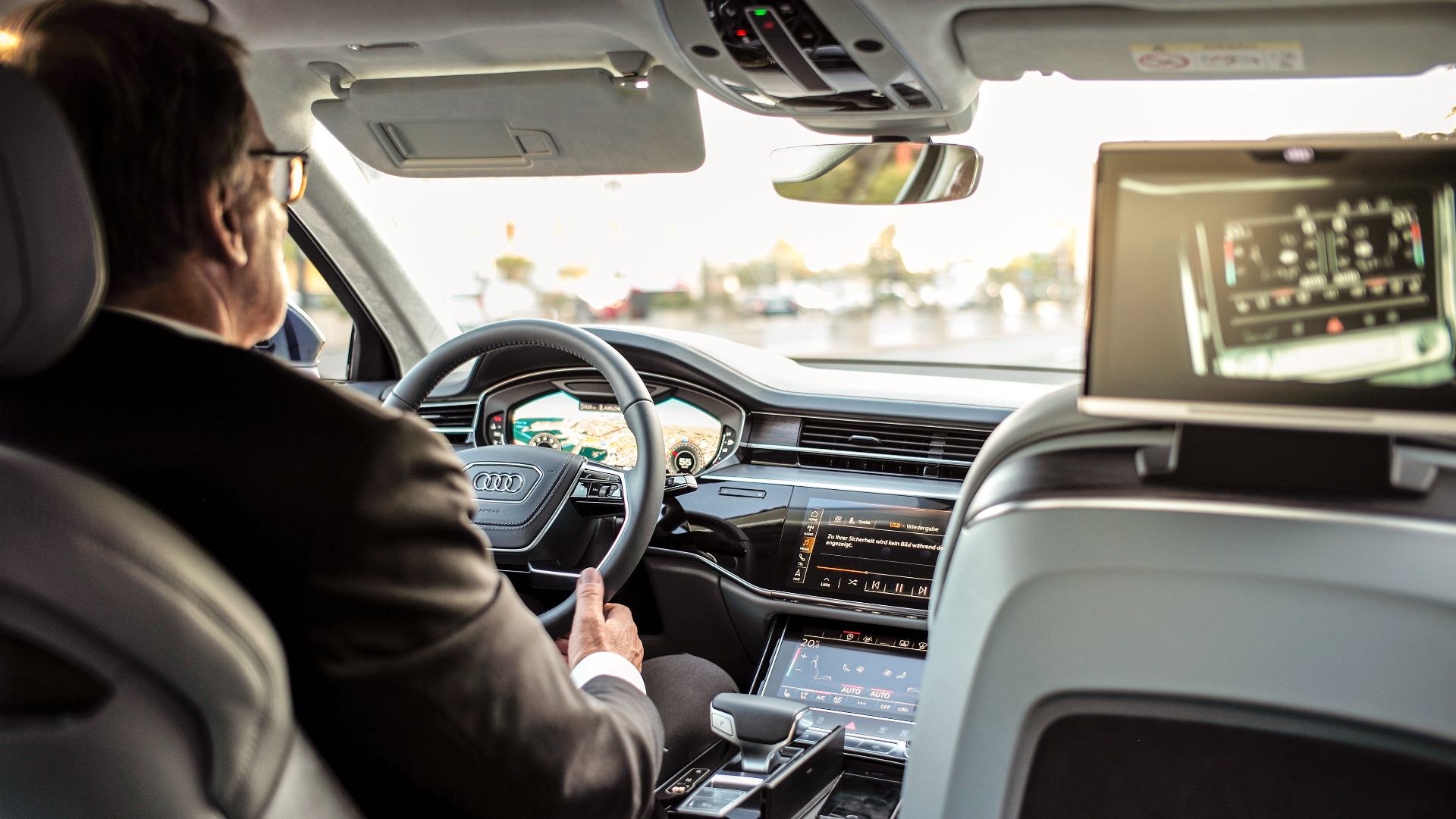
The Weird Road Is Usually Not Worth It
GPS loves a shortcut. Travelers love saving ten minutes. Unfortunately, that combination can lead to some very silly decisions. If the app sends you down a lonely road beside a border fence, through a port entrance, or toward a guarded facility, take the longer road.
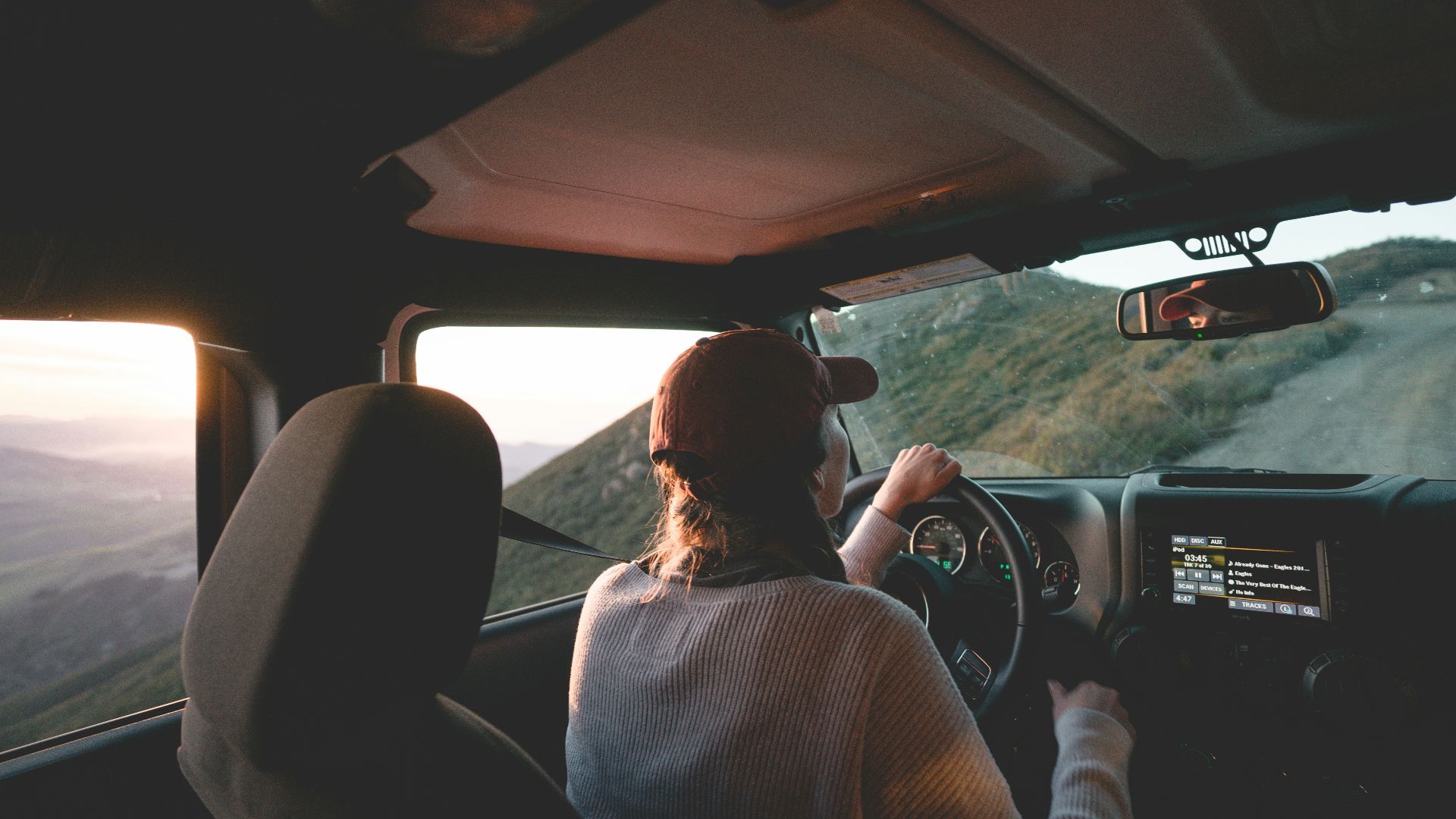
Rental Car Navigation Can Be Ancient
That built-in GPS in your rental car may have been updated sometime around the invention of flip-flops. It might work fine for highways, but it can be hopeless with recent restrictions. Phone apps are often fresher, but even they are not perfect.
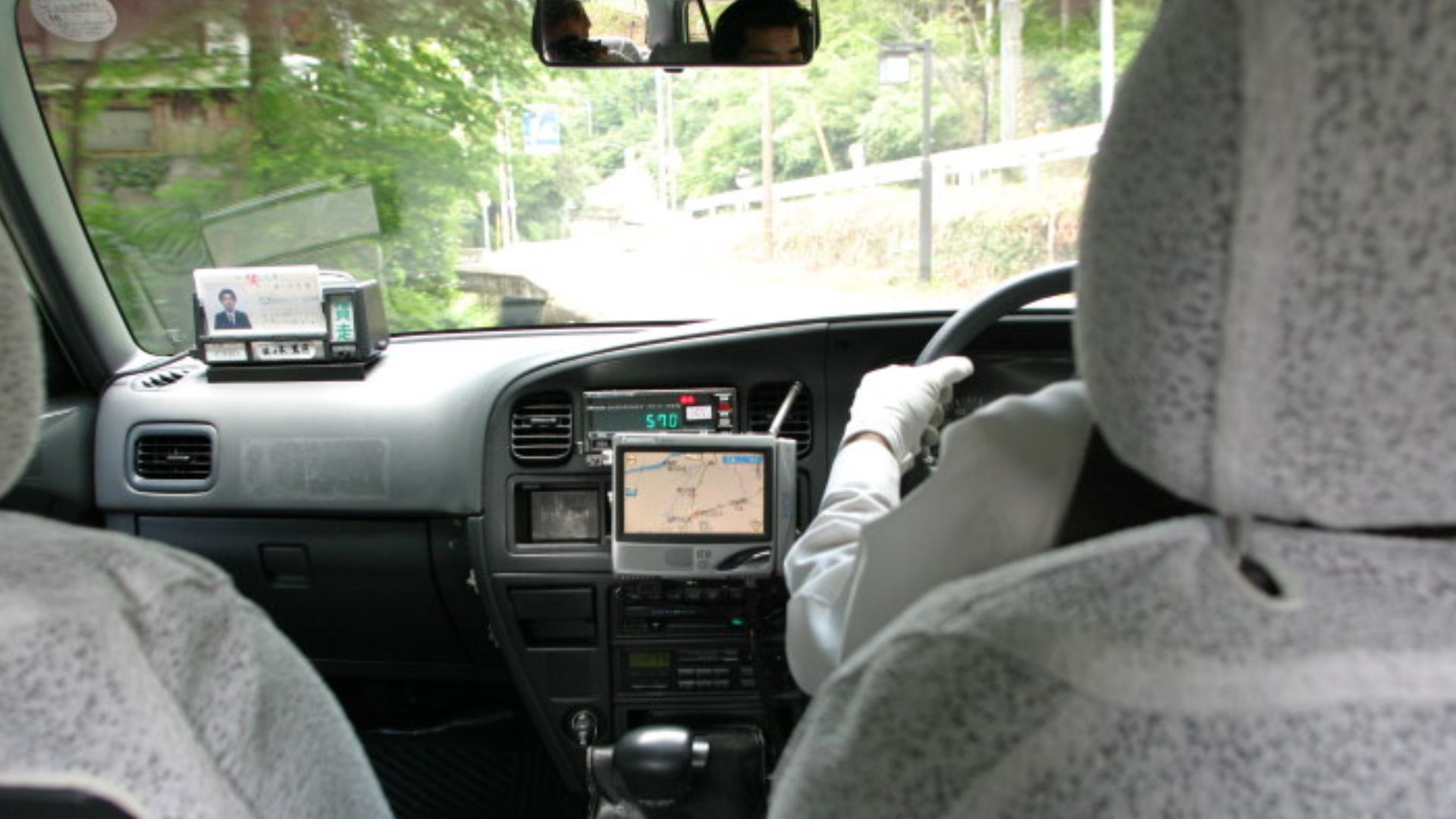
Offline Maps Are Helpful, Not Psychic
Offline maps are wonderful when you have no signal or do not want to pay roaming fees. But they are frozen snapshots. They may not show new closures, checkpoints, or restricted access warnings. Use them, but do not treat them like an all-seeing travel oracle.
What To Do When Stopped
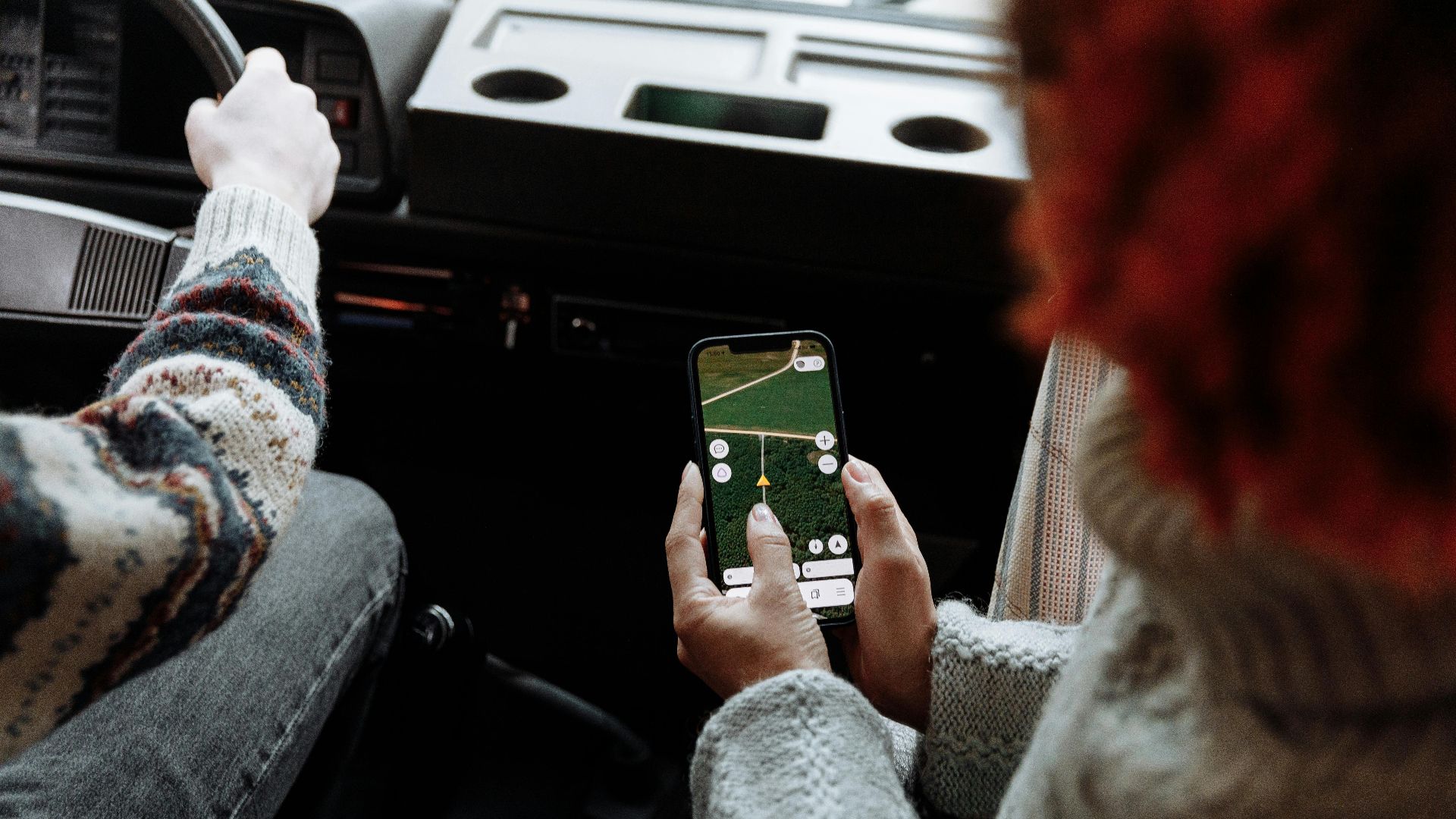
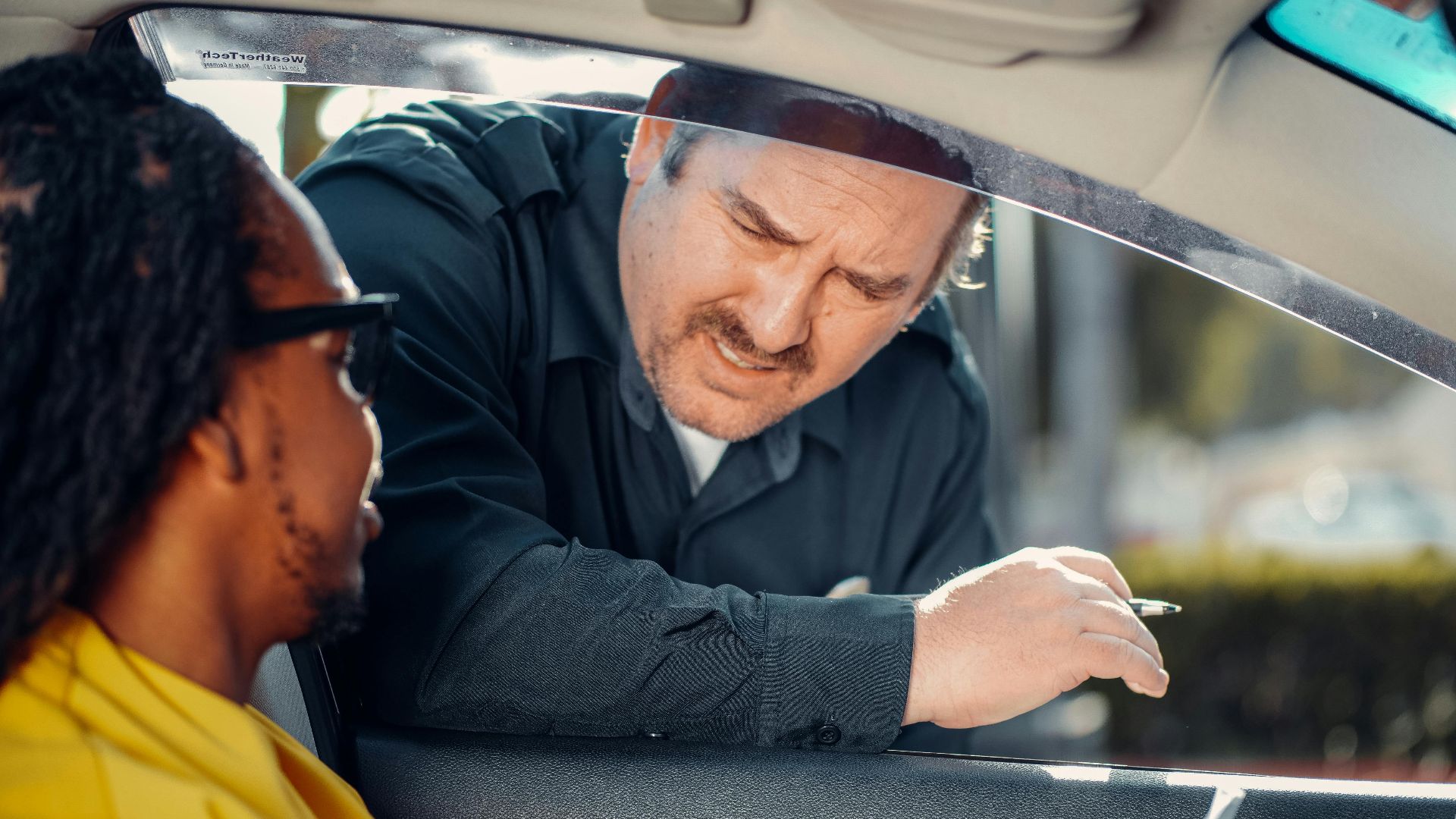
If authorities stop you, stay calm. This is not the moment for big gestures, dramatic arguments, or pointing at your phone like it is a signed royal decree. Be polite, explain that you were following navigation, apologize, and follow their instructions carefully.
Do Not Start Filming Everything
It may be tempting to record the situation, especially if you feel wrongly blamed. Resist that urge unless it is clearly safe and legal. In sensitive areas, filming guards, gates, checkpoints, or government buildings can turn a simple wrong turn into a much bigger problem.
Show The Route If Asked
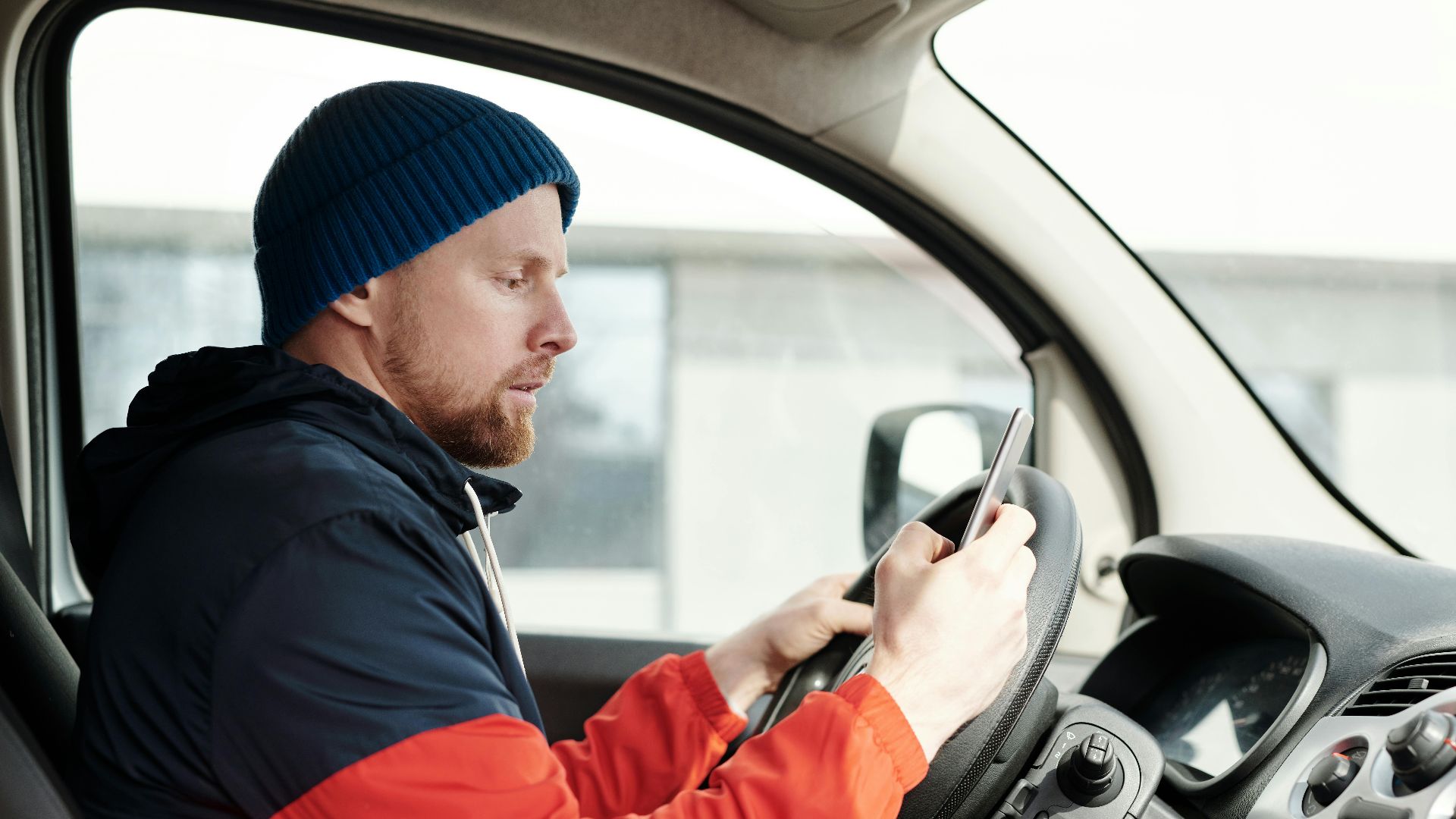
Your phone can still help. If officials want to understand what happened, showing the GPS route may support your explanation. Keep it simple: “The app directed me this way, I did not realize access was restricted, and I am happy to leave immediately.”
Call Someone Local
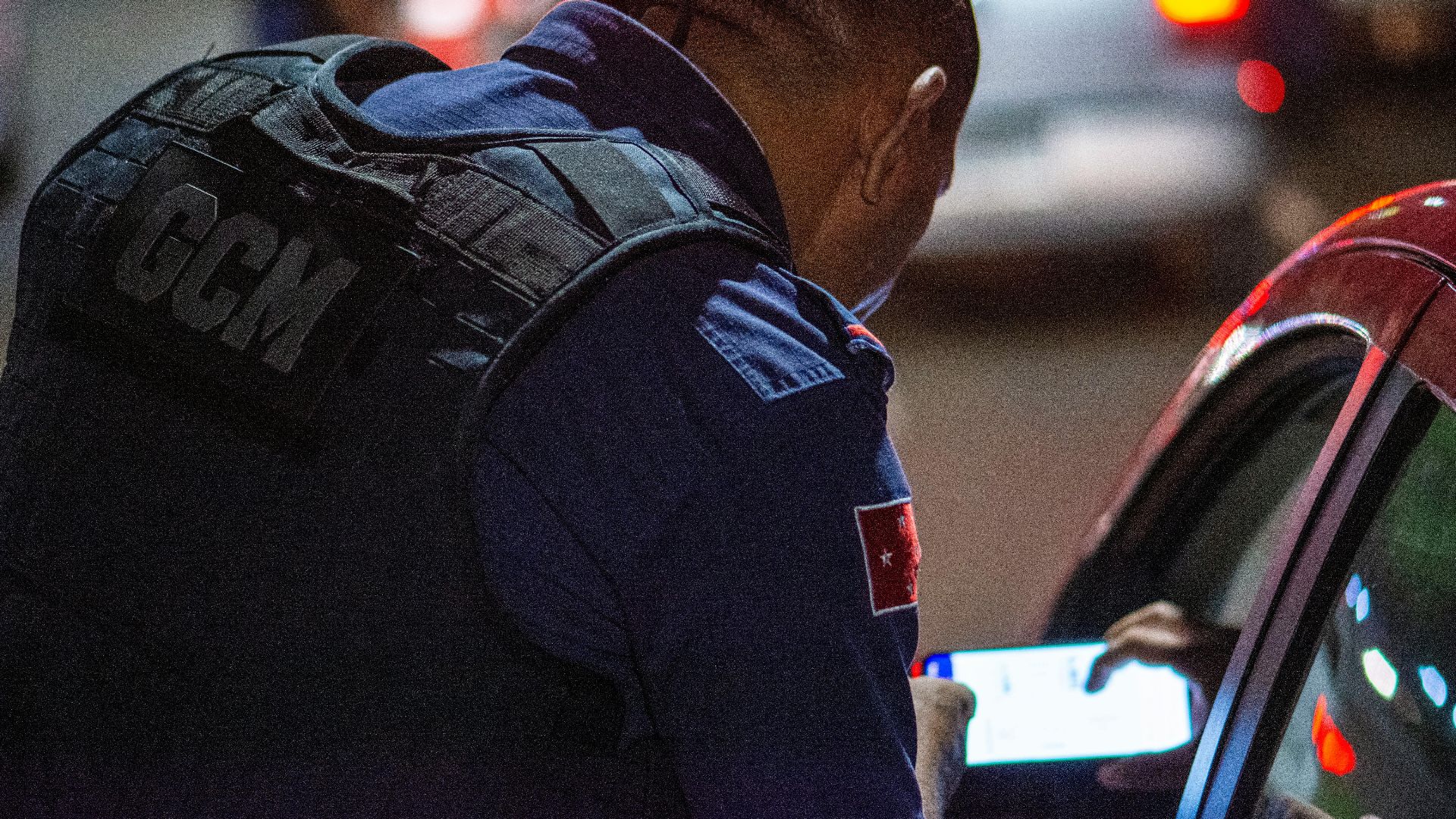
If there is a language barrier or the situation feels confusing, call your hotel, rental company, tour operator, or local host. Someone who speaks the language and understands the area can often explain things faster than you can with nervous hand gestures and a translation app.
Know When To Contact Your Embassy
Most GPS mishaps end with embarrassment, not international drama. But if you are detained, your documents are taken, or you face a serious fine, contact your embassy or consulate. They cannot override local law, but they can help you understand what to do next.
Report The Bad Route
Once you are safely out of trouble, report the mapping error in the app. It may feel like shouting into the digital void, but those reports matter. They help companies correct routes, warn other drivers, and prevent the next traveler from repeating your mistake.

Before You Drive, Do A Sanity Check
When driving abroad, especially near borders, military areas, ports, airports, or remote regions, take a minute to preview the route. Ask your hotel if the road is okay. Compare apps if needed. A tiny bit of caution can save a huge amount of explaining.
The GPS Company Is Not Completely Off The Hook
Navigation companies benefit from being trusted, so they should take safety seriously. Better restricted-area warnings, faster updates, and stronger partnerships with local authorities would help. When an app confidently guides people into trouble, “oops” is not a very satisfying answer.
The Bottom Line For Travelers
Should GPS companies prevent this? As much as they reasonably can, yes. But travelers still need to stay alert. Your GPS is a guide, not a legal permission slip. Trust it for directions, but trust your eyes, local signs, and common sense even more.
You May Also Like:
The 2026 Best Cities In America Rankings Have Just Been Published—Do You Agree With The Top 10?