


Everything Seemed Fine Until The Scanner Said No
Buying a transit pass online is usually quick and convenient. Most riders expect the purchase to work immediately when they board. It can be incredibly frustrating when the fare reader rejects a valid purchase and disrupts the rest of the day.

Stay Calm Before Making Your Next Move
A failed scan does not always mean you did something wrong. Mobile tickets, smart cards, and contactless payments can fail for technical reasons. Staying calm makes it easier to gather information that may help resolve the problem later.

Double Check Your Purchase Confirmation
Open your email, transit app, or digital wallet and confirm that the purchase was completed. Look for a receipt, order number, or confirmation screen. Those records can become valuable if you need customer support or a refund.

Verify The Pass Is Actually Activated
Some transit agencies require riders to activate a mobile ticket before boarding. Others automatically activate the pass at the time of purchase. Reading the app instructions carefully can reveal whether activation was missed.
Make Sure You Bought The Right Product
Transit agencies often sell different passes for different fare zones, travel dates, or rider categories. Buying the wrong product may cause the validator to reject it. Reviewing the details can help identify a simple purchasing mistake.

Give The Reader Another Try
Sometimes the issue is temporary rather than permanent. Hold your phone steady over the scanner for a few extra seconds or tap your card again if instructed. Agencies such as PRESTO also recommend moving your phone away briefly before trying another tap if the reader requests it.
 Zamrznuti tonovi, Shutterstock
Check Whether Your Phone Is Causing The Problem
A weak battery, disabled NFC, or wallet app glitch can interfere with digital fare payments. Restarting the wallet app may solve the issue. If you use contactless payment, make sure the correct card is selected.

Ask The Driver Or Station Staff Politely
Drivers and station employees cannot always fix payment problems. However, they may recognize common issues or direct you to the correct solution. Some systems can verify whether there is a temporary outage affecting riders.
 Aji Maulidio Indra Rukmana, Unsplash
Keep Every Receipt You Can Find
Save digital receipts, screenshots, and transaction confirmations immediately. If you eventually request reimbursement, those documents help prove that you paid. They also make it easier for customer service to investigate.

Take Screenshots Before Anything Changes
Mobile apps can update after an error occurs. Capturing screenshots of error messages, ticket status, and purchase confirmations preserves useful evidence. Time stamps may also support your explanation later.

Know That Refund Rules Vary
Every transit agency sets its own refund policies. Some agencies offer refunds for unused passes under certain conditions, while others limit refunds after travel begins. Reading the official fare policy is always worthwhile before assuming your money is gone.

Contact Customer Service As Soon As Possible
Many agencies ask customers to report ticket problems promptly. Waiting several weeks may make it harder to investigate account activity. Reporting the issue quickly also creates an official record of what happened.

Explain Exactly What Happened
Provide the purchase time, boarding location, route number, and any error messages you saw. Include screenshots whenever possible. Specific details help customer service trace the transaction more efficiently.

Check Whether There Was A System Outage
Sometimes the problem affects many riders rather than just one person. Transit agencies occasionally experience payment system interruptions or software failures. Checking official service alerts or social media can reveal whether others experienced the same issue.

You May Need To Buy Another Fare
If your original pass cannot be verified immediately, you may need to purchase another valid fare to continue traveling. That can feel unfair, but traveling without valid proof of payment may lead to penalties depending on local rules.
Do Not Assume Inspectors Can See Your Purchase
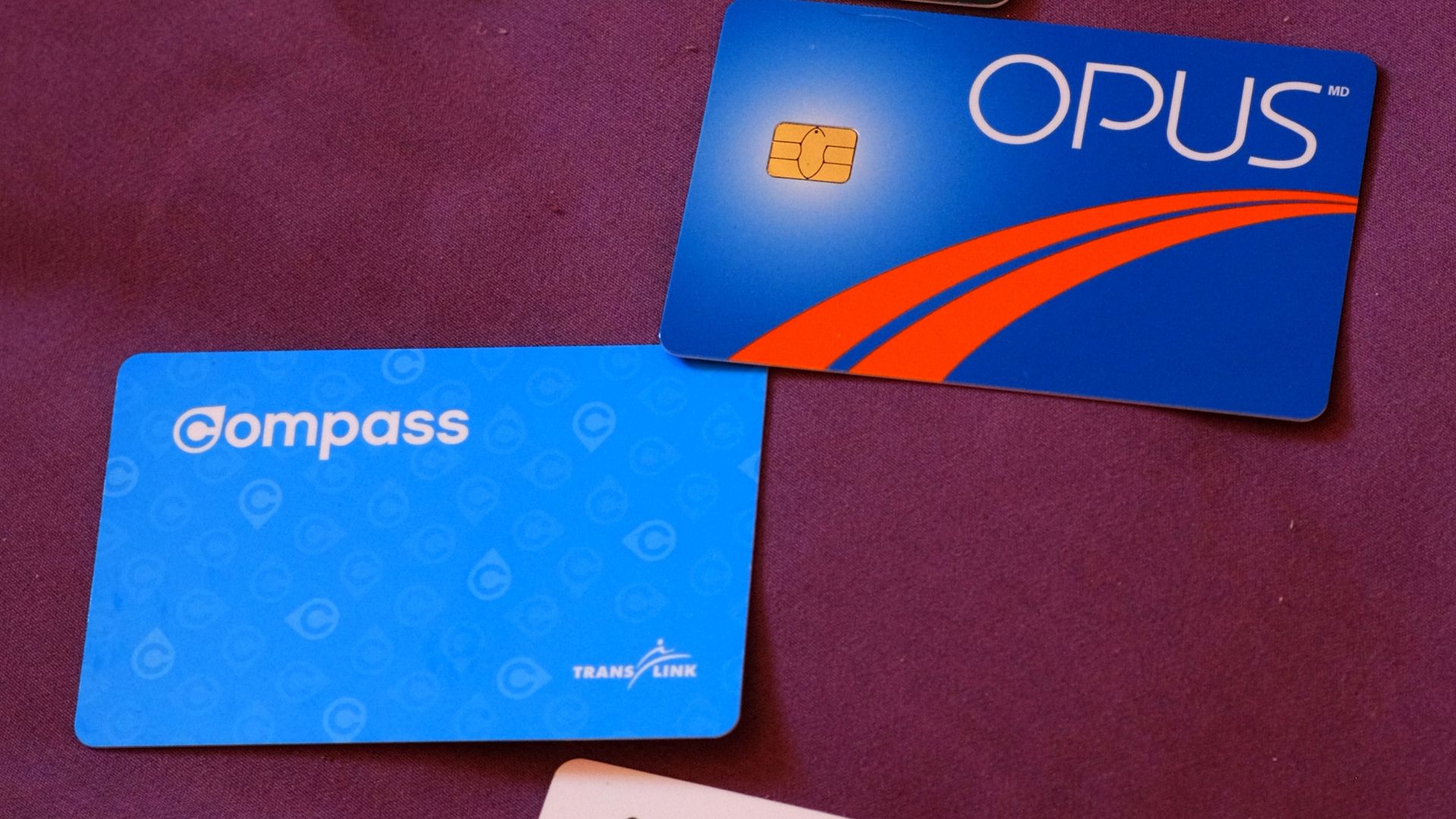
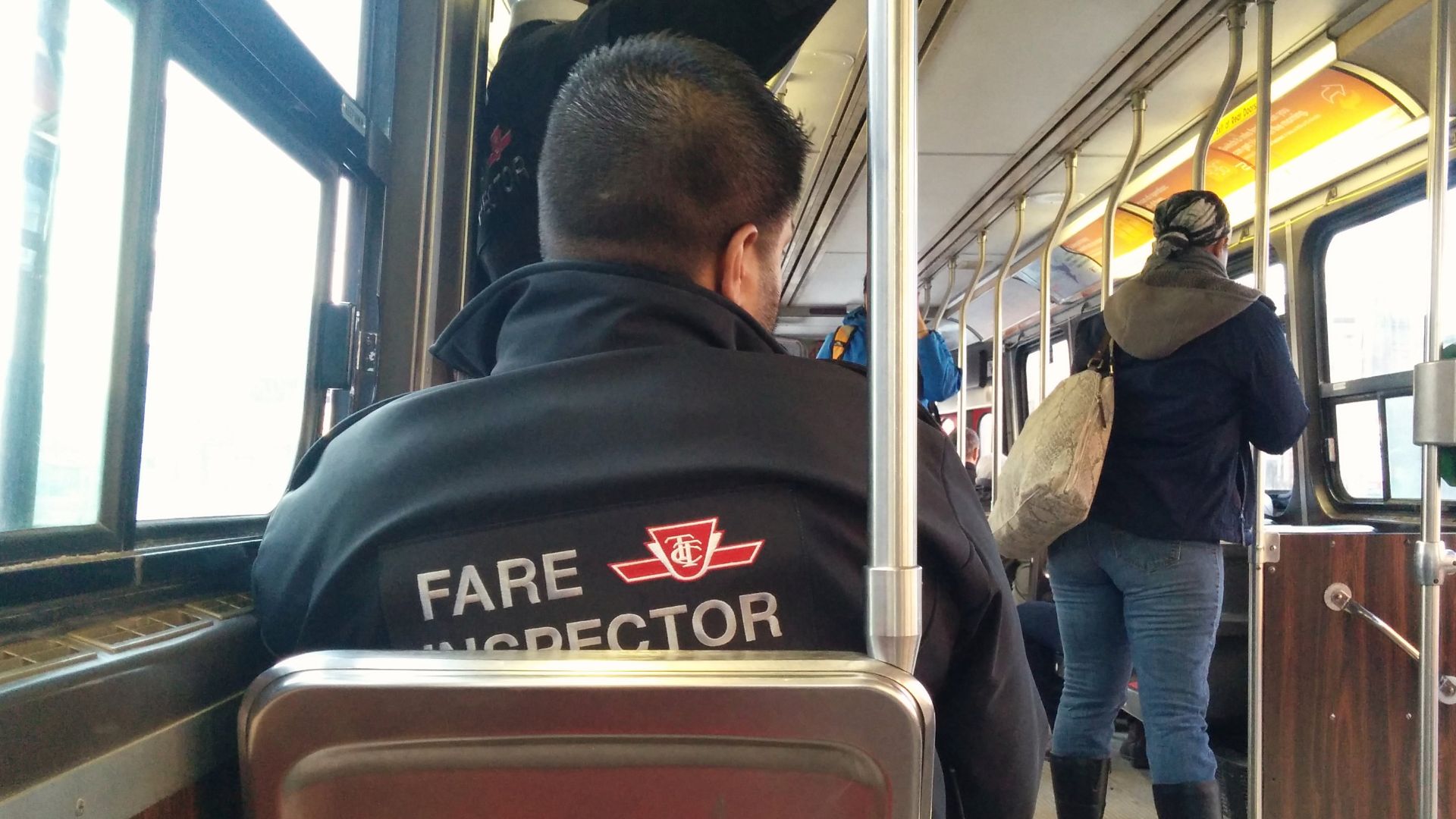
Fare inspectors generally verify valid fare according to the system's rules. A purchase confirmation alone may not always satisfy inspection requirements if the fare cannot be validated. Following agency instructions remains important even when the technology fails.
 ishmael n. daro, Wikimedia Commons
Review Your Credit Card Statement
After the trip, confirm whether your payment was successfully processed. Occasionally a purchase appears pending before being reversed. Your bank statement may help determine whether the transaction actually completed.

Consider Whether The App Was Updated
Older versions of transit apps sometimes develop compatibility issues after software updates. Installing the latest version may prevent similar problems in the future. Keeping your phone's operating system current can also help.
Register Your Transit Account
Many transit agencies allow riders to register fare cards or digital accounts. Registration can make it easier to recover balances, review transaction history, or resolve technical problems. It also provides stronger documentation during disputes.

Know Your Consumer Rights
If you paid for a product that you could not use because of a verified technical failure, consumer protection laws in your area may provide remedies. Those rights vary by jurisdiction. Transit agency policies and applicable consumer laws both matter when seeking reimbursement.

Escalate If Customer Service Cannot Help
If your first request is denied, ask whether there is an appeals or supervisory review process. Many organizations have additional complaint channels beyond frontline customer support. Remaining polite often improves communication.

Save Notes About The Entire Experience
Write down the date, time, employee names, and any reference numbers you receive. Keeping organized records makes follow-up conversations much easier. Good documentation is especially valuable if the issue continues.

Learn How Your Transit System Handles Refunds
Some agencies process refunds directly through their apps. Others require online forms, phone calls, or in-person visits. Reading the published policy before submitting a request helps you provide the required information.

Prepare For Future Trips
Keeping a backup payment method can reduce stress if technology fails unexpectedly. Some riders carry a physical transit card alongside mobile payment options. Others keep a contactless bank card available for emergencies.
A Bad Commute Does Not Have To Be The Final Word
A rejected transit pass can ruin an important day, but it does not always mean you lose your money. Careful documentation, prompt communication, and understanding your transit agency's policies often produce the best outcome. The next time a scanner refuses your fare, you will know exactly what steps to take.

You May Also Like: