

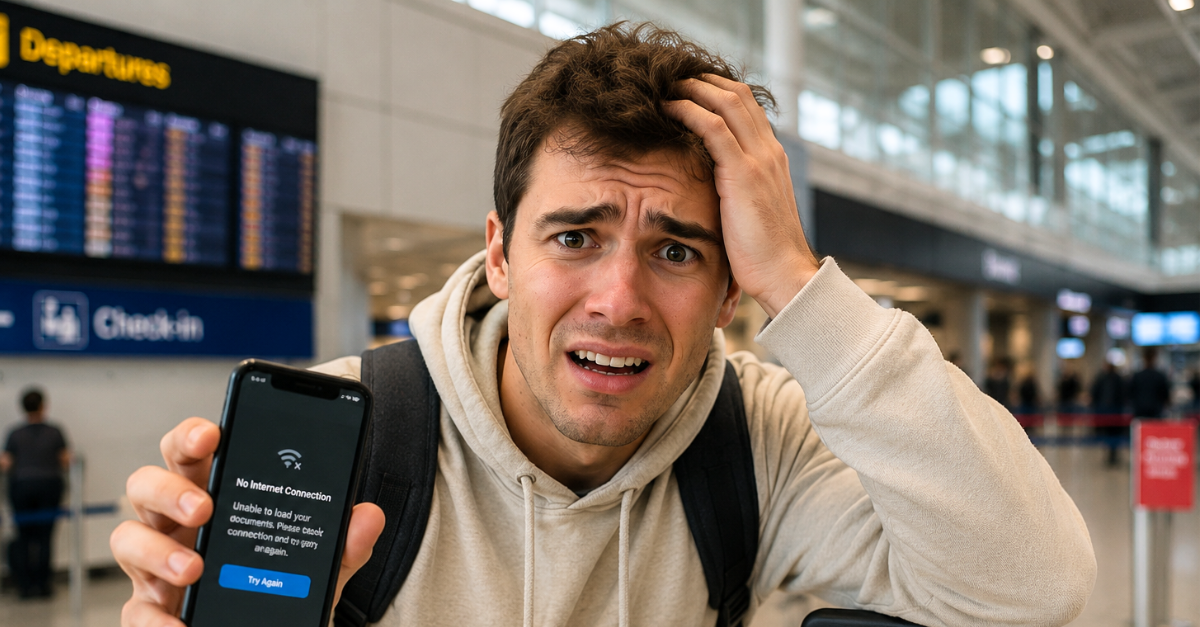
Suddenly, The Cloud Was Useless.
My confirmations, boarding information, hotel details, and maps were safely stored online until the moment I actually needed them and could not connect. Modern travel can be heavily digital, but the safest approach is to make essential information available both online and offline before leaving home.
The Network Failure Exposed The Real Problem
The failed connection was inconvenient, but relying on one method of access was the bigger weakness. Travelers increasingly keep confirmations and itineraries in email, airline apps, cloud drives, and websites that may depend on connectivity. A simple offline backup turns a network outage from a crisis into an annoyance.

Internet Access Is Never Guaranteed
Hotel Wi-Fi can fail, cellular coverage can disappear, and airport networks can become difficult to use when crowds are heavy. Even services designed specifically for travelers may require an active connection for certain functions. Treat connectivity as useful infrastructure rather than something that is guaranteed everywhere you go.

Cloud Storage Is Not Automatically Offline
Putting a document in Google Drive does not necessarily mean the file is physically stored on your phone or computer. Google specifically provides a “Make available offline” function so selected files remain usable without Wi-Fi or mobile service. Check that setting before departure instead of discovering the distinction at the airport.

Download The Important Files
Save PDFs or local copies of hotel confirmations, transportation reservations, insurance details, tour tickets, and any other documents you may need unexpectedly. Apple also allows files stored in iCloud Drive to be downloaded onto a device. The goal is to make the essential information available without opening a browser or refreshing an inbox.

Save Your Boarding Pass Before The Airport
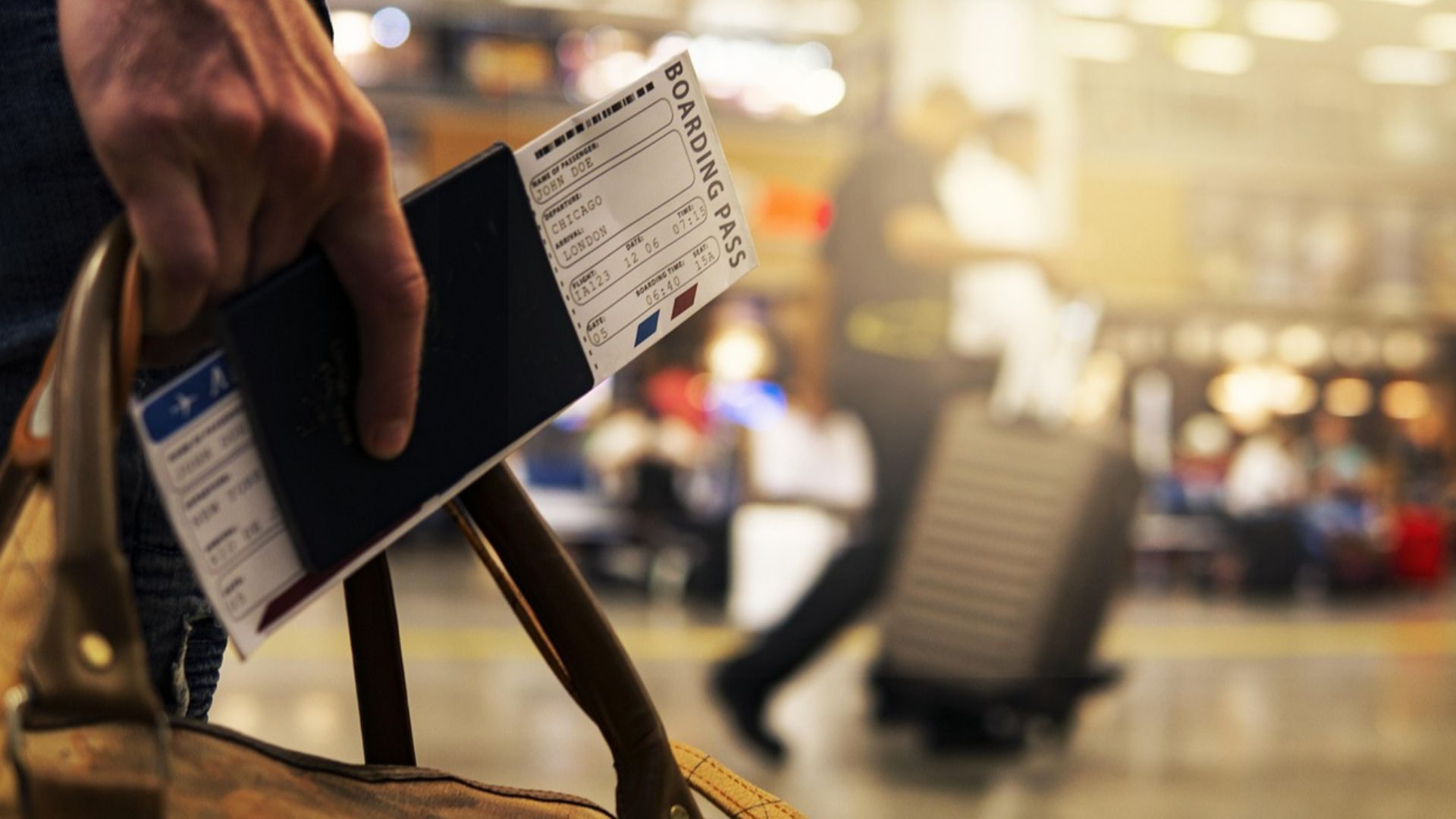
Several airline systems are designed to keep boarding passes available when connectivity disappears. American Airlines says a boarding pass already viewed in its app can remain cached for 48 hours, while Delta advertises offline boarding-pass access through its app. Open the pass while you still have reliable service instead of waiting until you reach the security line.
Put Eligible Passes In Your Phone Wallet
Apple Wallet and Google Wallet can store supported boarding passes and tickets directly on a phone. Google says saved boarding passes can be viewed without an internet connection. Wallet storage can therefore provide a useful layer between a traveler and an airline website that refuses to load.

Screenshots Are Useful With Limits
A screenshot is excellent for reservation numbers, addresses, schedules, and other information that does not need to change. Google Wallet even supports creating certain boarding passes from screenshots on compatible devices. However, travelers should use the airline's official saved pass when available because ticket technology and validation procedures vary.

Paper Still Deserves A Place
The U.S. Department of State recommends making multiple copies of important travel documents and keeping one set separate from the originals. A printed page does not need a signal, charged battery, forgotten password, or functioning app. You do not need a binder full of paperwork, but a few critical pages can be remarkably reassuring.

A Passport Copy Is Not A Passport
Photographs and photocopies are useful backups, especially if an original document is lost or stolen. They do not automatically replace documents that authorities require travelers to physically present. TSA, for example, maintains a specific list of acceptable identification rather than simply accepting any photograph of an ID.
Keep Copies Separate From Originals
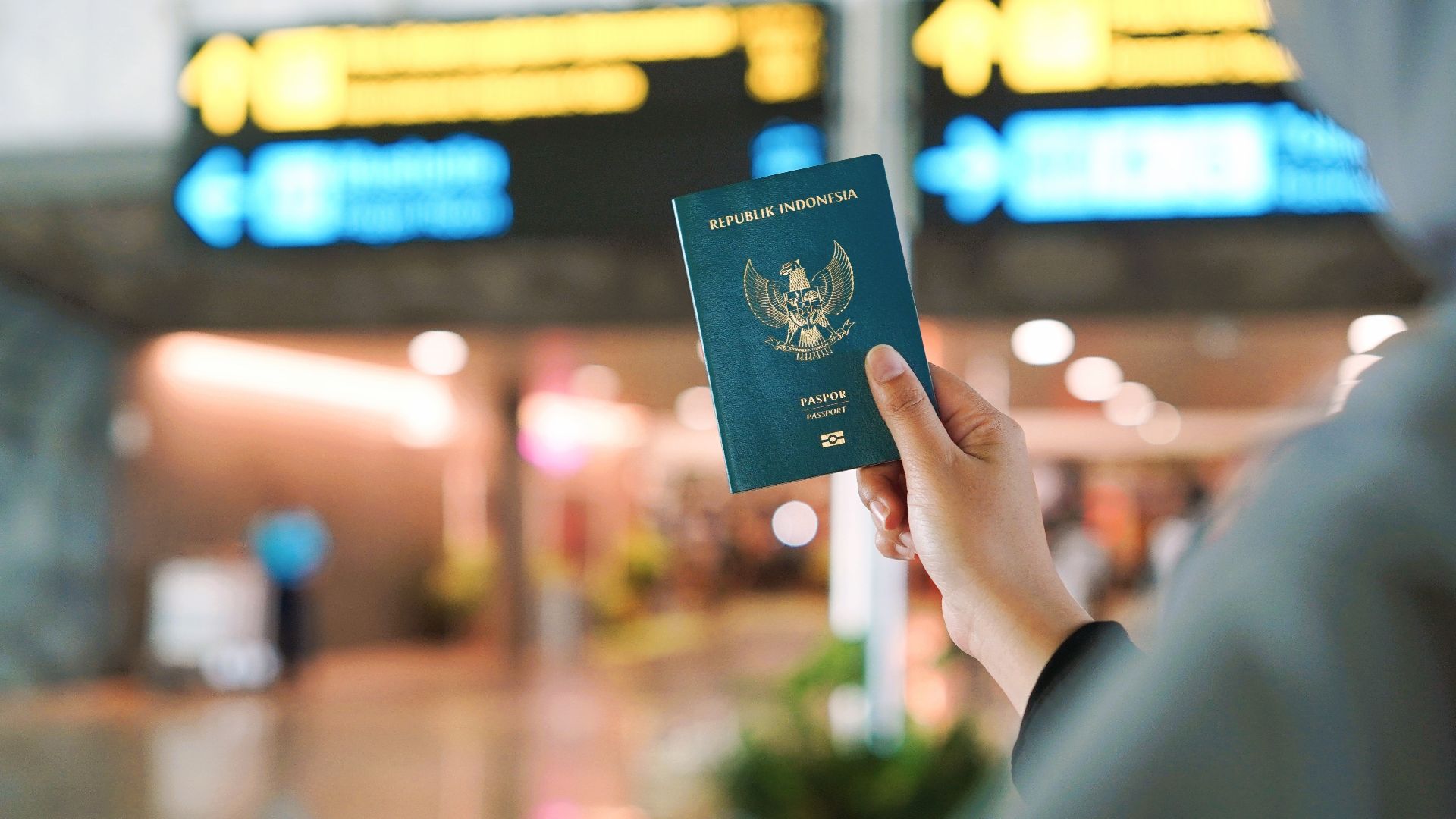
A backup stored beside the document it is meant to replace is not much protection against theft or lost luggage. The State Department advises carrying one set of copies separately and leaving another with a trusted person at home. Electronic photographs can provide another layer of redundancy.

Digital Authorizations Can Still Be Worth Printing
Some official travel authorizations exist entirely in electronic systems. U.S. Customs and Border Protection says travelers do not need to present a printed ESTA approval, but it still recommends printing the confirmation email as a backup record of the application number. That distinction is useful because a printout may help you retrieve information without becoming the legal travel document itself.

Some Travel Apps Still Need Connectivity
A downloaded app does not mean every function works offline. CBP says travelers can create Mobile Passport Control profiles without internet access, but cellular or Wi-Fi connectivity is required to submit their information. Learn which parts of an app work offline before making it central to your arrival plan.

Save Confirmation Numbers In One Place
A six-character airline code or hotel reservation number can sometimes be enough for staff or a kiosk to locate a booking. American Airlines kiosks, for example, allow travelers to access trips using a confirmation code as well as other methods. Put critical reference numbers in a locally stored note so you are not searching through an inaccessible inbox.
Keep The Hotel Address Offline
Save the full accommodation name, street address, and telephone number somewhere that does not depend on the internet. This is useful when speaking with taxi drivers, completing forms, or trying to find the property after navigation fails. The State Department also recommends keeping itinerary and contact information accessible as part of basic travel preparation.

Download Maps Before You Leave
Both Google Maps and Apple Maps support offline map downloads in many regions. Download the destination, airport area, hotel neighborhood, and routes you expect to use before traveling. Offline navigation is especially valuable when the phone loses service immediately after leaving an airport or train station.

Offline Maps Have Boundaries
Downloading a map is not the same thing as downloading the entire internet. Google notes that offline maps are unavailable in some countries or regions, while Apple says availability and features vary by location. Check the actual downloaded area rather than assuming the map covers every side trip.

Save Important Phone Numbers
A contact number displayed on a website is useless when the website will not open. Store the airline, hotel, insurer, rental company, tour operator, and important local contacts directly in your phone before departure. For international travel, the State Department also recommends knowing how to reach the appropriate embassy or consulate.

Keep Health Information Accessible Too
The documents you may need offline extend beyond tickets. The State Department recommends traveling with copies of prescriptions and checking medication rules for the destination. Insurance information, medication names, and important health contacts are worth keeping somewhere accessible without a network.

Public Wi-Fi Can Rescue You
Airports, hotels, cafés, and other public places often provide Wi-Fi that can restore access when cellular service fails. The Federal Trade Commission says widespread web encryption has made modern public Wi-Fi considerably safer than it once was. Travelers should still confirm that they are connecting to the legitimate network and use normal account-security precautions.
Security Still Matters On Public Networks
A connection problem can make travelers desperate enough to join the first network that appears on a phone. CISA advises confirming a public hotspot's correct name with staff and warns against using unknown networks for sensitive transactions. A travel-document emergency should not turn into an account-security emergency.

Look For Secure Connections
The FTC recommends checking for encrypted web connections, generally indicated by HTTPS and the lock symbol in a browser. Strong passwords, updated software, and two-factor authentication provide additional protection regardless of the network being used. The same precautions matter at home, but unfamiliar networks make good security habits especially valuable.

Cellular Data Is A Useful Second Route
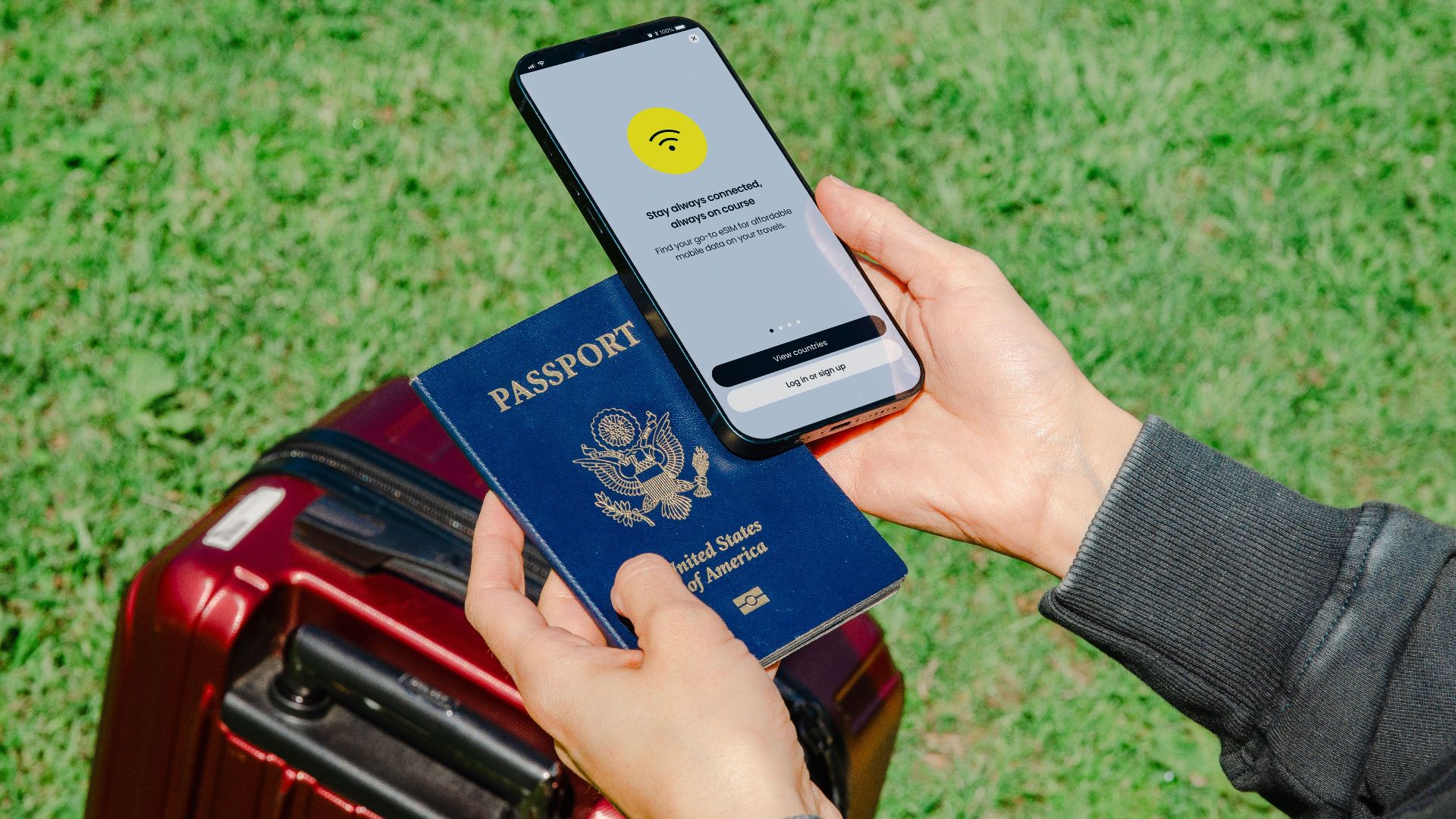
Wi-Fi and mobile data are independent ways of reaching many online services. CISA has recommended using a personal cellular connection instead of an unknown open Wi-Fi network for sensitive activity when possible. Before an international trip, confirm that your mobile plan or travel SIM will actually provide service at the destination.

Do Not Build Everything Around One Phone
A phone can lose service, power, or access to an account at the worst possible moment. Important information can also be carried as paper copies, stored locally on another device, or left with a trusted person who can send it if necessary. Redundancy matters more than choosing one supposedly perfect storage system.

Battery Life Is Part Of The Backup Plan
An offline boarding pass is not very helpful when the phone displaying it has no power. Charge devices before major travel days and consider carrying an appropriate portable charger. The backup plan should protect against both missing connectivity and missing electricity.

Pack Power Banks Correctly
Portable chargers contain lithium batteries and come with specific aviation rules. The Federal Aviation Administration says power banks must be kept in carry-on baggage rather than checked luggage, and airline restrictions can sometimes be stricter. Check the battery's watt-hour rating and the carrier's rules before flying.

Prepare While The Wi-Fi Is Working
Use reliable hotel or home internet to prepare for the next day's travel before going to sleep. Download tickets, refresh offline maps, save updated schedules, charge devices, and take any necessary screenshots. Waiting until you are standing outside the hotel gives a temporary network outage far more power over the day.

Test The Offline Setup
The easiest way to discover that a document was never downloaded is to temporarily put the phone into airplane mode and try opening it. Test boarding passes, PDFs, maps, addresses, and important notes while you can still correct problems. A backup only counts when you know it actually works.
 https://kaboompics.com/, Pexels
Keep One Simple Travel Folder
Scattering files across five apps can become its own form of failure. Create one offline folder containing the itinerary, reservations, transportation details, accommodation addresses, insurance information, and other essential records. Organization reduces the number of things you must remember when you are tired or under time pressure.

Protect Sensitive Copies
Passport images and travel documents contain personal information, so backups should not be shared casually. The FTC and CISA recommend strong passwords, device security, software updates, and caution when sending sensitive information online. Keep useful copies without turning them into files that anyone can easily access.

Leave A Backup With Someone You Trust
The State Department specifically recommends leaving copies of important travel documents with a trusted friend or relative. That person can help if your phone, luggage, and original documents disappear together. They should also have enough itinerary information to know where you are expected to be.

Decide What Must Work Without Internet
Before every trip, identify the things whose failure would actually stop you from moving forward. Passports and required physical documents come first, followed by boarding information, accommodation details, transportation bookings, insurance information, maps, and essential contacts. Everything else can usually wait until the network returns.
Yes, Plan Differently Next Time
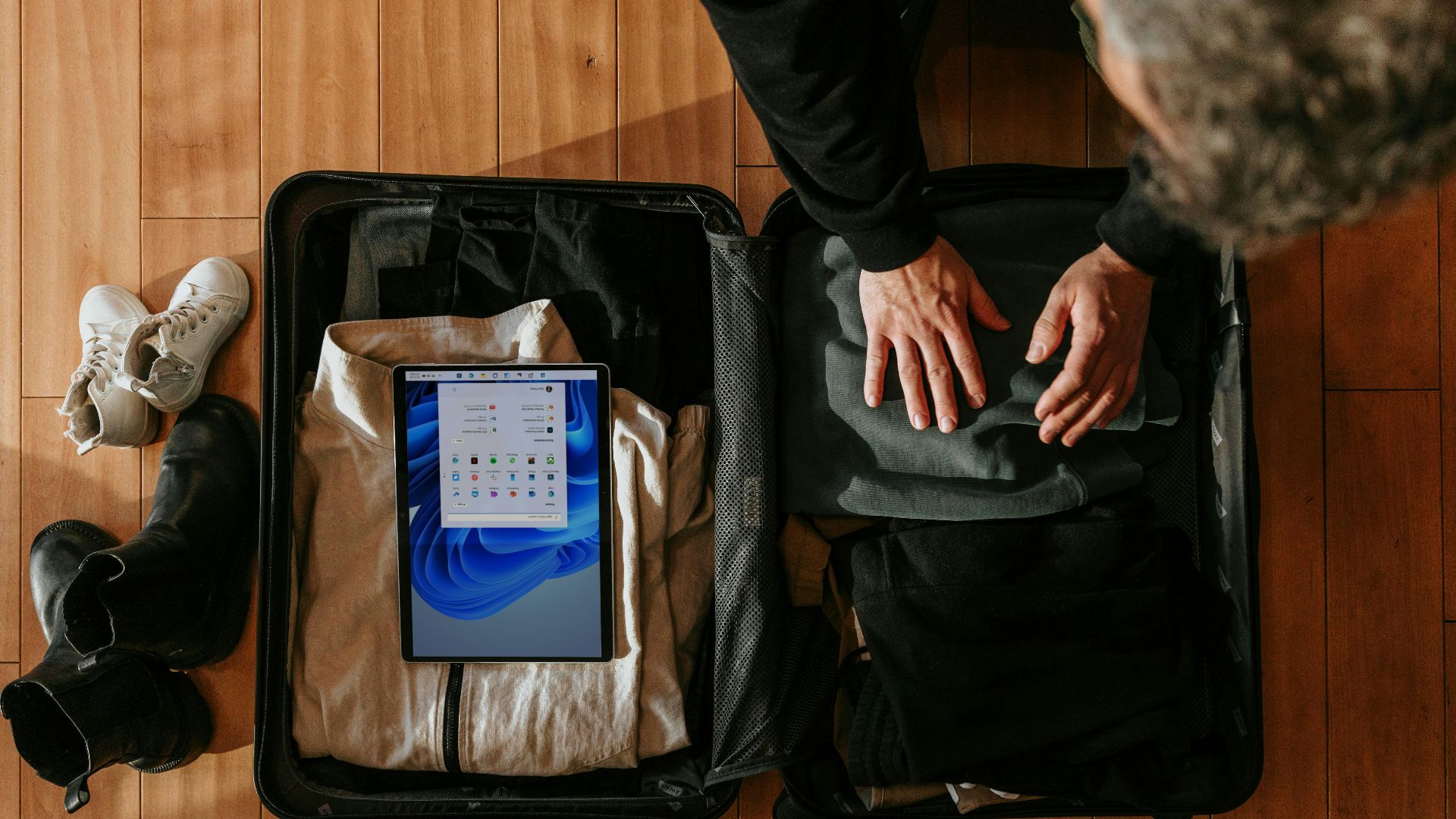
Depending entirely on the internet for essential travel documents creates an unnecessary single point of failure. The better system combines physical originals where required, locally downloaded files, wallet passes, printed or photographed backups, offline maps, and at least one alternative way to connect. You cannot prevent the local network from failing, but you can make sure your vacation does not fail with it.

You May Also Like:
The Most Peaceful Countries In The World—Ranked According To Data
America’s Most Dangerous Tourist Destinations
The World's Oldest Hotels Still Welcoming Guests Today
Sources: 1, 2, 3, 4, 5, 6, 7, 8, 9, 10, 11, 12, 13, 14, 15, 16, 17